SparkFun Inventor's Kit - v4.1.2
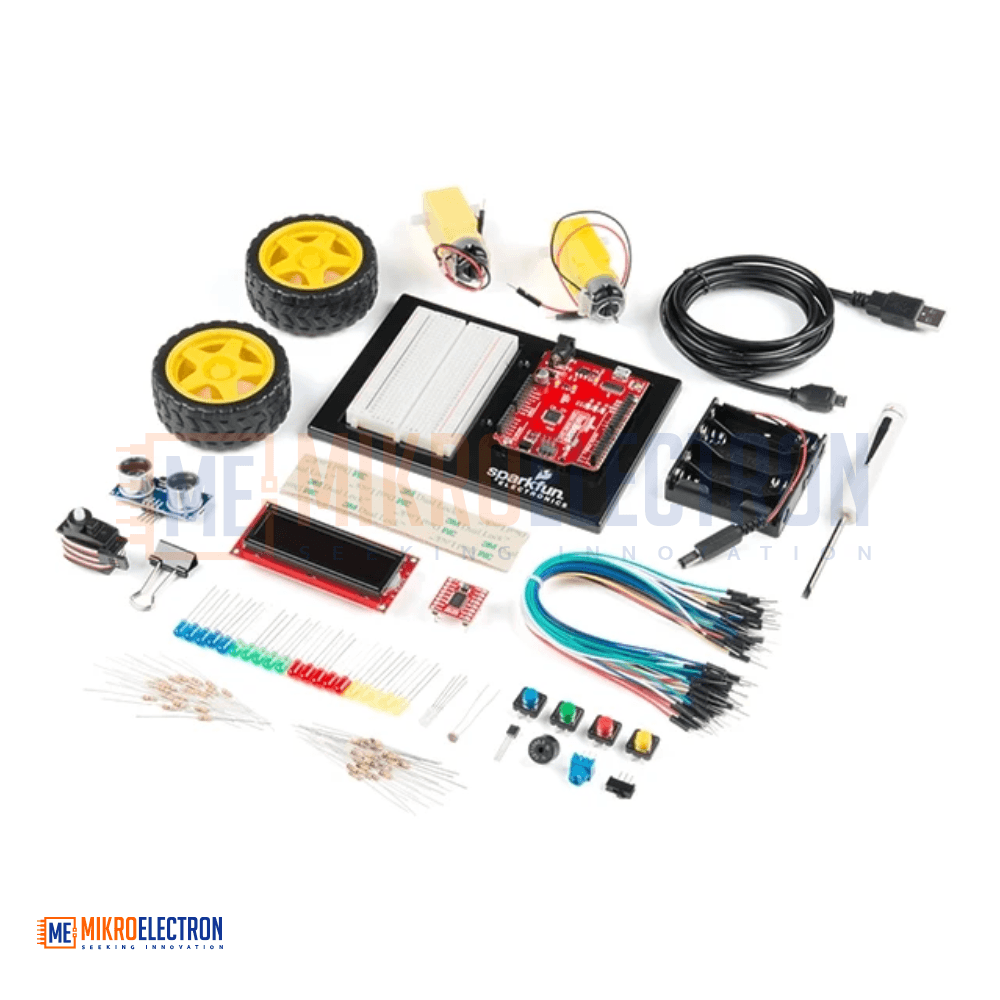
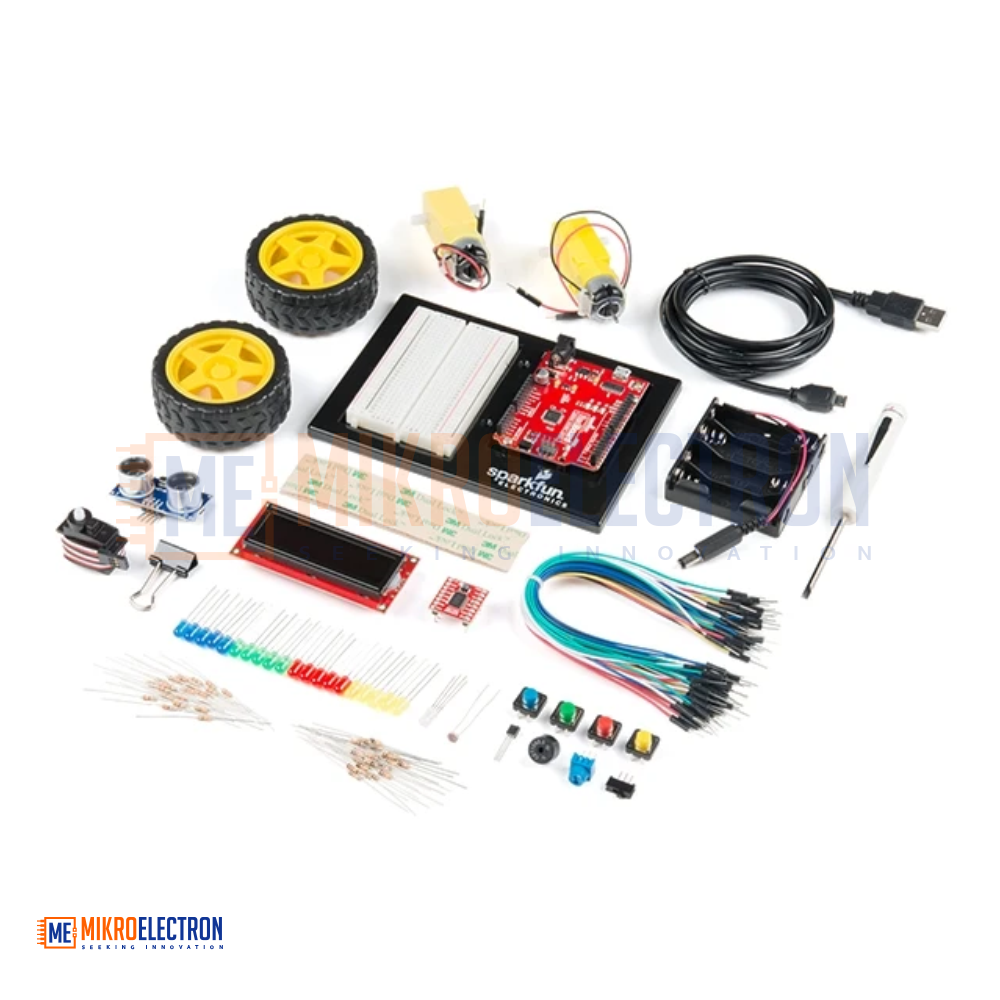
The SparkFun Inventor's Kit (SIK) v4.1.2 is a comprehensive educational kit designed to teach electronics, programming, and embedded systems through hands-on projects. Built around the SparkFun RedBoard Qwiic, an Arduino-compatible development board, the kit guides beginners from basic circuit building to creating a fully autonomous obstacle-avoiding robot. Through 16 interconnected circuits organized into five major projects, users learn coding, sensors, motors, and electronic fundamentals in a practical way. The included full-color guidebook provides step-by-step instructions, circuit diagrams, example code, and troubleshooting tips, making it ideal for students, educators, and makers.
تُعد SparkFun Inventor's Kit (SIK) v4.1.2 مجموعة تعليمية متكاملة لتعلم الإلكترونيات والبرمجة والأنظمة المدمجة من خلال المشاريع العملية. تعتمد المجموعة على لوحة SparkFun RedBoard Qwiic المتوافقة مع Arduino، وتوفر مسارًا تعليميًا يبدأ من الدوائر الإلكترونية الأساسية وصولًا إلى بناء روبوت مستقل يتجنب العوائق. تتضمن المجموعة 16 دائرة مترابطة موزعة على خمسة مشاريع رئيسية تساعد المستخدم على تعلم البرمجة والتعامل مع المستشعرات والمحركات والمكونات الإلكترونية بطريقة تطبيقية. كما تحتوي على دليل ملون مفصل يشرح خطوات التركيب والبرمجة وحل المشكلات، مما يجعلها مناسبة للمبتدئين والطلاب والمعلمين والهواة.
Welcome to the world of electronics and programming! The SparkFun Inventor's Kit (SIK) is our flagship, all-in-one kit designed to guide you from your very first line of code to building a fully autonomous robot. This is the premier starting point for anyone new to the Arduino programming language and hardware interaction. Absolutely no previous programming or electronics experience is required; we'll teach you everything you need to know! Your journey into electronics and programming starts here.
The Ultimate Project-Based Learning Experience
With version 4.1.2, we’ve revolutionized the learning process. Instead of just introducing one component at a time, this kit teaches embedded electronics in context. You will build five overarching projects, each broken down into 16 interconnected circuits.
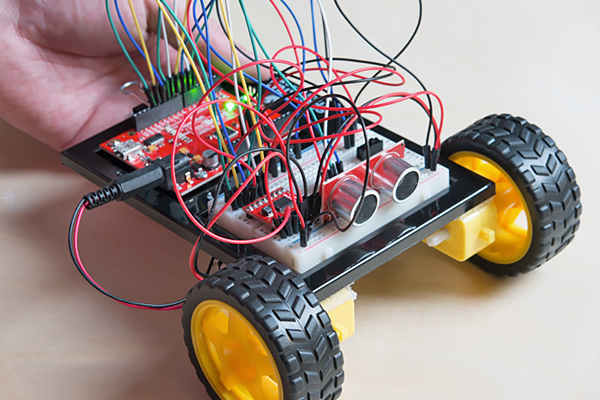
Each circuit builds upon the last, progressively teaching you everything from blinking an LED to reading sensors, driving motors, and more. This project-based approach makes learning more engaging and ensures you understand why you're using each component. The culminating project is your very own object-avoiding robot, which impressively integrates all the components and concepts you've mastered.
A Guidebook That's Your Personal Instructor
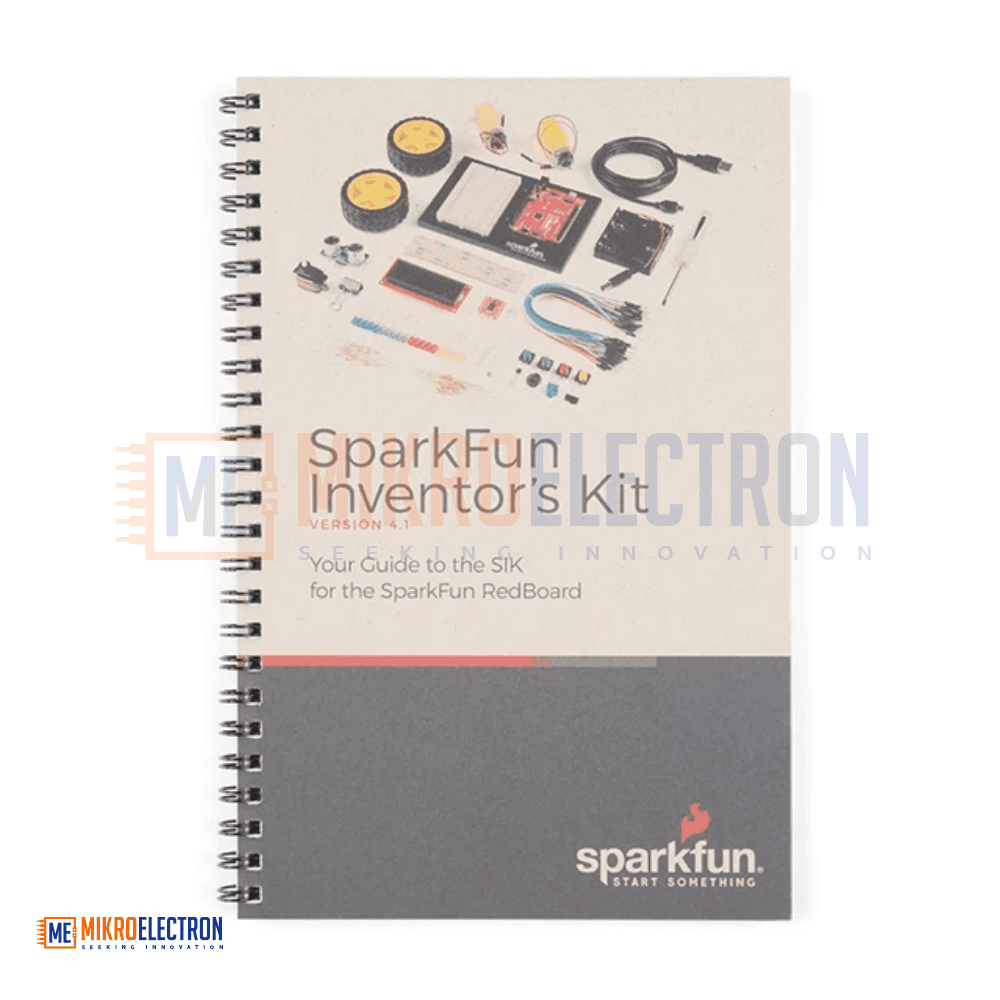
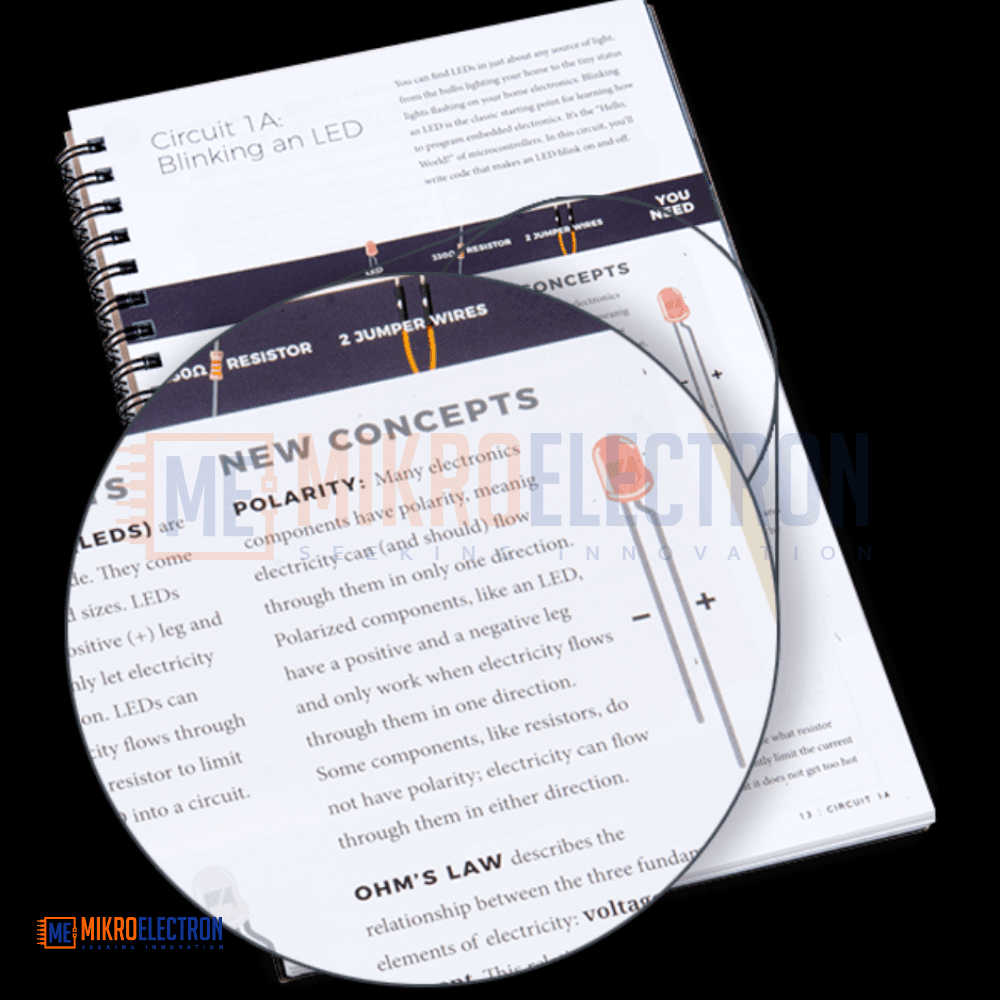
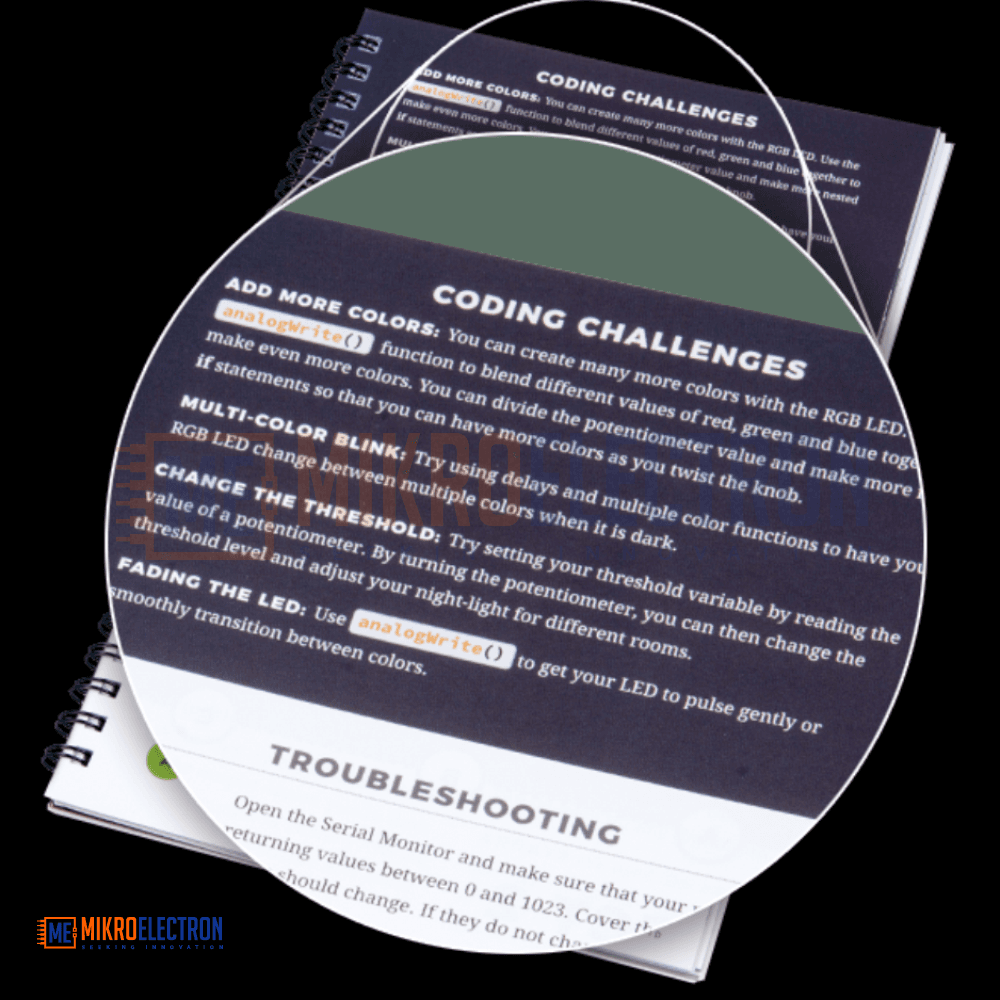
The heart of the SIK is its full-color, spiral-bound guidebook. This isn't just a manual; it's your step-by-step instructor. It features:
- Crystal-Clear Instructions: Easy-to-follow steps for building every circuit.
- Detailed Circuit Diagrams: Fritzing diagrams so you know exactly where every wire goes.
- Hookup Tables: Clear tables to ensure your connections are correct.
- Complete Example Code: Fully commented code that is ready to run and easy to understand.
- Concept Explanations: We explain new components and concepts right when you need them.
- Troubleshooting Tips: Helpful advice to get you unstuck if something goes wrong.
No Soldering, Just Learning
The SIK is designed for beginners ages 10 and up. Everything is done on a solderless breadboard, making it safe and easy to build, modify, and rebuild your circuits as many times as you want.
Your Gateway to a Larger Ecosystem
This kit includes the SparkFun RedBoard Qwiic, a powerful and easy-to-use Arduino-compatible board. The RedBoard is your "what's next." Once you've mastered the circuits in this kit, its built-in Qwiic connector unlocks the entire SparkFun Qwiic Connect System.
The Qwiic ecosystem is an expansive family of I2C sensors, actuators, shields, and cables that make prototyping faster and less error-prone. All Qwiic-enabled boards use a common 1mm, 4-pin polarized connector. This means:
Your learning journey doesn't have to stop when you finish the guide. The SIK is the perfect launchpad into a limitless world of electronics.
Note: The SparkFun RedBoard Qwiic is a modern board that uses a different driver than older RedBoards. Please be sure to download and install the new driver to get started.
Kit Examples
Project 1: Light
- Circuit 1A: Blinking an LED
- Circuit 1B: Potentiometer
- Circuit 1C: Photoresistor
- Circuit 1D: RGB Night-Light
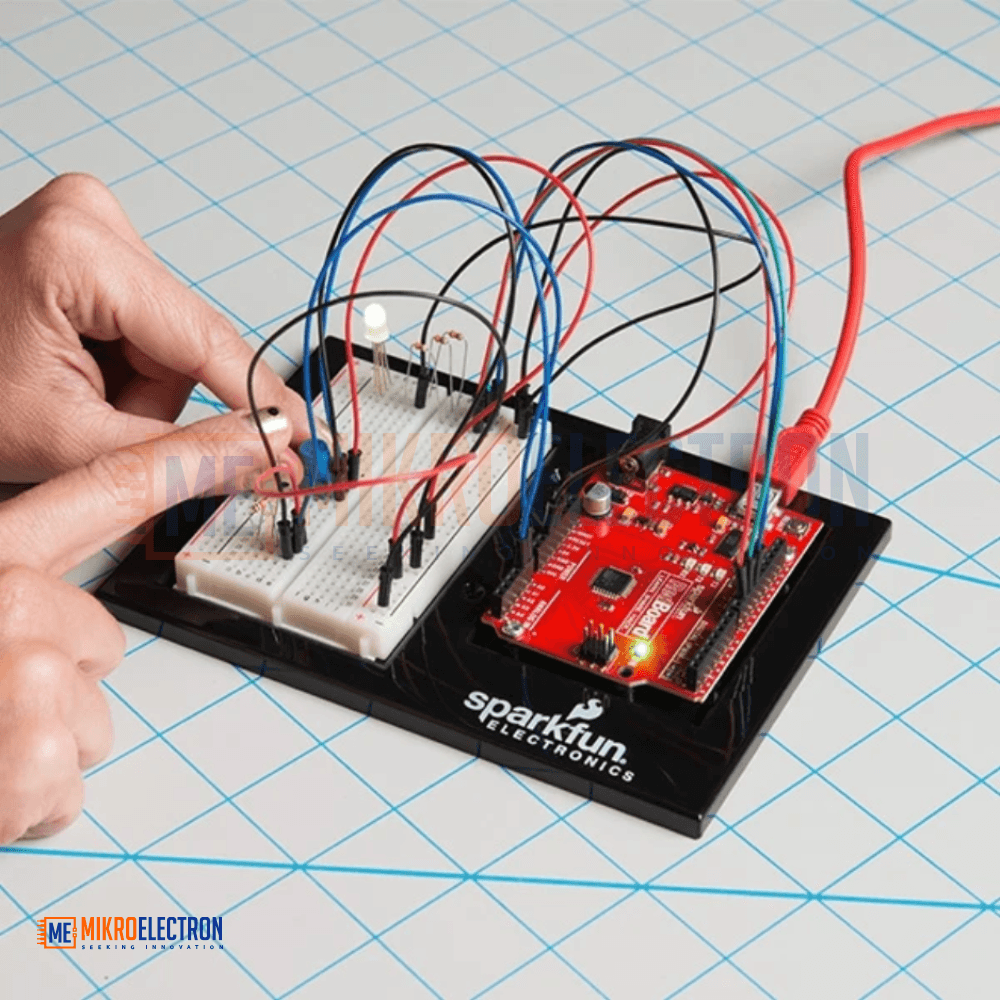
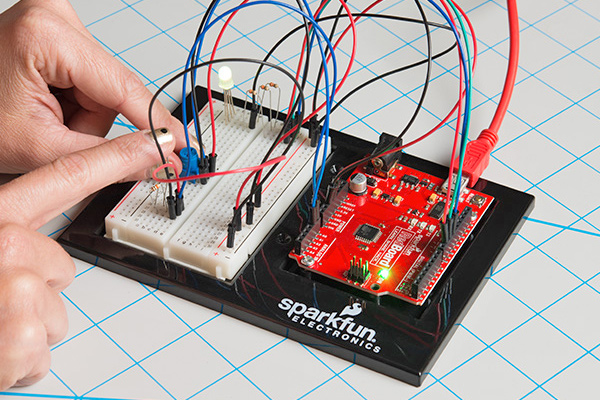
In Project 1, you will learn about Light- Emitting Diodes (LEDs), resistors, inputs, outputs, and sensors. The first project will be to build and program your own multicolored night-light! The night-light uses a sensor to turn on an RGB (Red, Green, Blue) LED when it gets dark, and you can change the color using an input knob.
Project 2: Sound
- Circuit 2A: Buzzer
- Circuit 2B: Digital Trumpet
- Circuit 2C: "Simon Says" Game
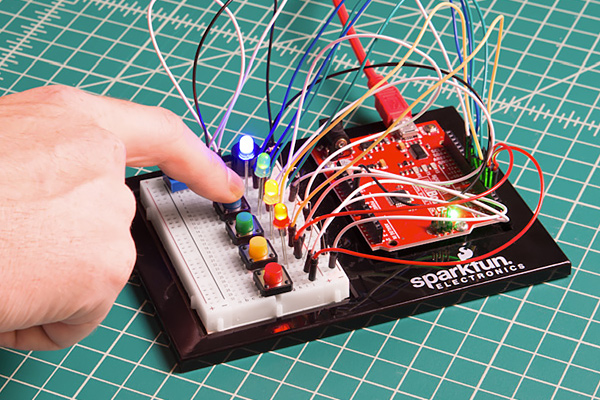
In Project 2, you will venture into the world of buttons and buzzers while building your own “Simon Says” game! “Simon Says” is a game in which the LEDs flash a pattern of red, green, yellow, and blue blinks, and the user must recreate the pattern using color-coded buttons before the timer runs out.
Project 3: Motion
- Circuit 3A: Servo Motors
- Circuit 3B: Distance Sensor
- Circuit 3C: Motion Alarm
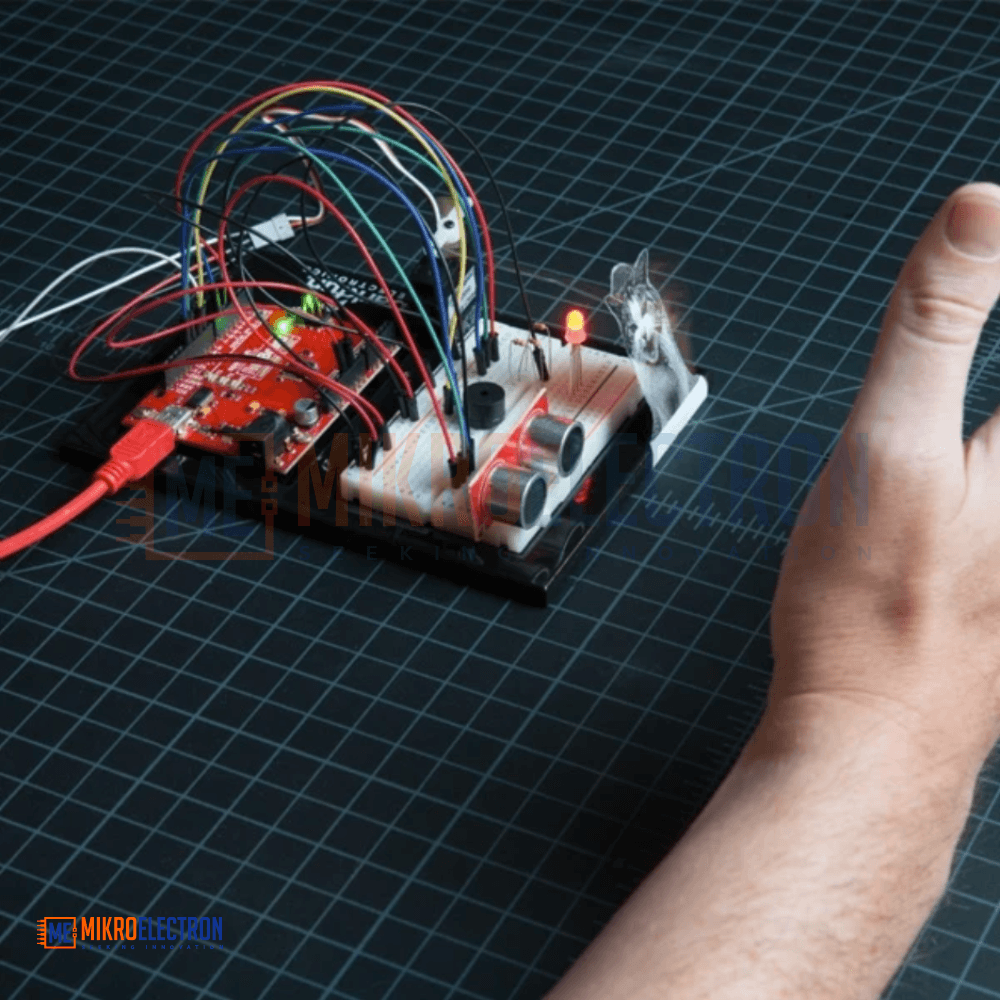
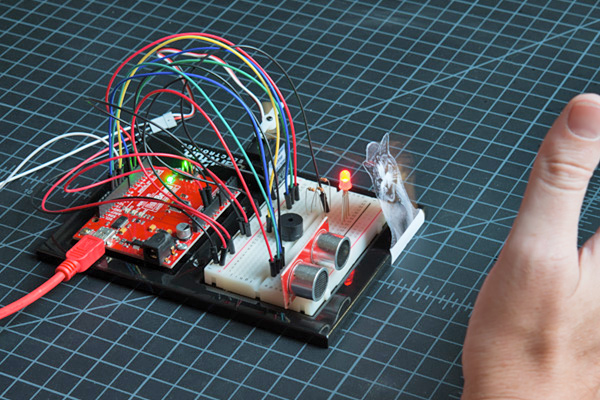
Tired of your cat walking all over the kitchen counter? How about the dog getting into the garbage? In Project 3, you will learn how to build a motion alarm of sorts. This alarm will detect distance and motion using an ultrasonic distance sensor, and then create motion using a servo motor.
Project 4: Display
- Circuit 4A: LCD "Hello, World!"
- Circuit 4B: Temperature Sensor
- Circuit 4C: "DIY Who Am I?" Game
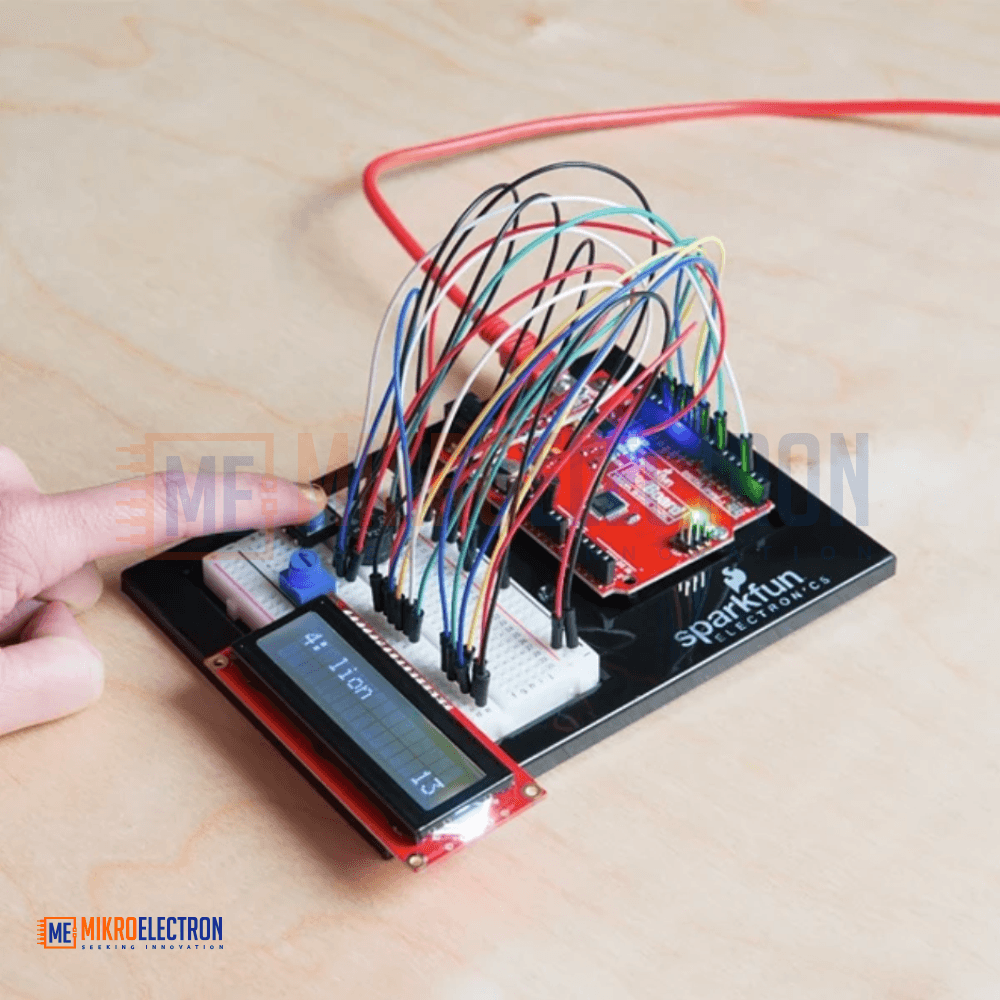
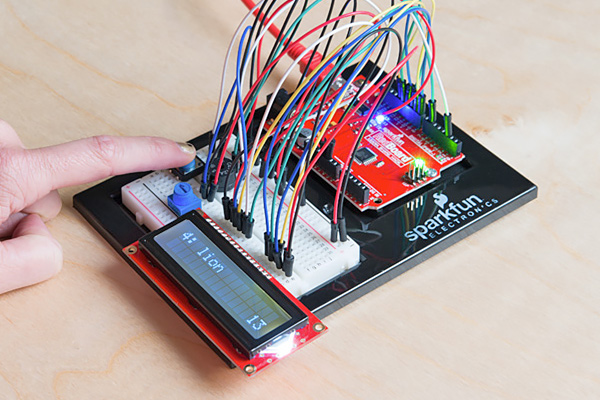
Printing data to the Arduino Serial Monitor is a great way to see data from the RedBoard. But what if you want to make your project mobile and see sensor values away from your computer? This project will show you how to do exactly that. In Project 4, you will learn about Liquid Crystal Displays (LCDs) and how to print things like sensor data and strings of words to the display.
Project 5: Robot
- Circuit 5A: Motor Basics
- Circuit 5B: Remote-Controlled Robot
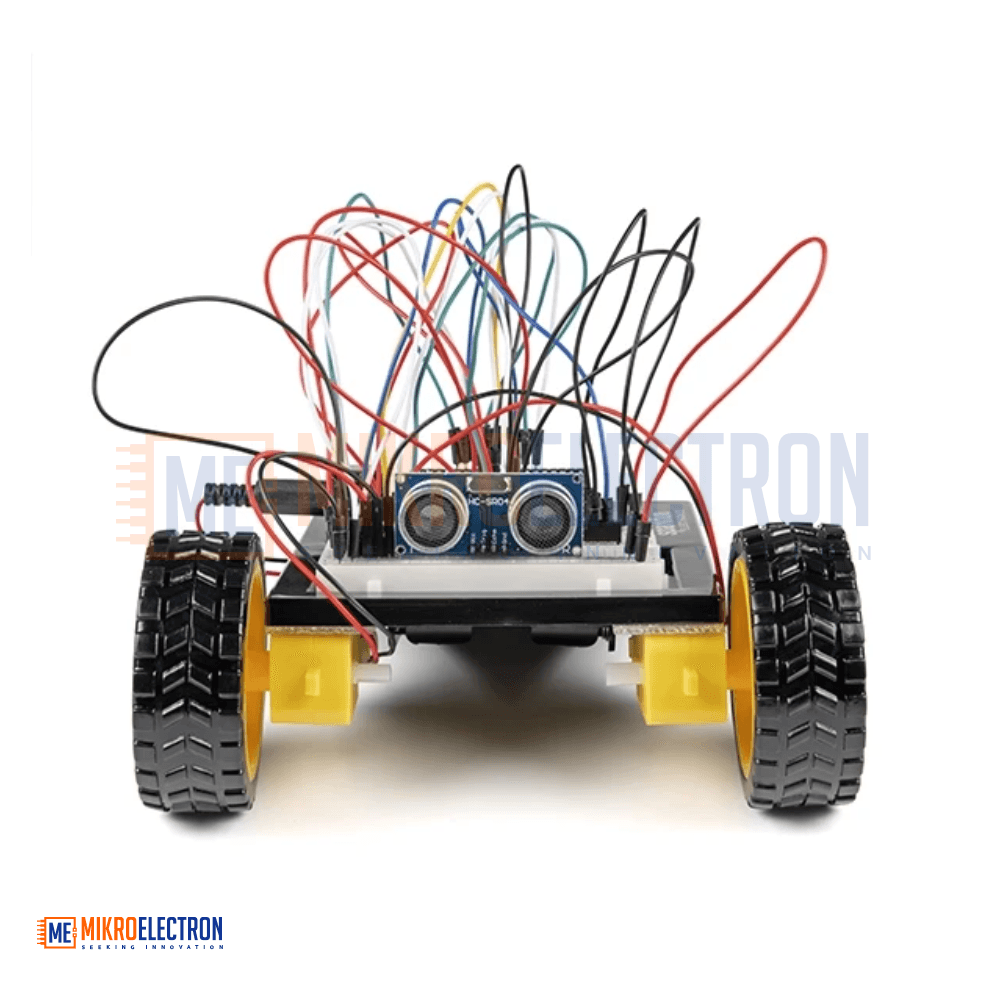
- Circuit 5C: Autonomous Robot
Ah, robots. One of the most iconic and exciting electronics applications. In Project 5, you will learn all about DC motors and motor drivers by building your own robot! You’ll first learn motor control basics. Then you’ll control a tethered robot by sending it commands over serial. Last, you will unleash your robot by removing the tether and making it autonomous! By adding a distance sensor, the robot can learn how to avoid obstacles.