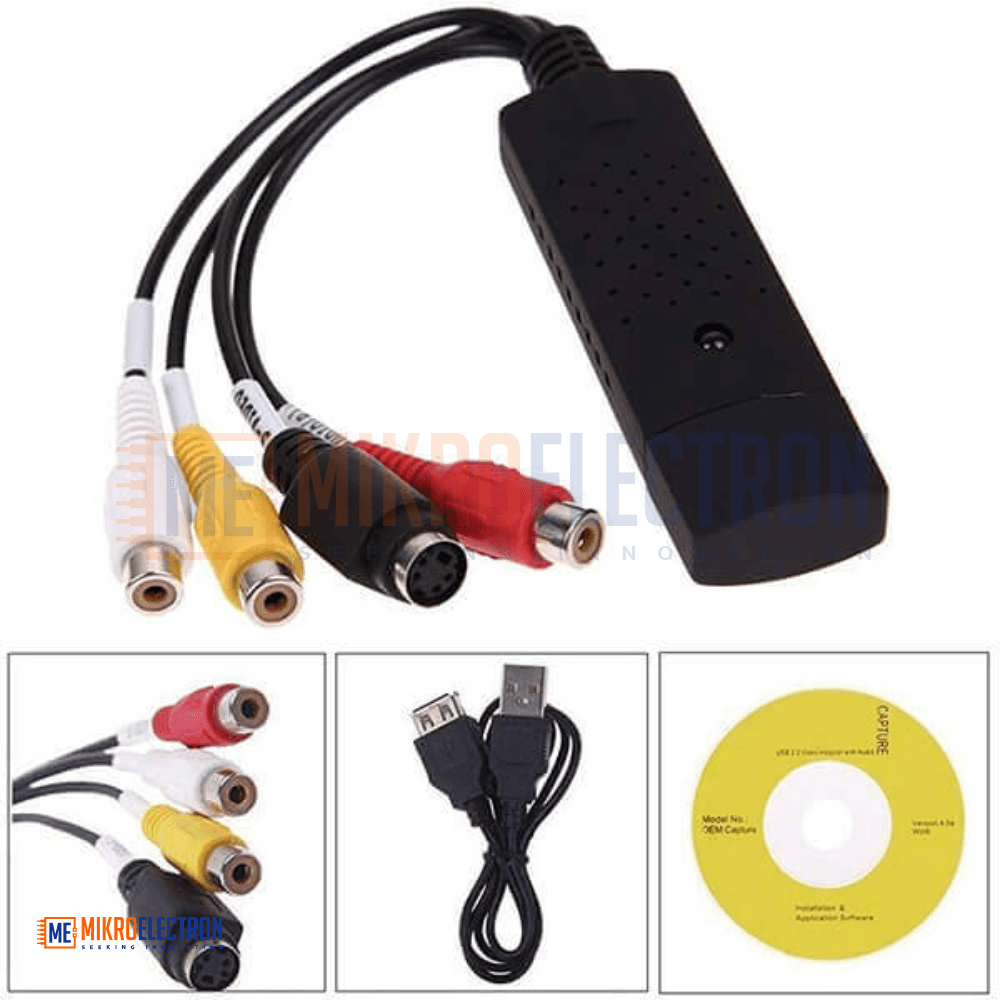
KuWFi EasyCap USB 2.0 Capture Card Video TV DVD VHS Audio Capture Card 3 in 1 VHS to DVD Adapter Converter PC PS3 Xbox for Win 7 8 32 64
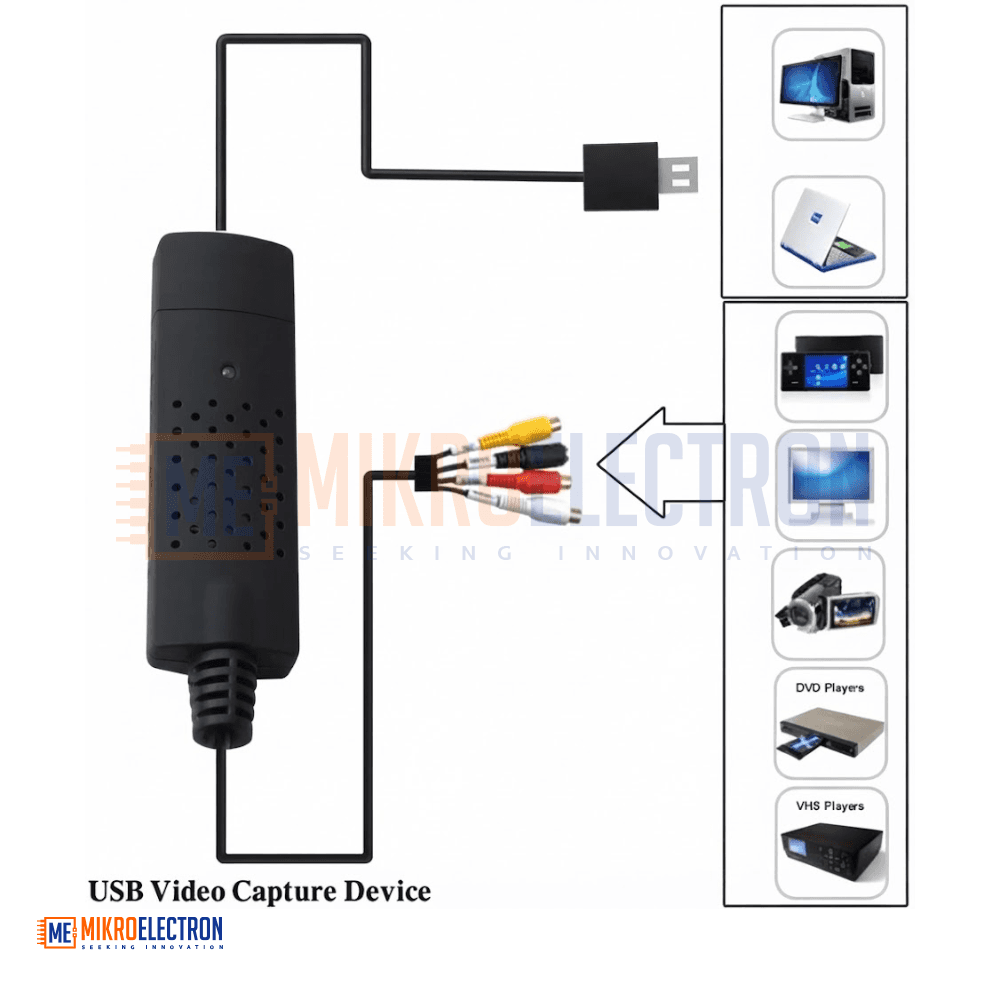
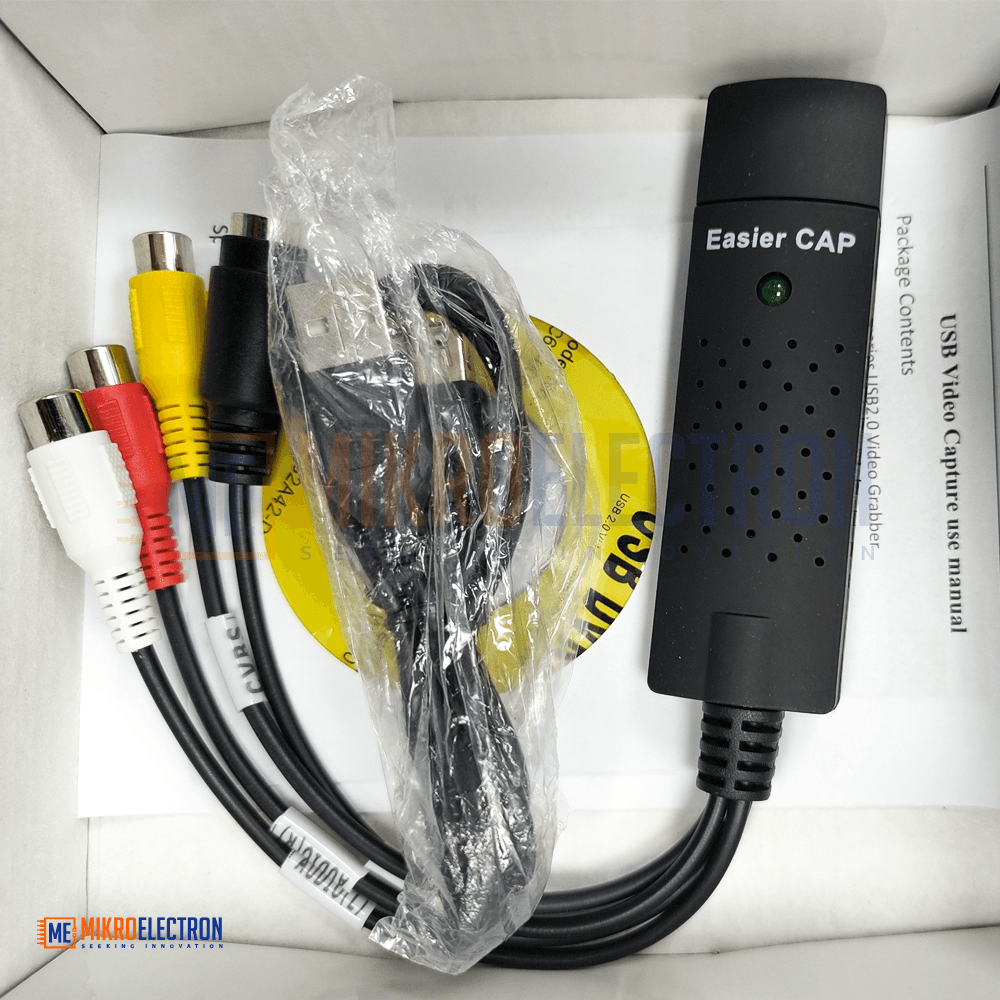
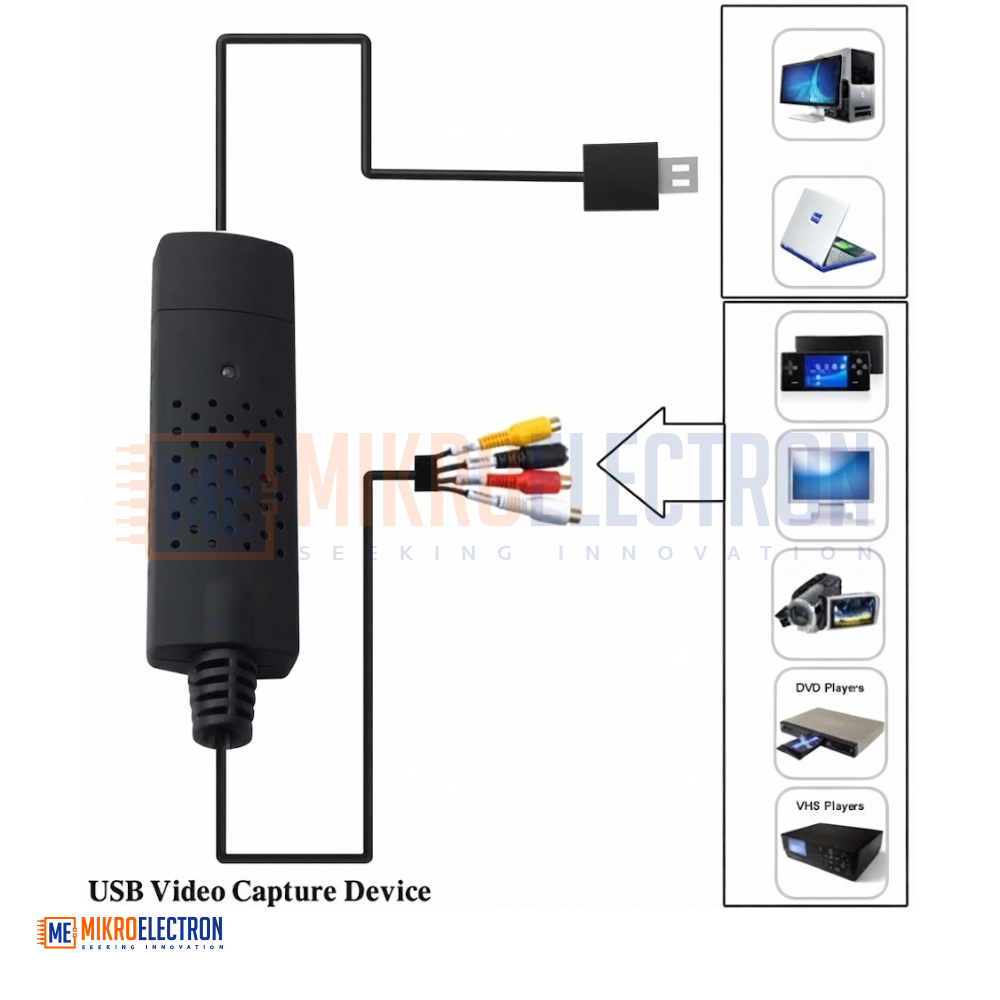
The KuWFi EasyCap USB 2.0 Video Capture Card is a compact solution for capturing and converting analog video and audio from devices such as VHS players, DVD players, TVs, PS3, Xbox, and camcorders to a computer through USB 2.0. It supports RCA composite and S-Video inputs, along with stereo RCA audio capture. The device supports PAL and NTSC video formats, including NTSC-433, with resolutions up to 720×576 at 25fps for PAL and 720×480 at 30fps for NTSC. It can capture audio without requiring a separate sound card and supports brightness, contrast, hue, and saturation adjustments. Compatible capture software is required for operation.
يُعد KuWFi EasyCap USB 2.0 Video Capture Card حلاً عملياً لالتقاط وتحويل الفيديو والصوت التناظري من أجهزة مثل مشغلات VHS وDVD والتلفاز وPS3 وXbox وكاميرات الفيديو إلى الكمبيوتر عبر منفذ USB 2.0. يدعم الجهاز مداخل RCA Composite وS-Video بالإضافة إلى إدخال الصوت الاستيريو عبر RCA. كما يدعم أنظمة الفيديو PAL وNTSC وNTSC-433، مع دقة تصل إلى 720×576 بمعدل 25 إطاراً/ثانية لنظام PAL و720×480 بمعدل 30 إطاراً/ثانية لنظام NTSC. يمكن التقاط الصوت دون الحاجة إلى بطاقة صوت منفصلة، مع إمكانية التحكم في السطوع والتباين ودرجة اللون والتشبع. يتطلب استخدام برنامج لالتقاط الفيديو.
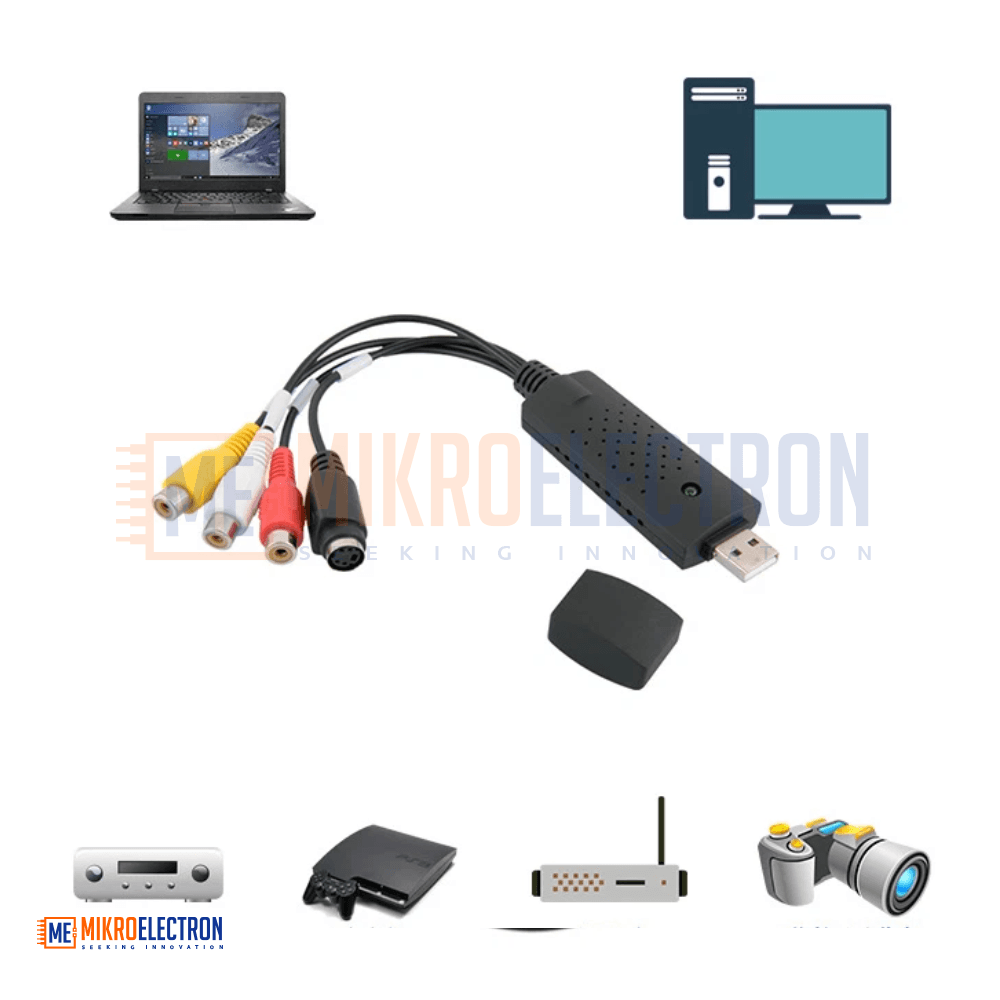
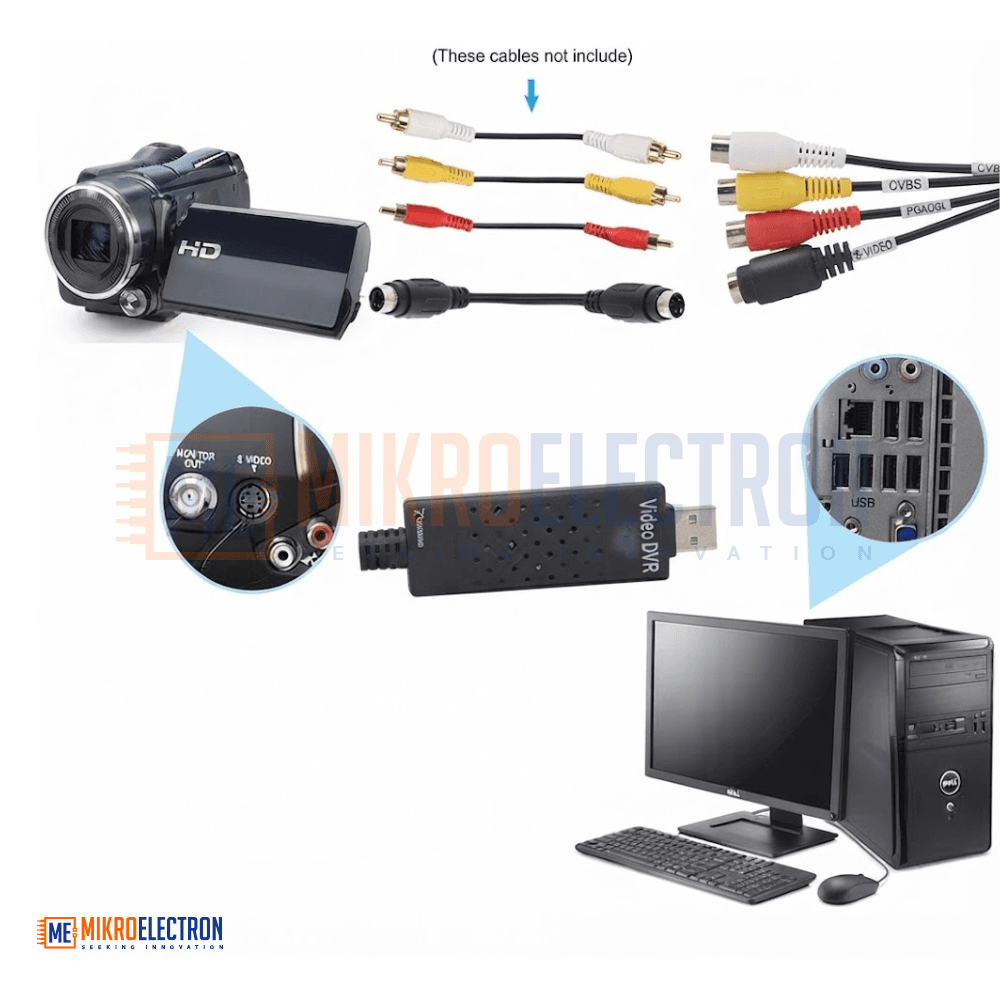
The KuWFi EasyCap USB 2.0 Video Capture Card is designed to provide a convenient way to transfer and capture analog video and audio from traditional media devices to a computer. It is suitable for digitizing content from VHS players, DVD players, TV receivers, camcorders, game consoles, and other devices with compatible video outputs.
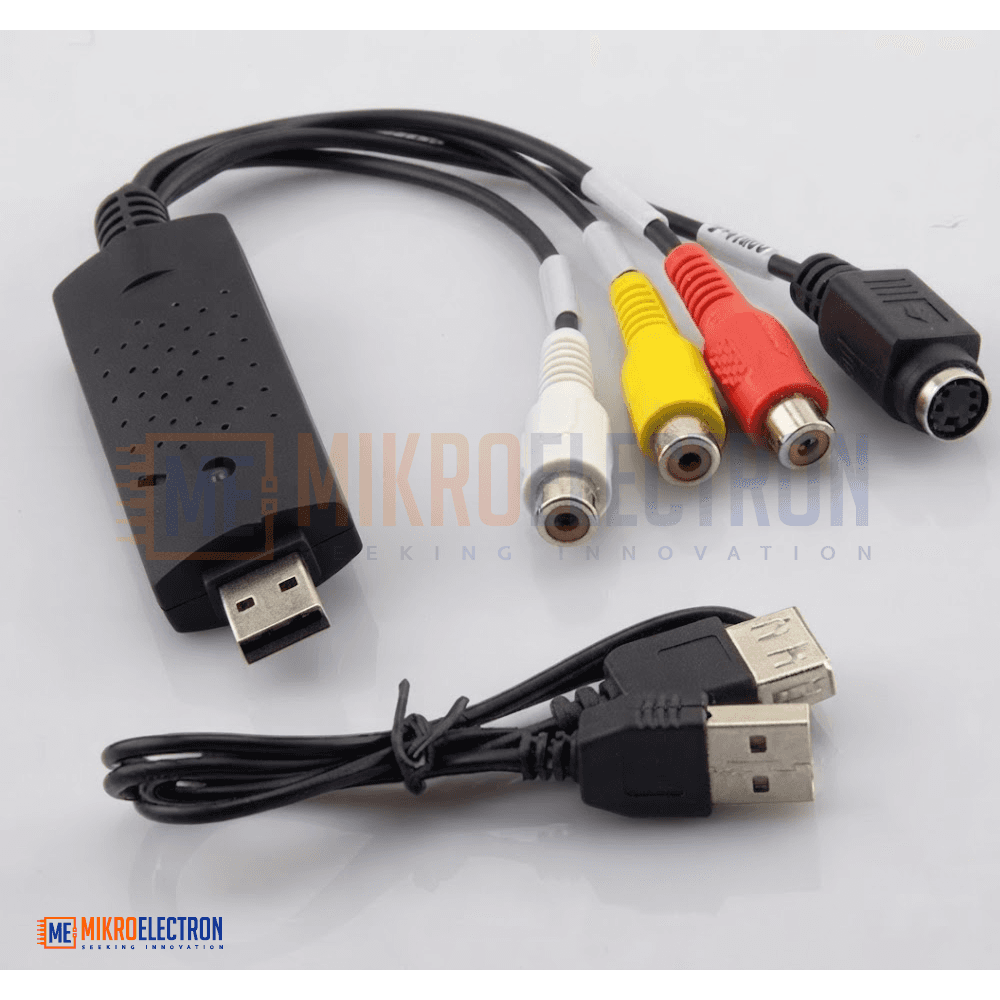
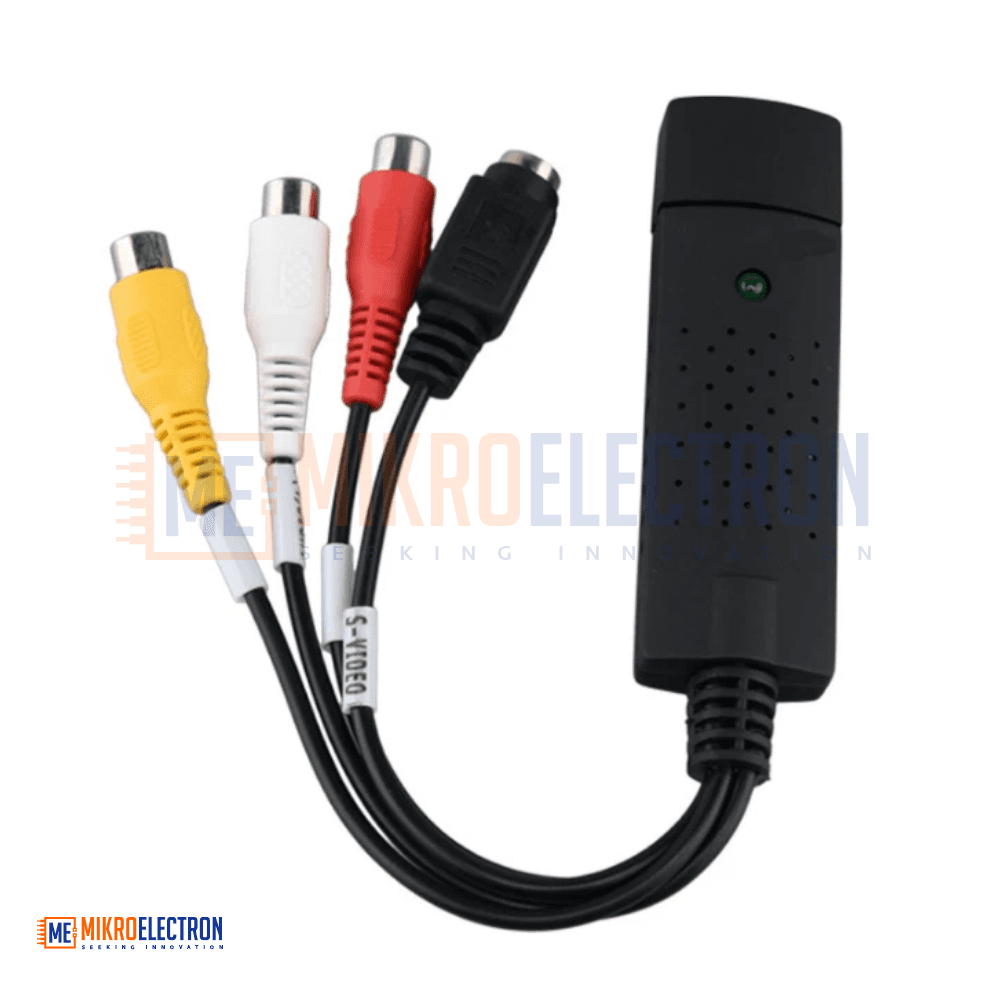
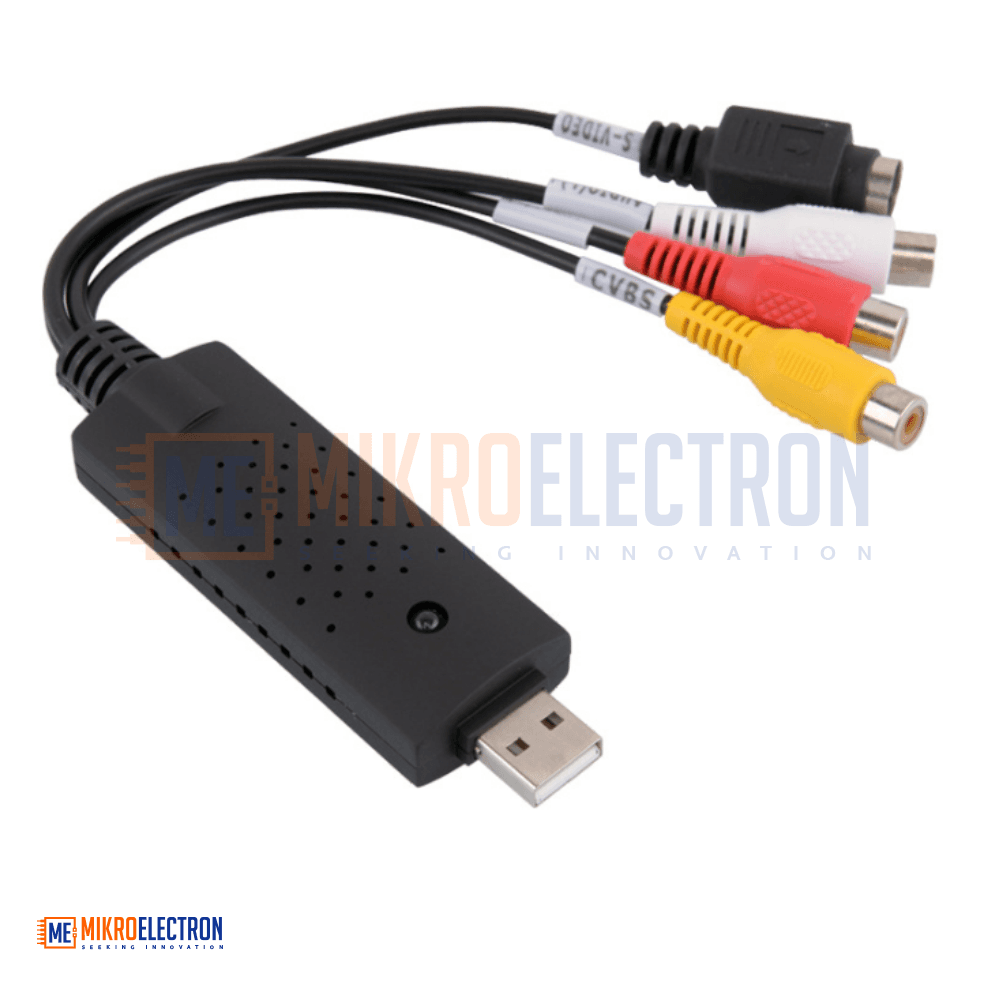
The capture card connects to a computer through USB 2.0 and accepts video through RCA composite or S-Video inputs, while stereo audio is received through RCA connections. It supports both PAL and NTSC video standards, making it suitable for a variety of analog video sources.
For PAL sources, the supported capture resolution is 720 × 576 at 25fps, while NTSC sources can be captured at 720 × 480 at 30fps. The device also supports NTSC-433, which can be useful with compatible 60Hz video sources.
The EasyCap can capture audio without requiring a separate sound card. Image parameters such as brightness, contrast, hue, and saturation can also be adjusted through compatible capture software.
Video capture software is required for operation. On Windows systems, compatible software such as OBS Studio can be used when the included software is unavailable or incompatible. On Mac computers, the device can be used with QuickTime Player without installing additional drivers or software in supported configurations.
For reliable operation, use the supplied cable at its original length and avoid USB extension cables, as extension cables may reduce available power and affect device operation.
Specifications
| Specification | Details |
|---|---|
| Product Type | USB 2.0 Video Capture Card |
| Model | KuWFi EasyCap |
| Interface | USB 2.0 |
| Video Input | 1 × RCA Composite, 1 × S-Video |
| Audio Input | Stereo RCA |
| PAL Resolution | 720 × 576 @ 25fps |
| NTSC Resolution | 720 × 480 @ 30fps |
| Video Standards | PAL, NTSC, NTSC-433 |
| Audio Capture | Yes, without separate sound card |
| Image Controls | Brightness, Contrast, Hue, Saturation |
| Recording Formats | DVD+/-R/RW, DVD+/-VR, DVD-Video |
| Computer Connection | USB 2.0 |
| Required Software | Compatible video capture software |
| Windows Compatibility | Windows 98, ME, 2000, XP, Vista, 7, 8 |
| Windows Architecture | 32-bit / 64-bit |
| Mac Usage | Compatible with QuickTime Player in supported configurations |
| USB Extension Cable | Not recommended |
| Primary Function | Analog video and audio capture |
Applications
- VHS to digital video conversion
- DVD and analog video capture
- TV video recording
- Camcorder video digitization
- PS3 and Xbox video capture
- Home video and old media archiving
- Computer-based video recording
- Internet conferences and online meetings
- Analog video preservation and backup
- Video editing and post-production workflows