
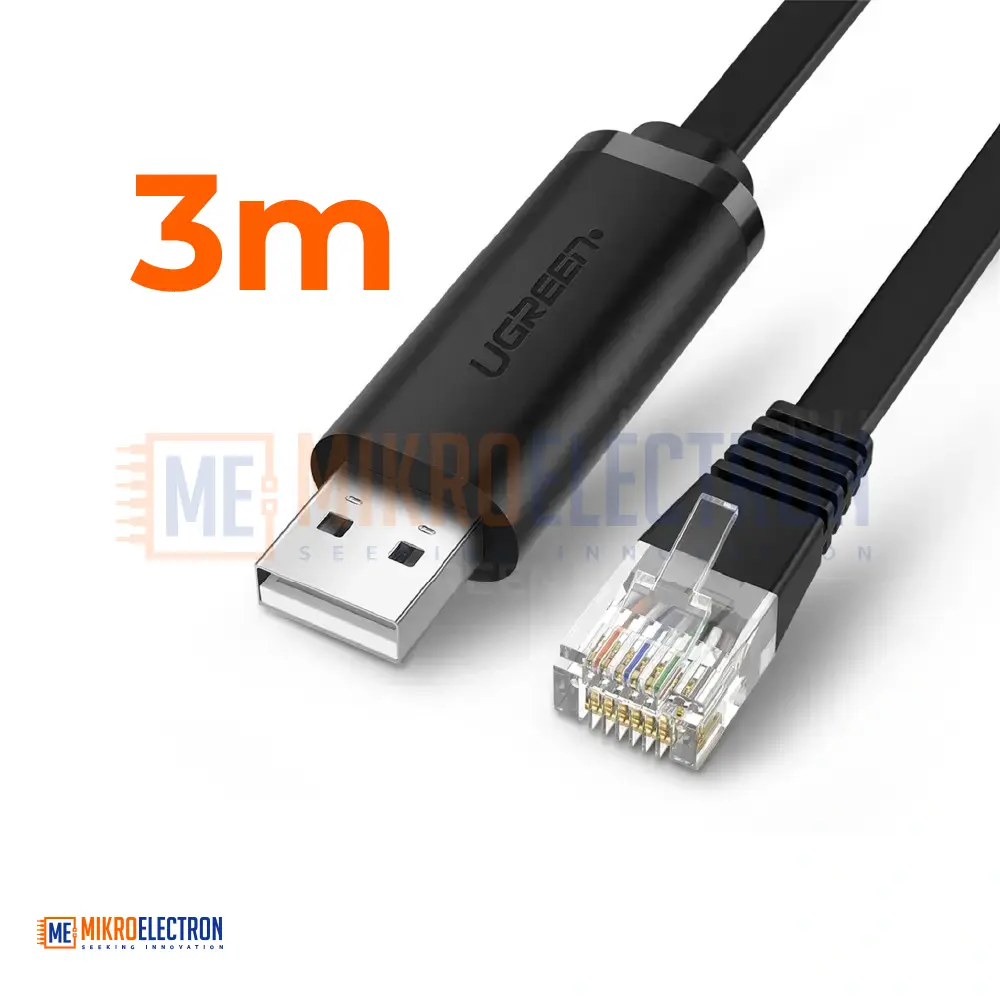
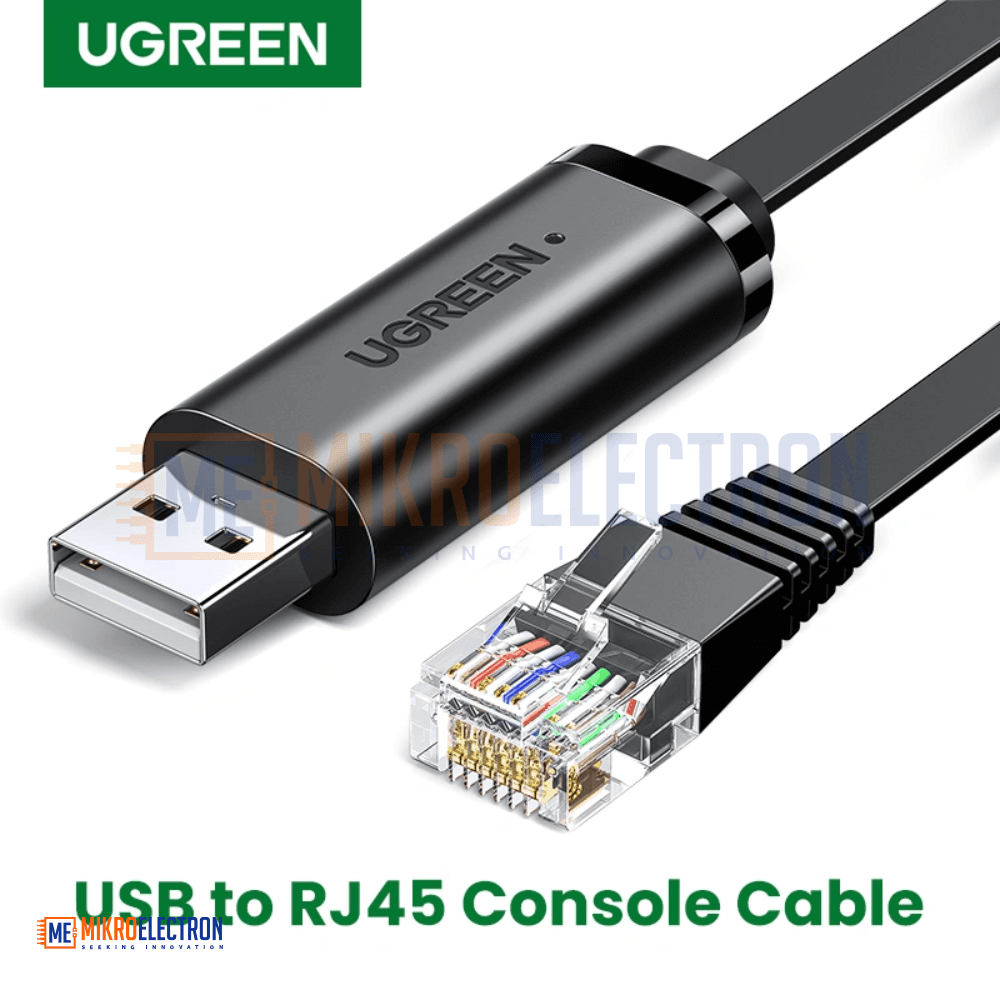
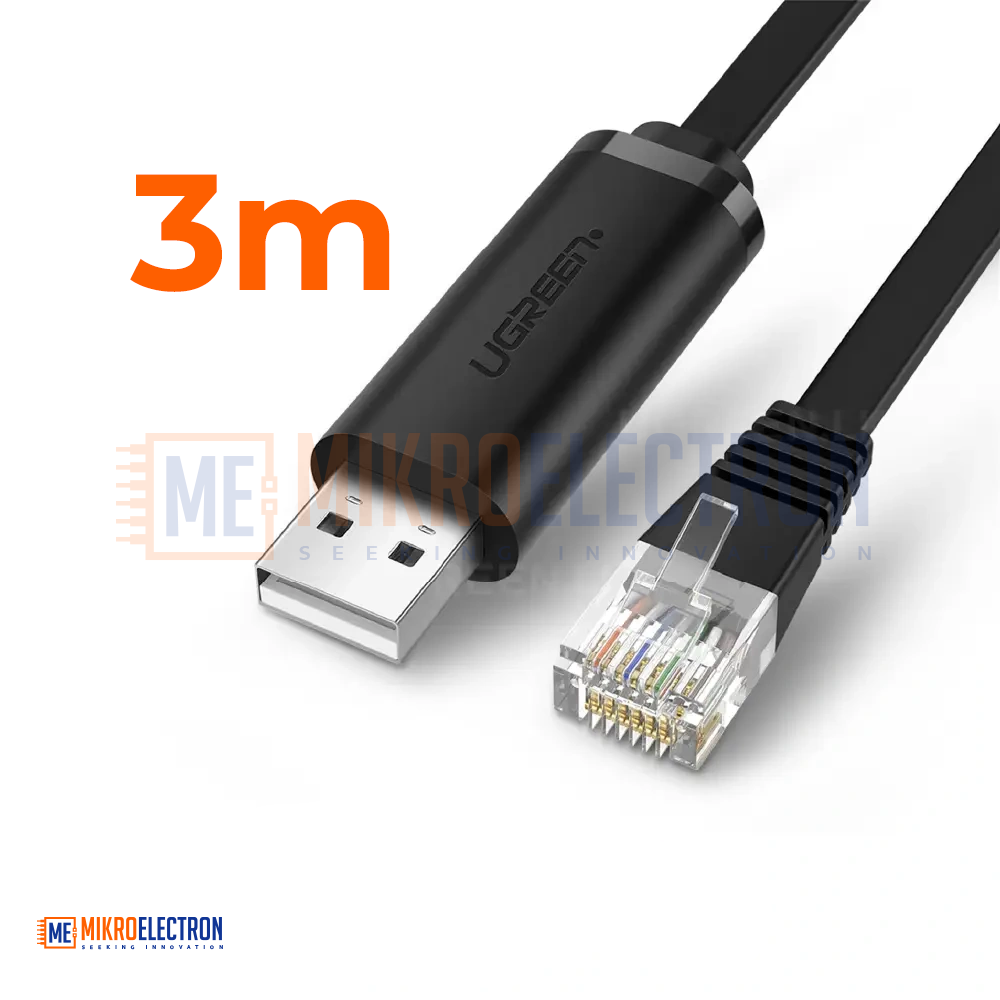
UGREEN 3m USB to RJ45 Console Cable – CM204
The UGREEN CM204 USB to RJ45 Console Cable (3M) is a professional networking solution designed for direct console access to routers, switches, servers, and wireless controllers. Featuring the reliable FTDI FT232RL chipset, it ensures stable and accurate serial communication for configuration, troubleshooting, and terminal debugging tasks. The cable supports the RS232 serial protocol through an RJ45 console interface and includes 4KV ESD protection to safeguard connected equipment. Its durable flat cable design, pure copper core, and wide compatibility with Windows, macOS, and Linux make it ideal for network engineers and IT professionals.
يُعد كابل UGREEN CM204 USB إلى RJ45 Console بطول 3 أمتار حلاً احترافيًا لإدارة الشبكات، حيث يتيح الوصول المباشر إلى منافذ التحكم الخاصة بأجهزة التوجيه والمحولات والخوادم ووحدات التحكم اللاسلكية. يعتمد الكابل على شريحة FTDI FT232RL الموثوقة لتوفير اتصال تسلسلي مستقر ودقيق لأعمال الإعداد والصيانة واستكشاف الأخطاء. يدعم بروتوكول RS232 عبر منفذ RJ45 Console، كما يتميز بحماية مدمجة ضد الكهرباء الساكنة بقدرة 4KV ESD لحماية الأجهزة المتصلة. يوفر تصميمه المسطح المتين وتوافقه مع ويندوز وماك ولينكس أداءً مثاليًا للمهندسين والمتخصصين في الشبكات.
The UGREEN CM204 USB to RJ45 Console Cable is a professional-grade solution designed for network administrators, IT technicians, and engineers who need reliable access to the console ports of networking equipment.
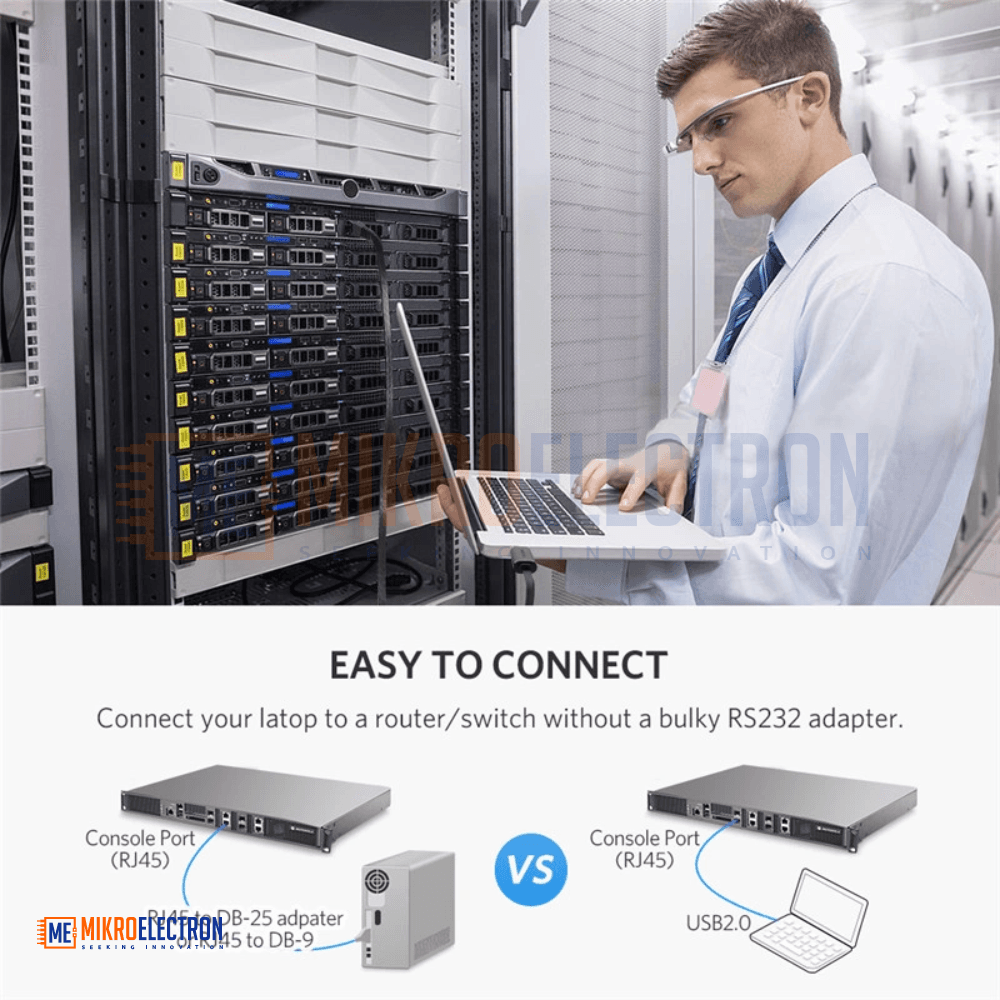
By integrating a USB Type-A connector and an RJ45 console interface into a single cable, the CM204 eliminates the need for traditional RS232 serial adapters and bulky DB9 or DB25 converters. This streamlined design enables direct terminal access for configuring, monitoring, and troubleshooting routers, switches, servers, and wireless LAN controllers.
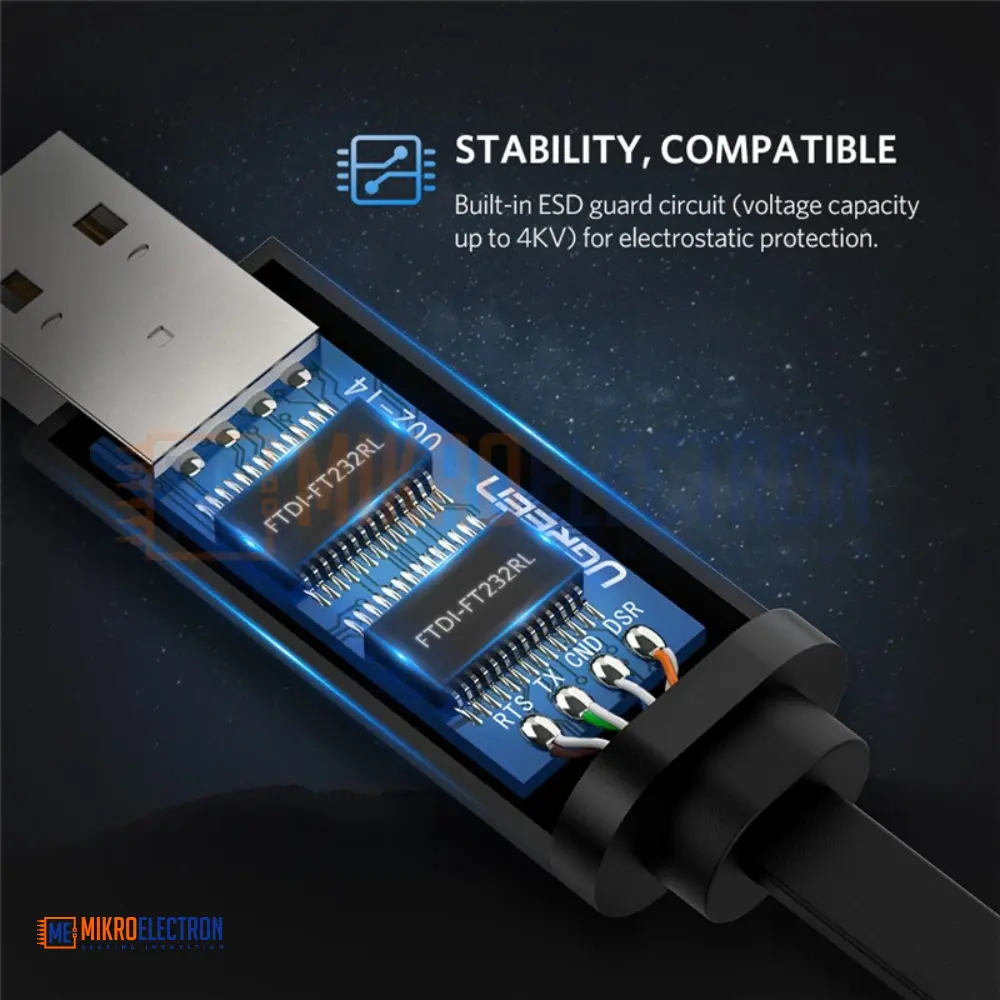
At its core, the cable features the industry-trusted FTDI FT232RL chipset, delivering stable and accurate serial communication while ensuring broad compatibility across major operating systems. The integrated 4KV ESD protection circuit helps safeguard connected equipment from electrostatic discharge, making it suitable for mission-critical environments.
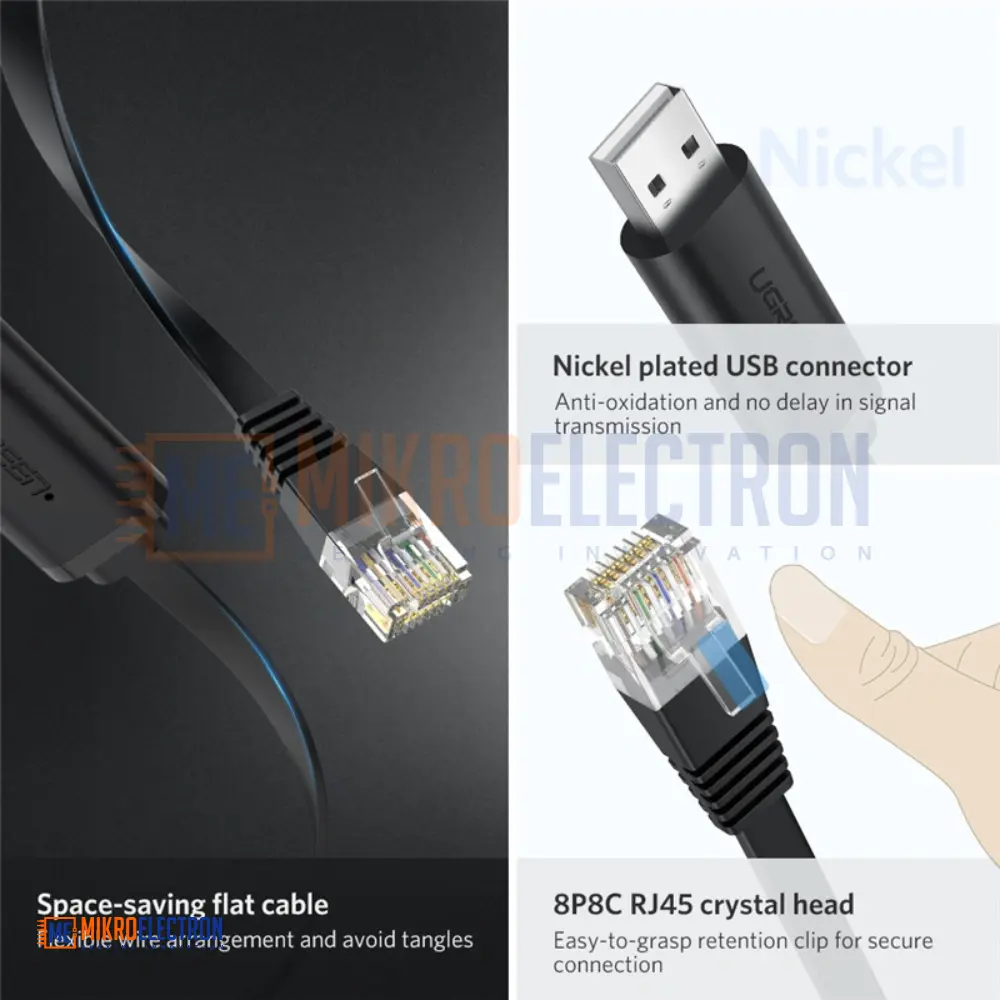
Built for field use, the 3-meter flat cable design resists tangling, rolls up easily for transport, and fits neatly within server racks and network cabinets. Premium materials, including a pure copper core, nickel-plated USB connector, and a durable 8P8C RJ45 plug, ensure long-lasting performance and secure connections.
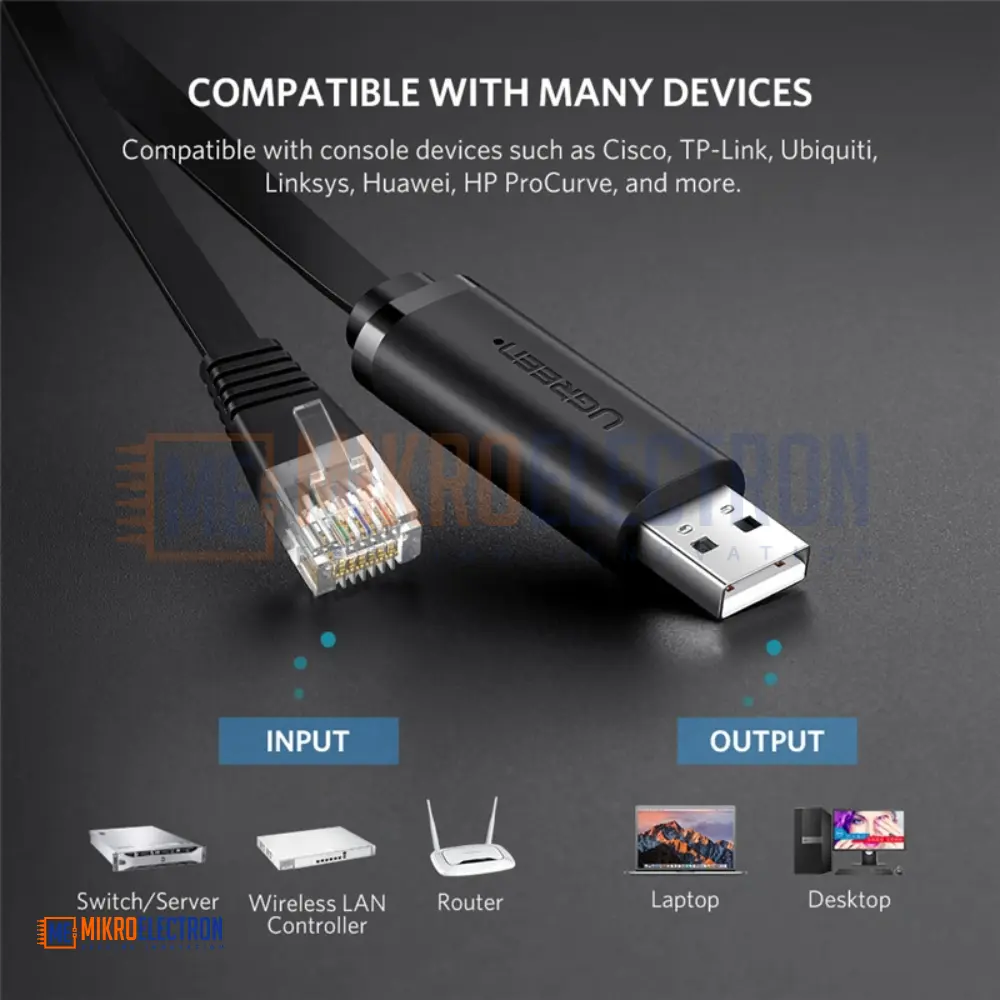
Compatible with networking equipment from leading brands such as Cisco Systems, TP-Link, Ubiquiti, Linksys, Huawei, and HP ProCurve, the CM204 is an essential tool for modern network management.
Specifications
| Specification | Details |
|---|---|
| Product Name | UGREEN USB to RJ45 Console Cable |
| Model | CM204 |
| Part Number | 60813 |
| Cable Length | 3 meters (9.8 ft) |
| Input Interface | USB 2.0 Type-A Male |
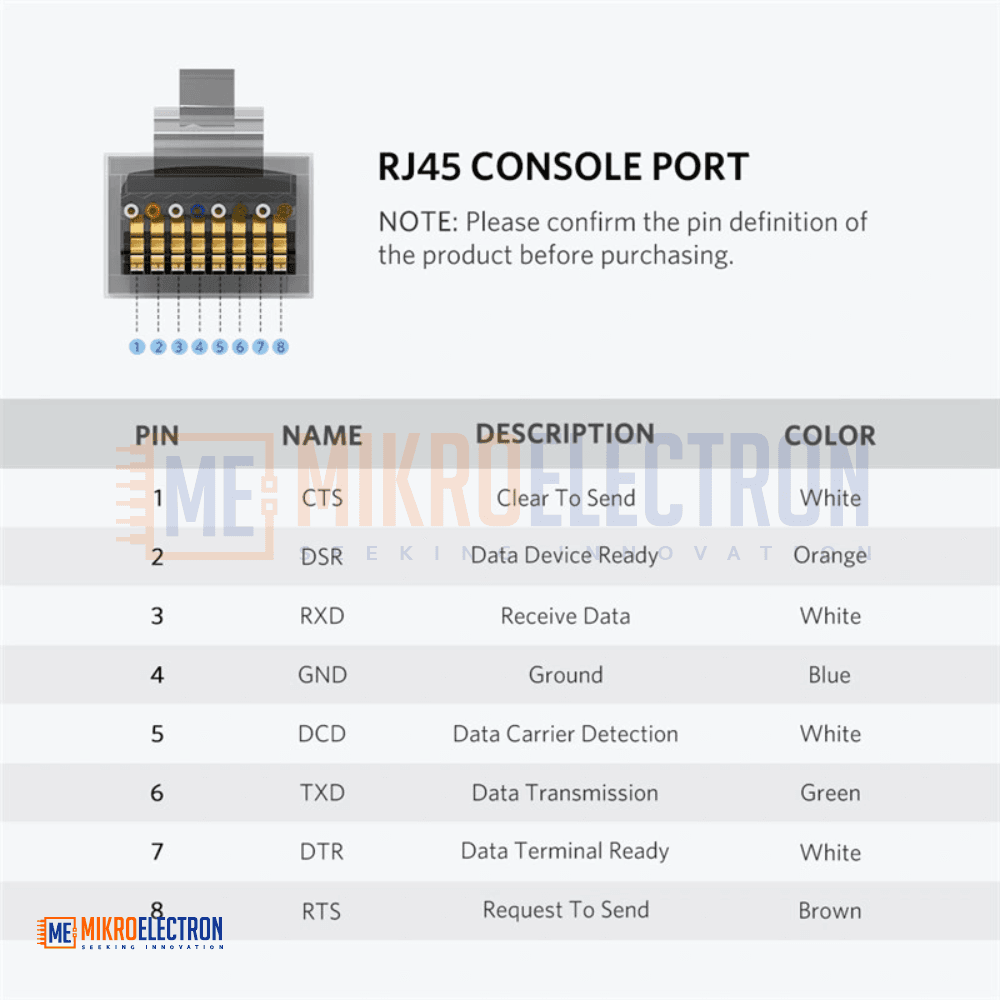
| Output Interface | RJ45 Male (Console Port) |
| Serial Standard | RS232 |
| Chipset | FTDI FT232RL |
| Cable Core | Pure Copper |
| Cable Design | Flat, Flexible Cable |
| USB Compatibility | USB 2.0, backward compatible with USB 1.1 |
| ESD Protection | Built-in 4KV ESD Protection Circuit |
| Connector Plating | Nickel-Plated USB Connector |
| Supported Features | Remote Wake-Up, Power Management |
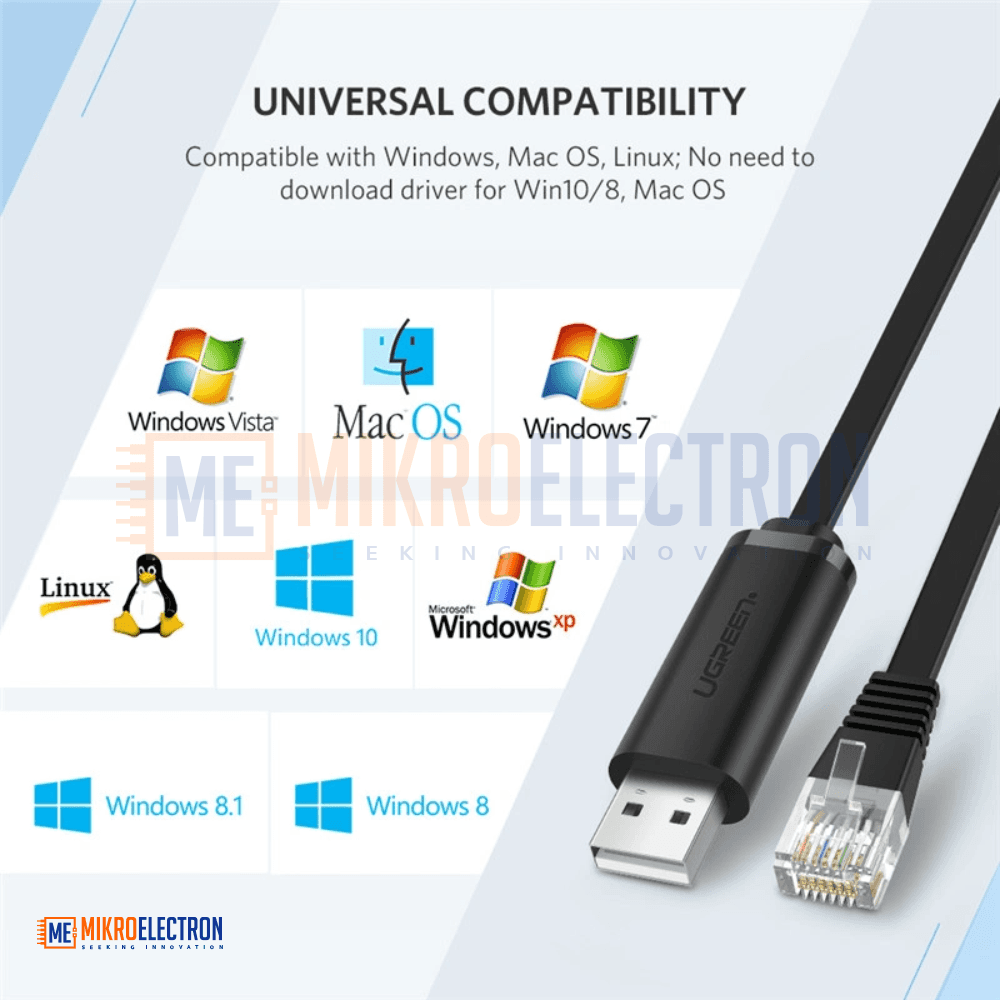
| Operating Systems | Windows 11/10/8.1/8/7/Vista/XP |
| macOS Compatibility | Supported |
| Linux Compatibility | Supported |
| Installation | Plug and Play (Driver may be required for some systems) |
Applications
The UGREEN CM204 is ideal for a wide range of networking and IT tasks, including:
- Configuring and managing network routers
- Accessing managed switches through console ports
- Troubleshooting servers and network appliances
- Setting up wireless LAN controllers
- Performing firmware updates and diagnostics
- Remote terminal debugging
- Managing enterprise data centers
- Supporting home lab environments
- Maintaining industrial networking equipment
- Recovering devices with inaccessible network interfaces