
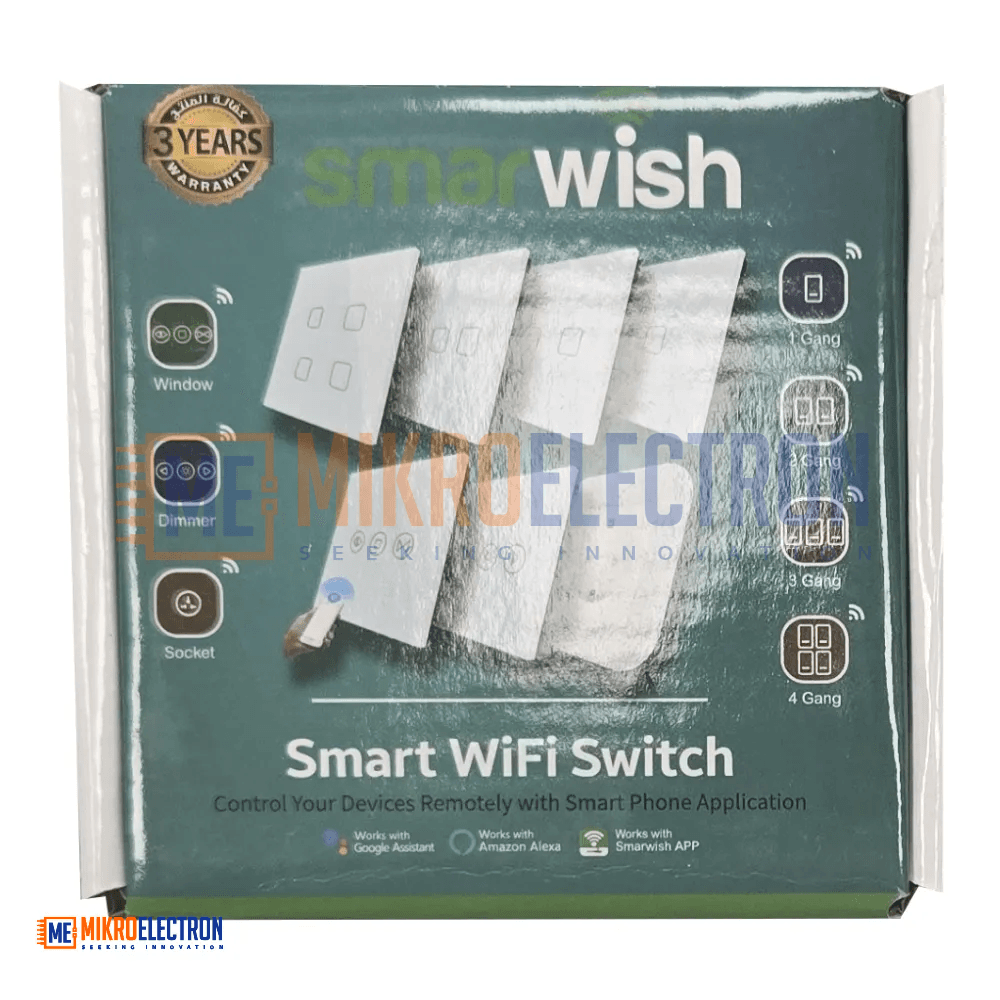
Smart Wall Touch WiFi Switch 1000W AC 100–220V With IOS & Android APP
Please select an option to see price and availability
Select Option
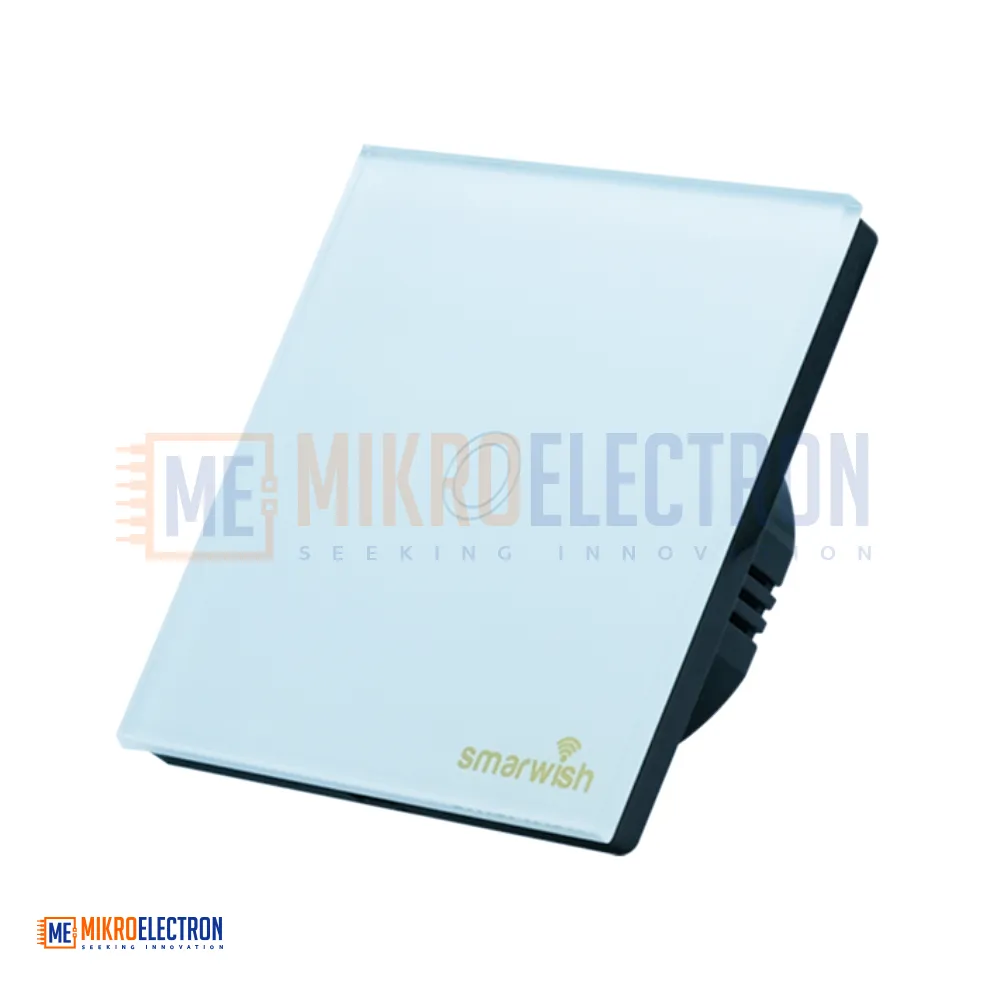 Square
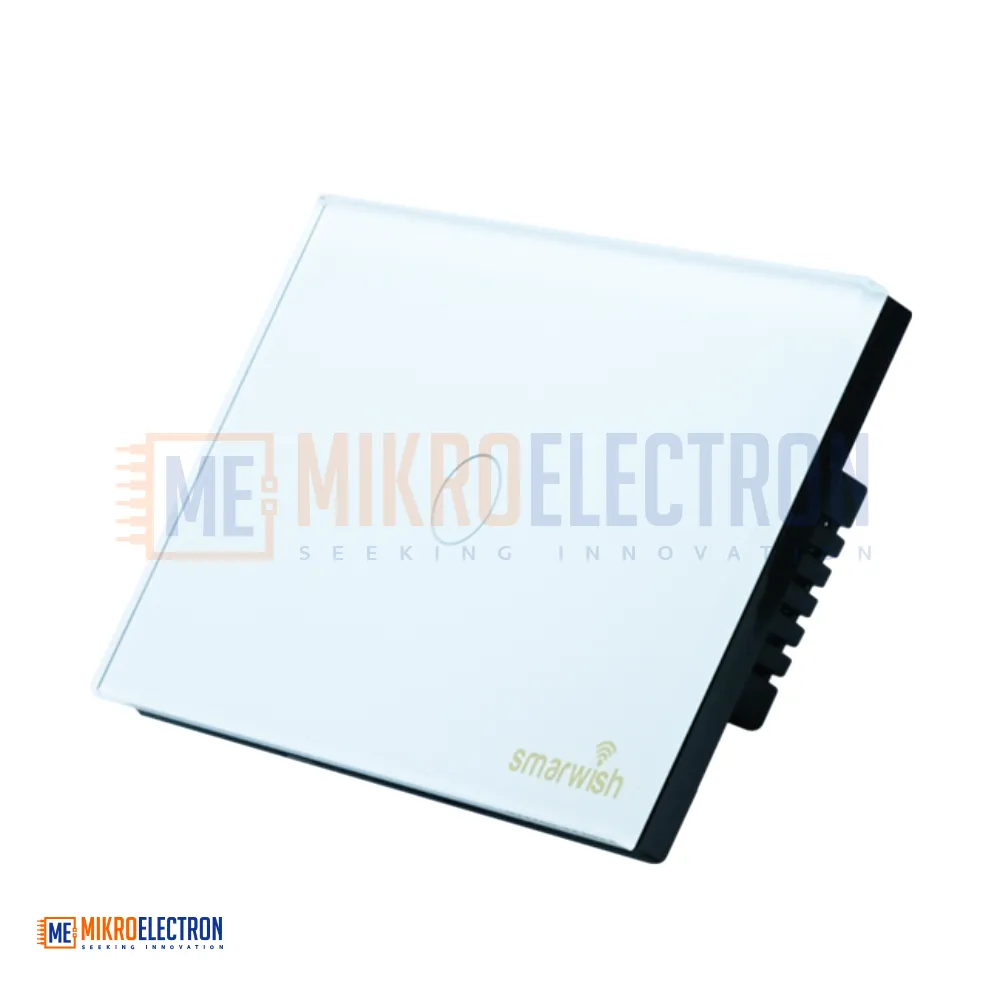 Rectangle
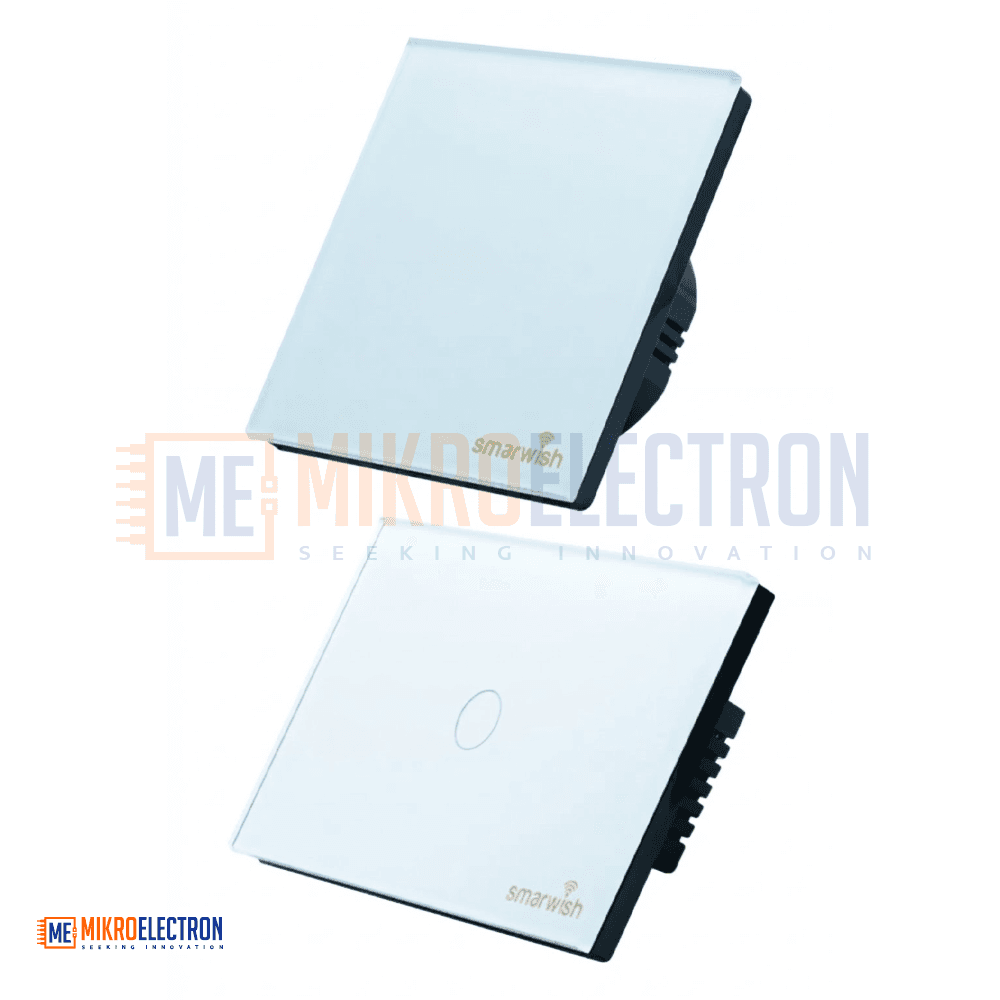
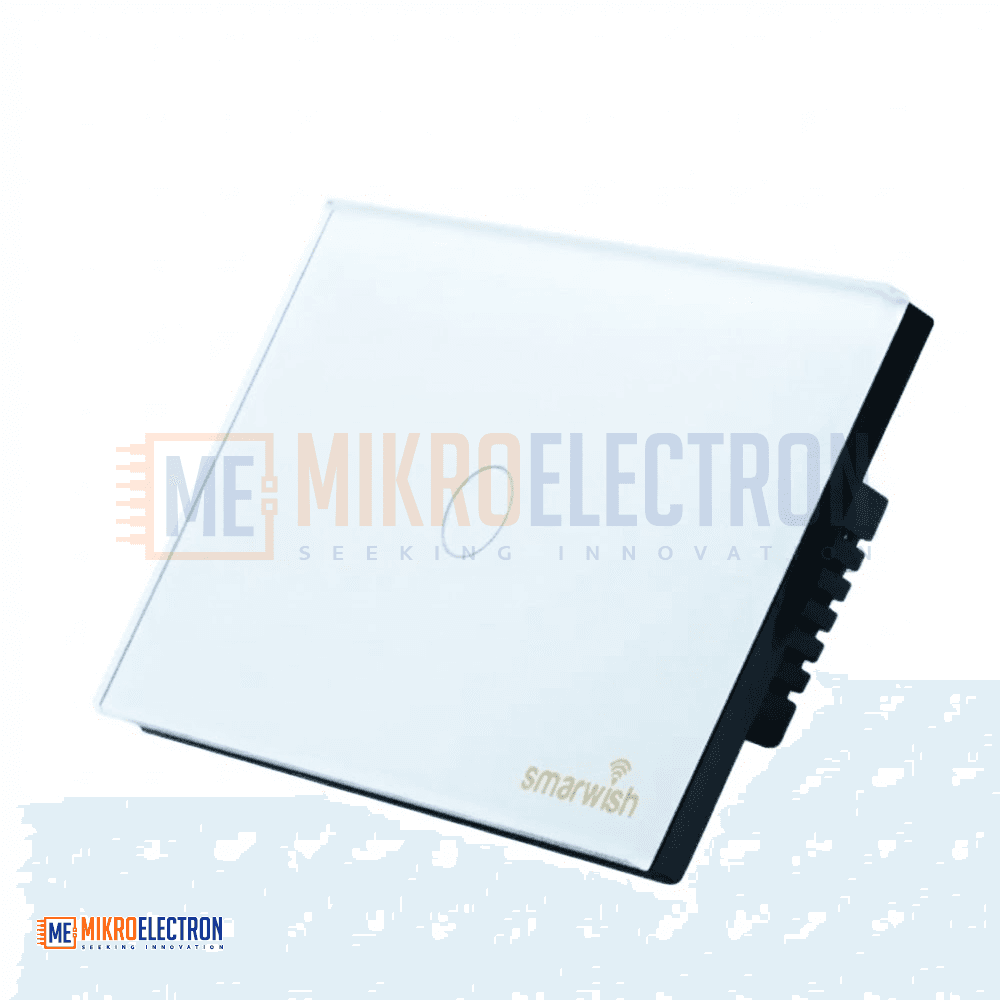
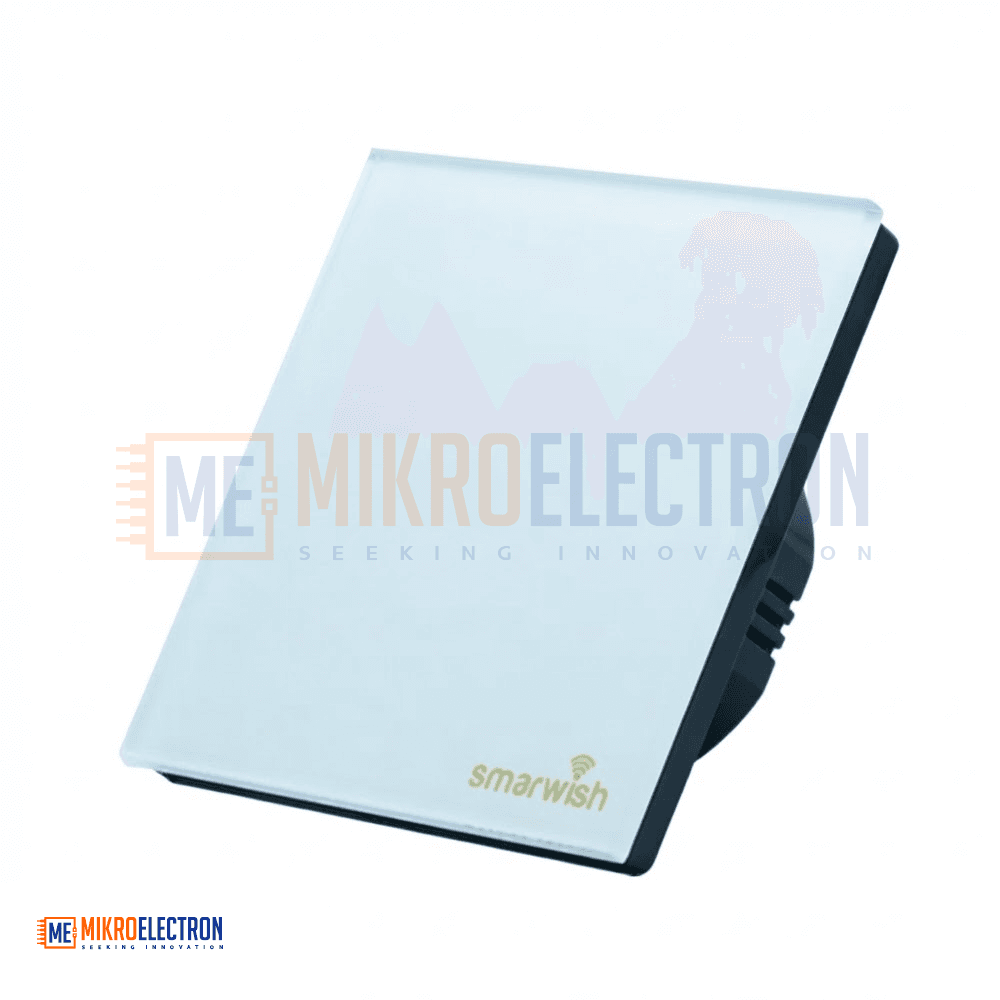
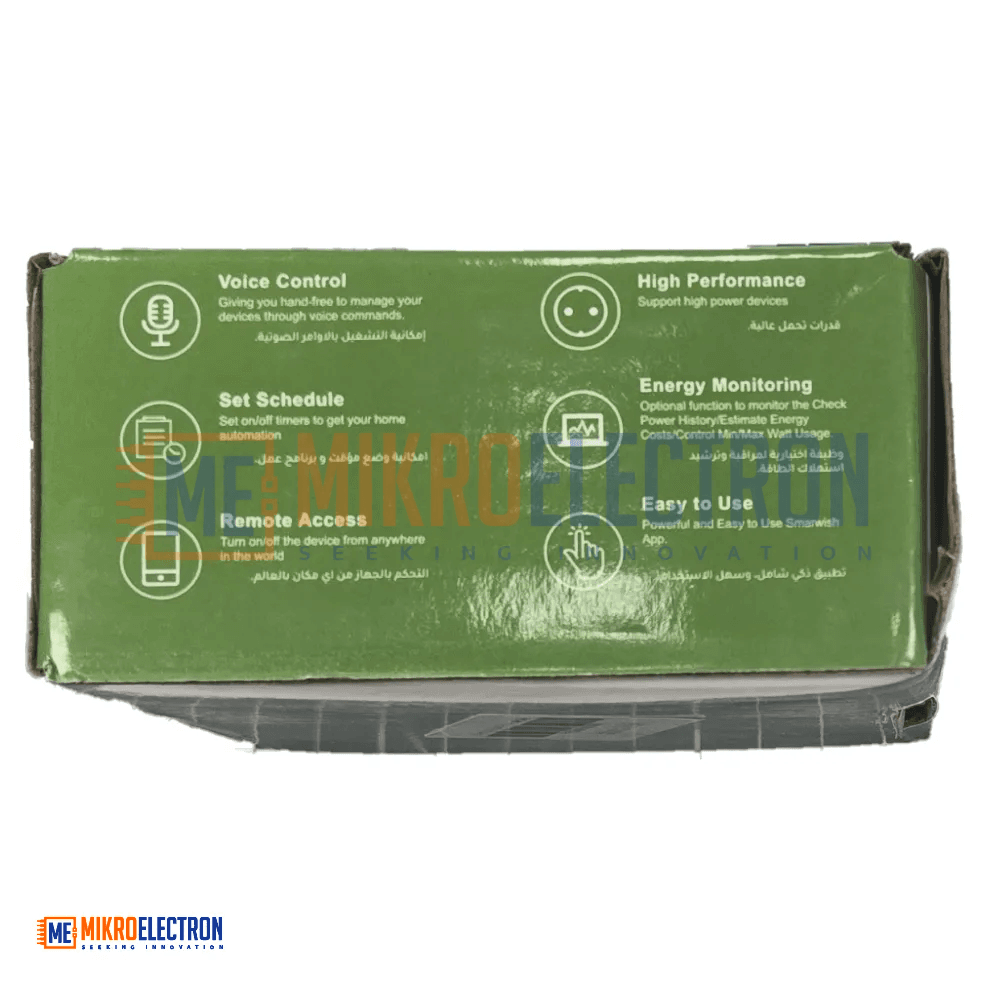
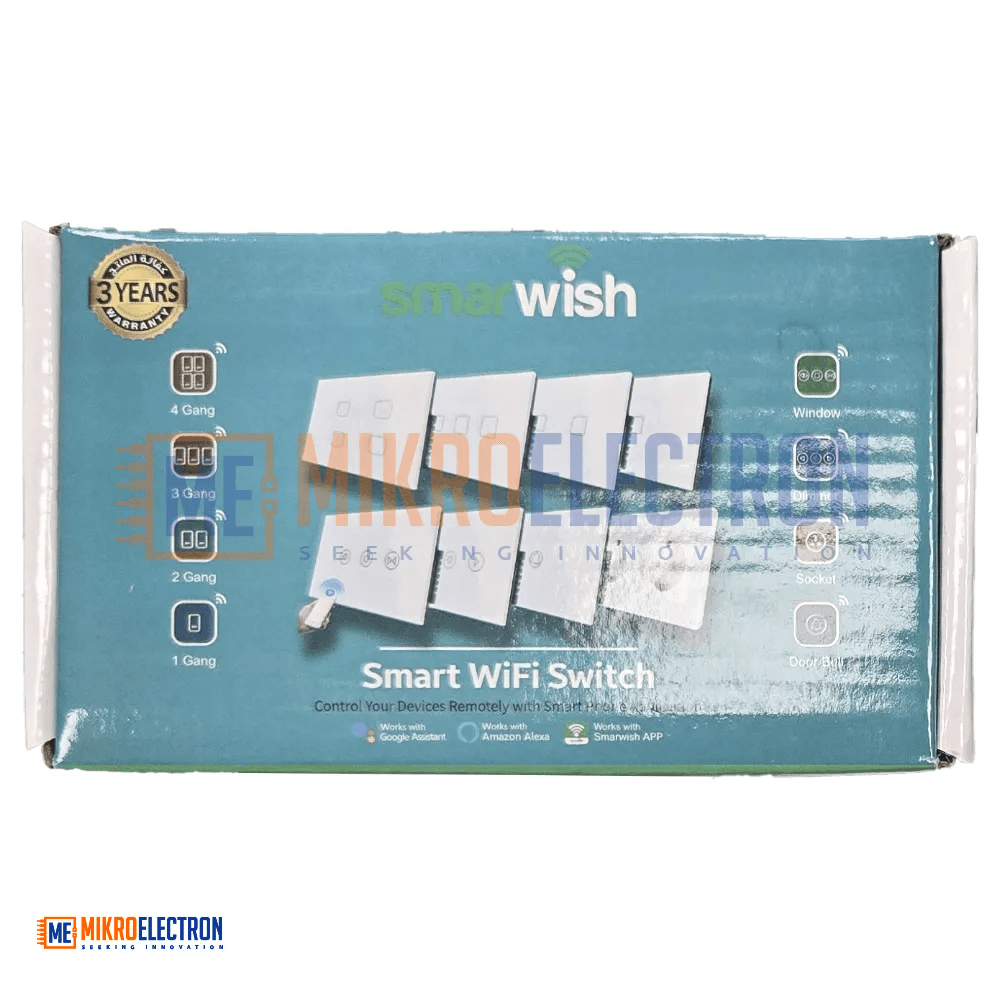
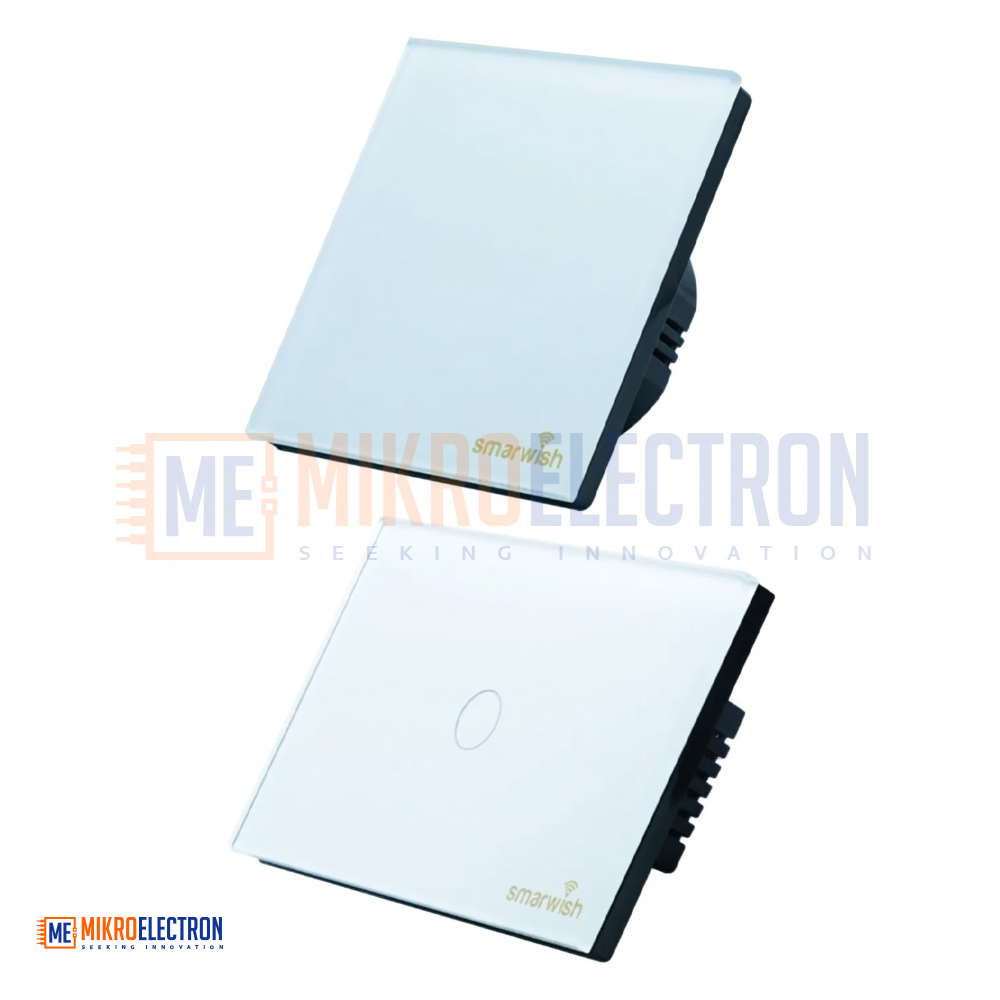
This series of Smart Wall Touch WiFi Switches lets users control lighting and appliances remotely through a smartphone app, available in two touch-panel shapes to suit different wall plate styles. Both switches support AC 100–220V input and handle loads of up to 1000W (32A), connecting directly to a home 2.4GHz WiFi network without needing a separate hub. They are compatible with iOS and Android devices, enabling on/off control, scheduling, and automation scenes from anywhere. With a sleek touch-sensitive glass panel, EU wall-mount installation, and reliable wireless performance, these switches are ideal for smart homes, offices, and energy-saving automation projects.
تتيح هذه السلسلة من مفاتيح الحائط الذكية باللمس عبر WiFi التحكم في الإضاءة والأجهزة الكهربائية عن بُعد من خلال تطبيق الهاتف الذكي، وتتوفر بشكلين مختلفين للوحة اللمس لتناسب أذواق التركيب المختلفة. يدعم كلا المفتاحين جهد دخل 100–220 فولت تيار متردد، ويتحمّل حملًا يصل إلى 1000 واط (32 أمبير)، ويتصل مباشرة بشبكة WiFi بتردد 2.4 جيجاهرتز دون الحاجة إلى وحدة تحكم إضافية (هَب). كما أنه متوافق مع أنظمة iOS وAndroid، مما يتيح التحكم بالتشغيل والإيقاف، وجدولة الأوقات، وإنشاء مشاهد تلقائية من أي مكان. بفضل لوحة اللمس الزجاجية الأنيقة، وطريقة التركيب على الحائط وفق المعيار الأوروبي، والأداء اللاسلكي الموثوق، تُعد هذه المفاتيح مثالية للمنازل الذكية، والمكاتب، ومشاريع الأتمتة الموفّرة للطاقة.
This product line covers two variants of a Smart Wall Touch WiFi Switch, designed to bring simple smartphone-based control to home and office lighting. Both switches share the same electrical performance and wireless technology, differing mainly in panel shape and aesthetic design, giving users a choice that fits their preferred wall-plate style.
Each switch features a touch-sensitive glass panel that replaces a traditional mechanical switch with a modern, elegant control surface. Beyond manual touch operation, both units connect directly to a 2.4GHz WiFi network (IEEE 802.11 b/g/n) — 5GHz networks are not supported — eliminating the need for an additional smart-home hub or bridge.
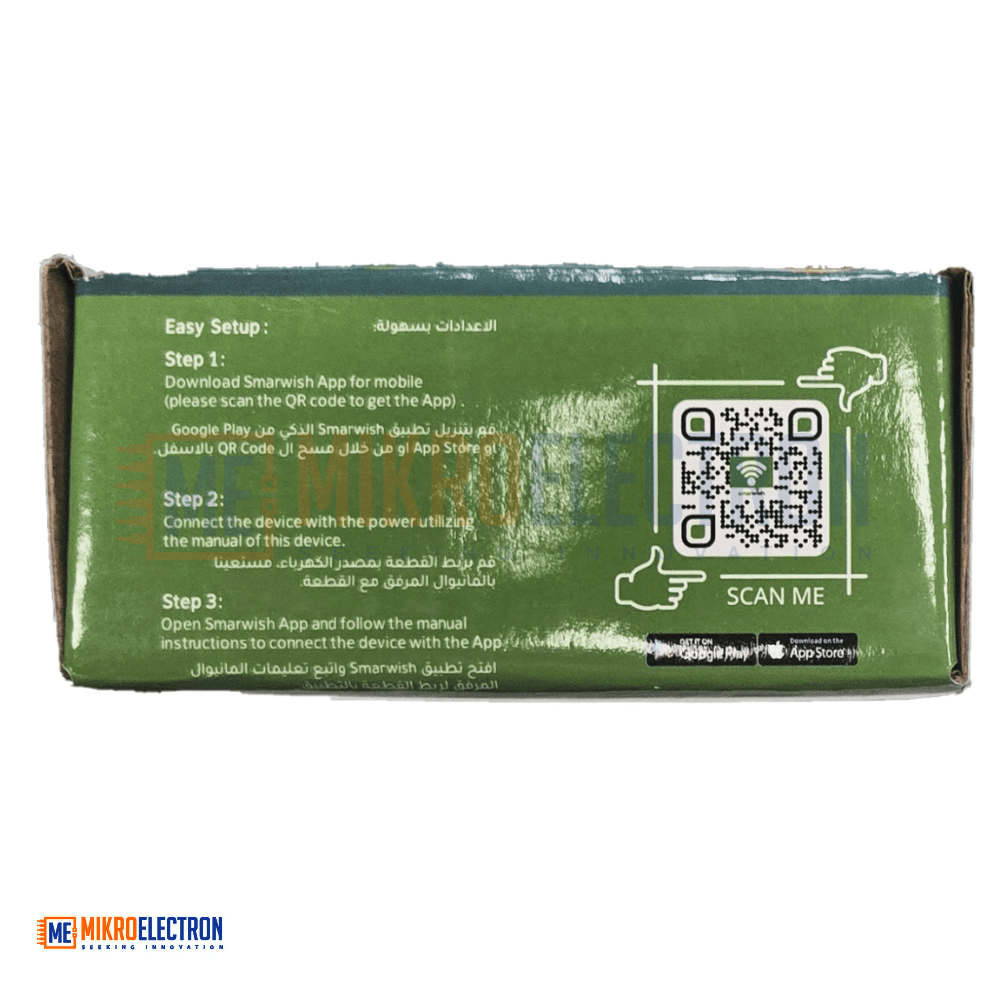
Through the dedicated mobile app on iOS or Android, users can turn connected lights or appliances on and off remotely, schedule timers, and build automation scenes, making these switches well suited for smart home setups, offices, and energy-conscious environments. Installation follows the EU wall-mounted standard, and each switch is rated to handle up to 1000W of load at 32A, operating from a wide AC 100–220V input range at 50Hz/60Hz.
Specifications
| Specification | Details |
|---|---|
| Type | Smart Wall Touch WiFi Switch |
| Panel Shape / Design | Available in standard and rectangle touch-panel styles |
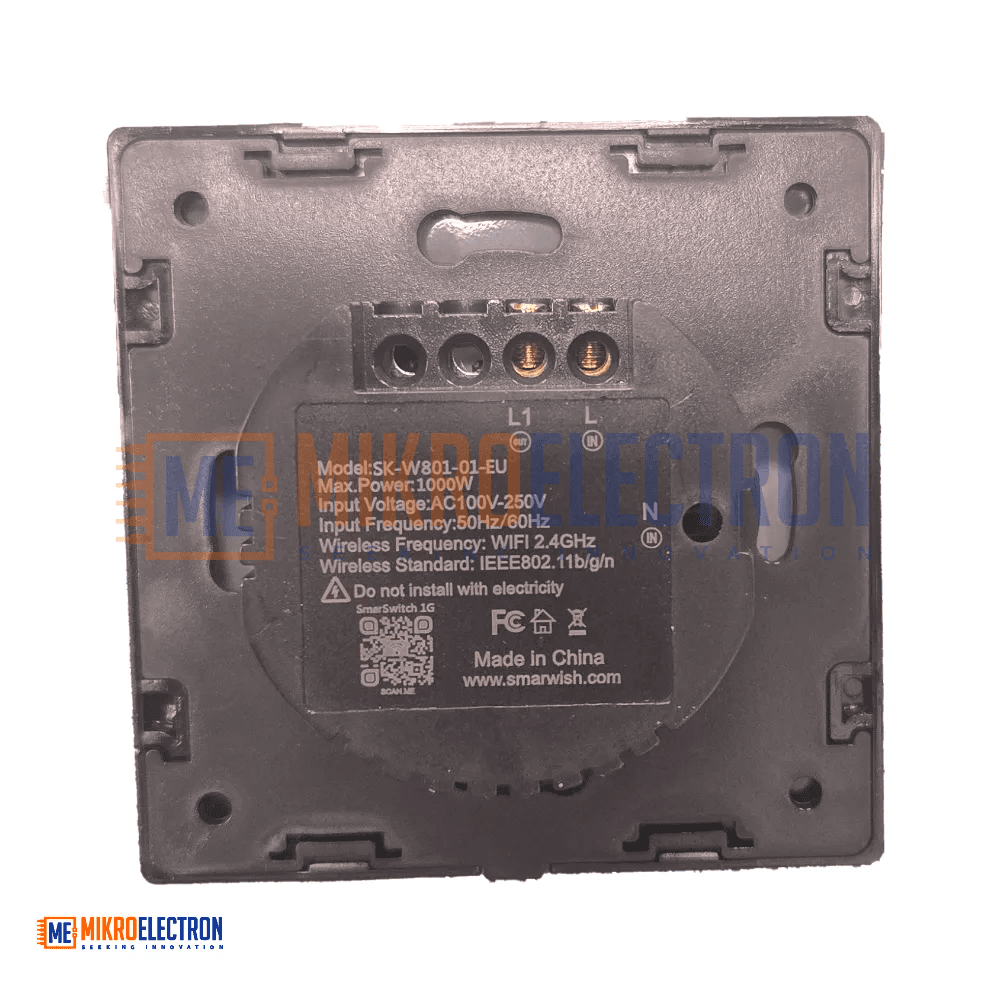
| Maximum Power | 1000W |
| Current | 32 A |
| Input Voltage | AC 100V–220V |
| Input Frequency | 50Hz / 60Hz |
| Wireless Frequency | 2.4GHz WiFi only (not compatible with 5GHz) |
| Wireless Standard | IEEE 802.11 b/g/n |
| App Compatibility | iOS and Android |
| Control Method | Touch panel + Mobile App |
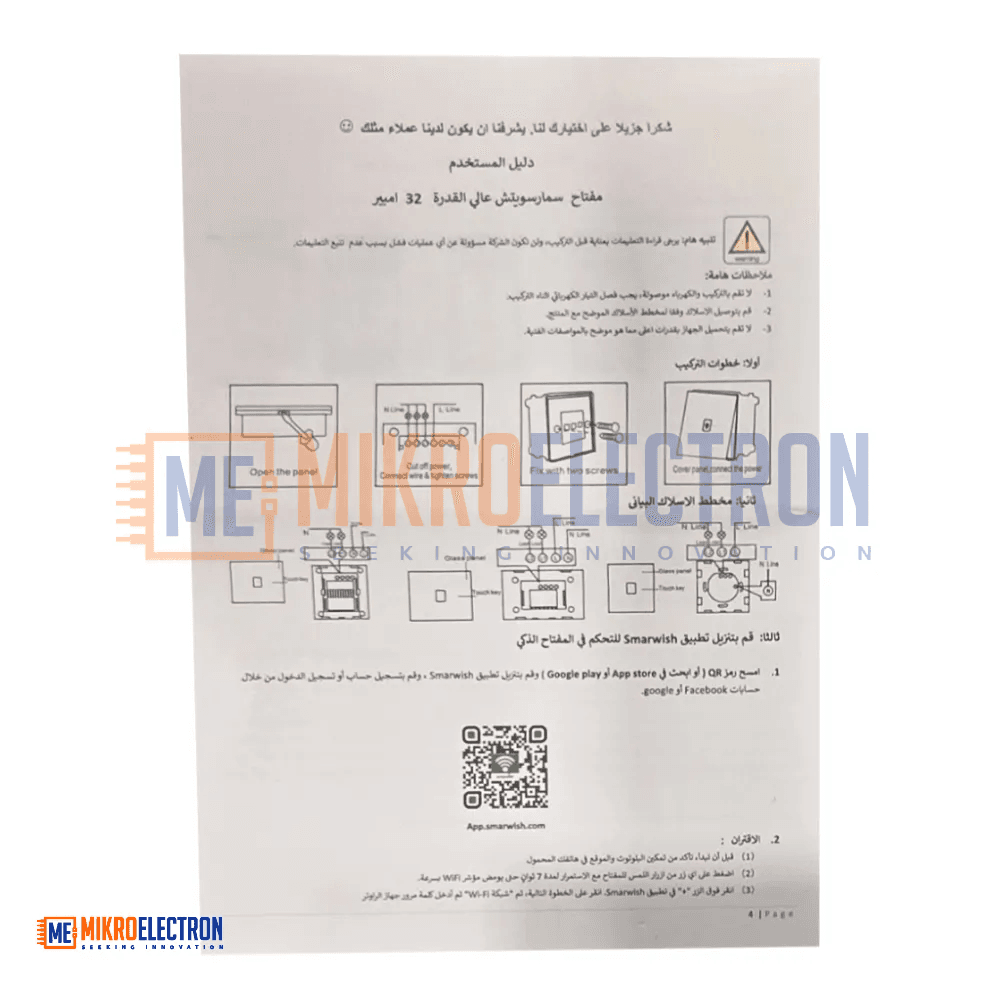
| Installation Type | Wall-mounted, EU standard |
Applications
- Smart home lighting control: turn lights on/off remotely from anywhere
- Office and commercial spaces: manage lighting circuits via smartphone
- Automation and scene creation: combine with other smart devices for custom routines
- Scheduled lighting: set timers for energy-saving and security purposes
- Energy-saving environments: reduce unnecessary power usage through remote scheduling
- Smart home integration projects: DIY and professional home automation setups
- Renovation and retrofit installs: replace traditional switches with a touch-based smart alternative