
Raspberry Pi LCD - 7" Touchscreen
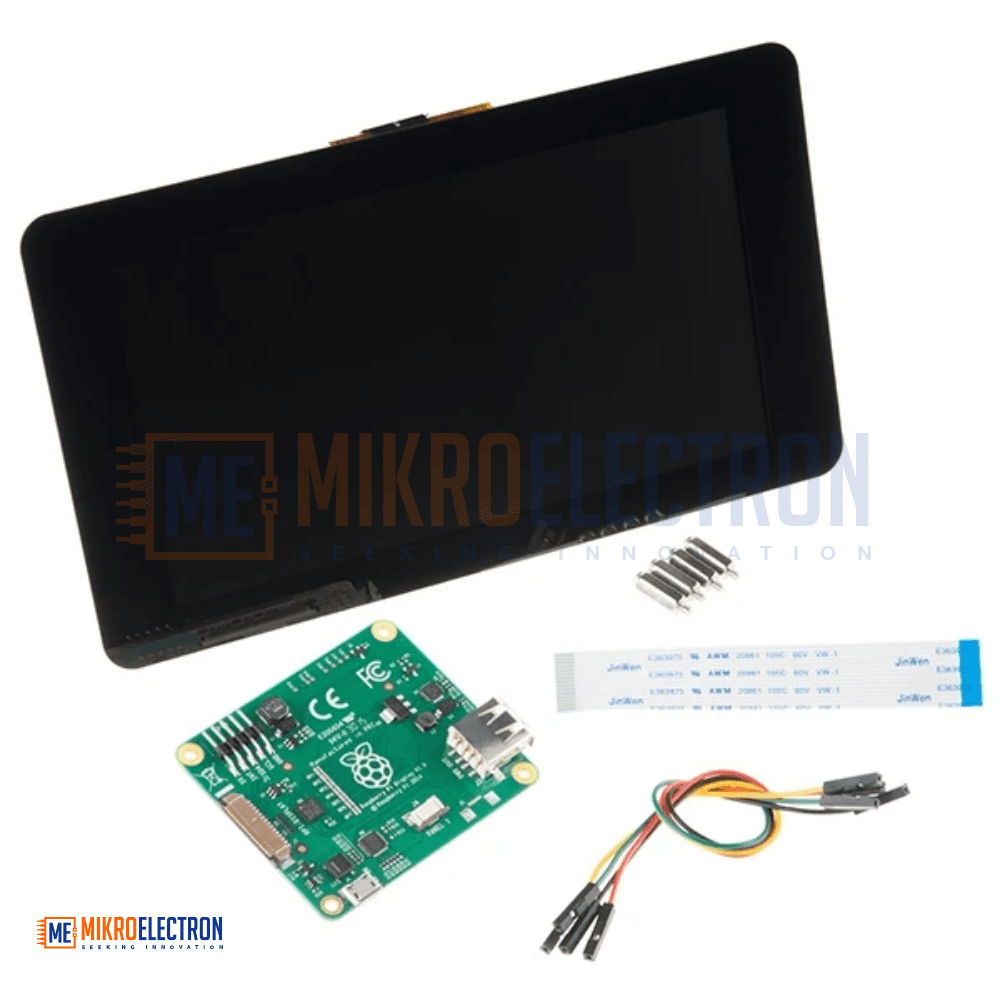
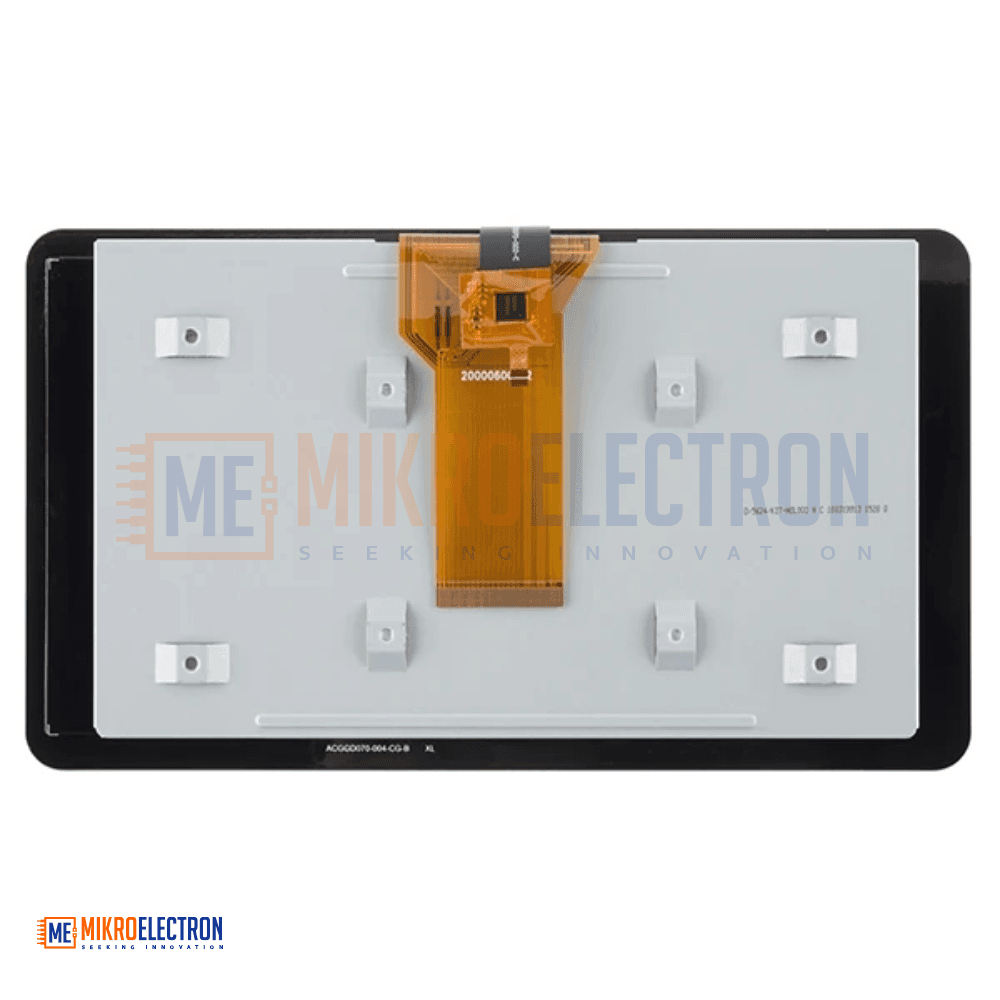
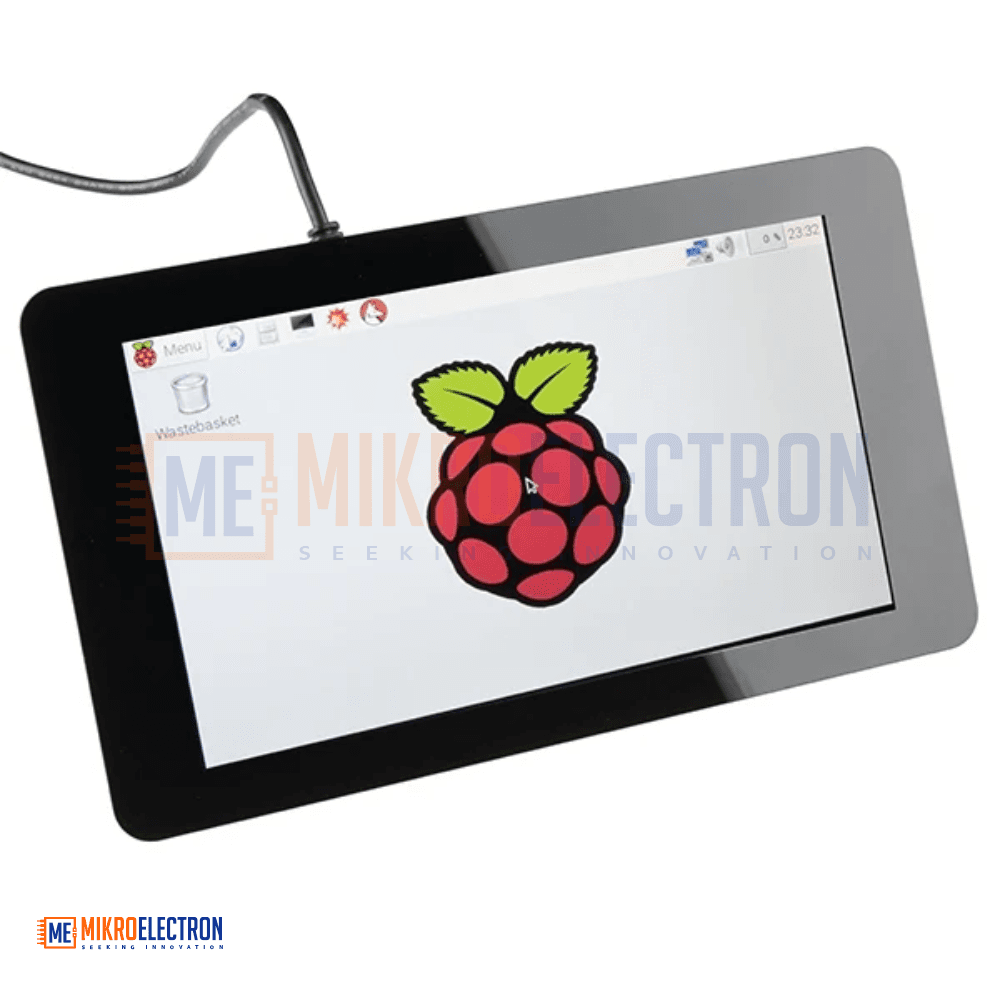
The Raspberry Pi 7" Touchscreen LCD lets you build a standalone device, custom tablet, or all-in-one interactive interface with your Raspberry Pi. It features a full-color 800 x 480 display at 60fps with 24-bit color and 10-finger capacitive touch. The display connects using only two connections: power from the GPIO port and a ribbon cable to the DSI port, with an included adapter board handling all power and signal conversion. Touchscreen drivers and an on-screen keyboard let you use the Pi without an external keyboard or mouse, making it ideal for IoT, home automation, and kiosk projects.
تتيح لك شاشة Raspberry Pi اللمسية مقاس 7 إنش بناء جهاز مستقل أو جهاز لوحي مخصص أو واجهة تفاعلية متكاملة باستخدام Raspberry Pi. تتميز بشاشة ملونة بدقة 800 × 480 بكسل وبمعدل 60 إطاراً في الثانية مع ألوان 24 بت ولمس سعوي يدعم 10 أصابع. تتصل الشاشة من خلال توصيلتين فقط: التغذية من منفذ GPIO وكابل شريطي إلى منفذ DSI، مع لوحة محوّل مرفقة تتولى جميع عمليات تحويل الطاقة والإشارات. وتتيح برامج تشغيل اللمس ولوحة المفاتيح الظاهرة على الشاشة استخدام Raspberry Pi دون الحاجة إلى لوحة مفاتيح أو فأرة خارجية، مما يجعلها مثالية لمشاريع إنترنت الأشياء والمنازل الذكية وأجهزة الاستعلام التفاعلية.
The Raspberry Pi 7" Touchscreen LCD gives you the ability to create a standalone device that can serve as a custom tablet or an all-in-one interactive interface for your next Raspberry Pi project.
High-Quality Touch Display
The screen offers a full-color 800 x 480 resolution at 60fps with 24-bit color and a 70-degree viewing angle. Its 10-finger capacitive touch support provides a smooth, responsive experience similar to a modern tablet.
Simple Two-Connection Setup
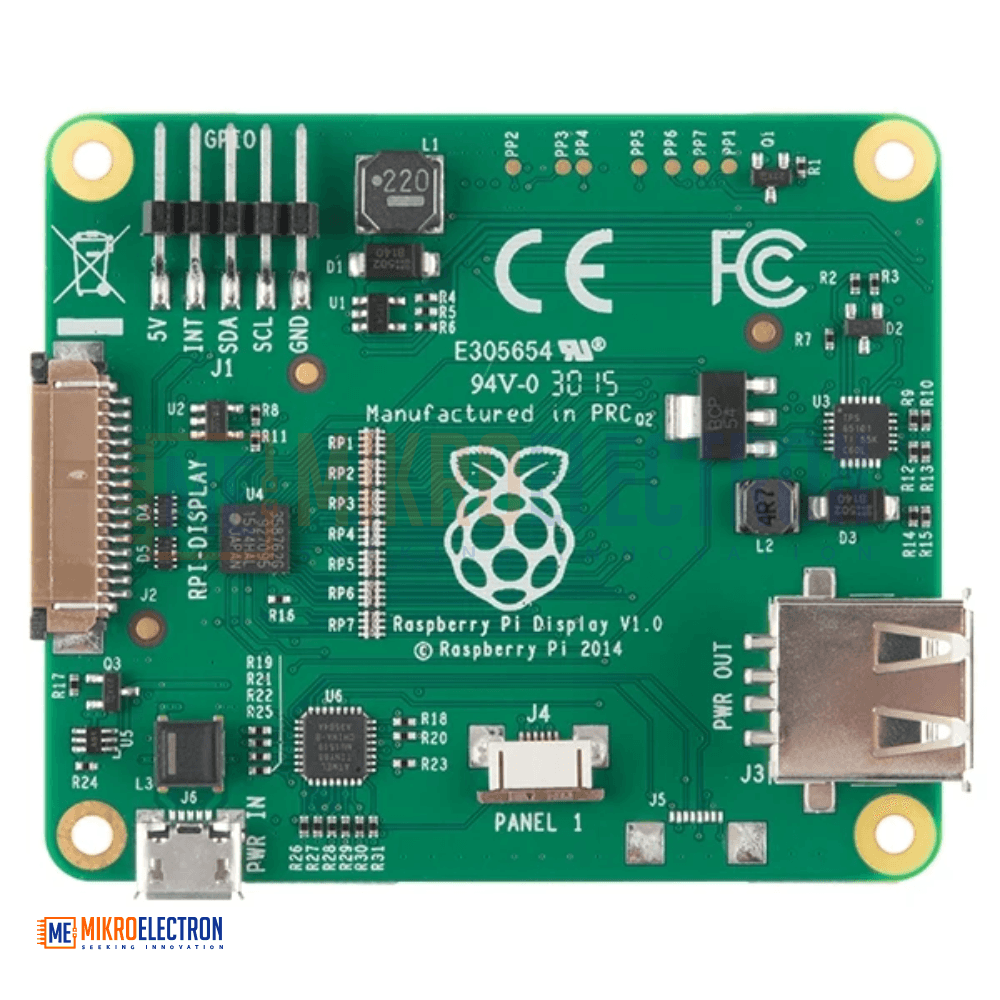
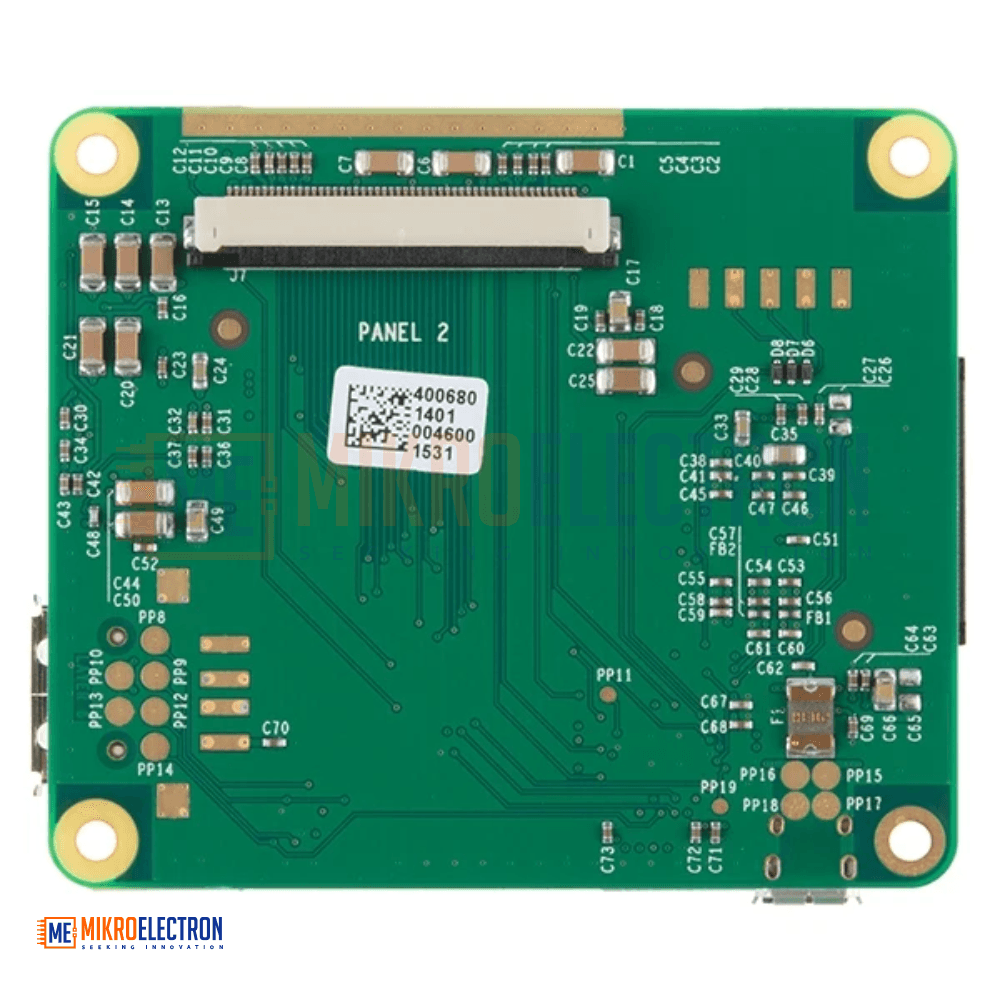
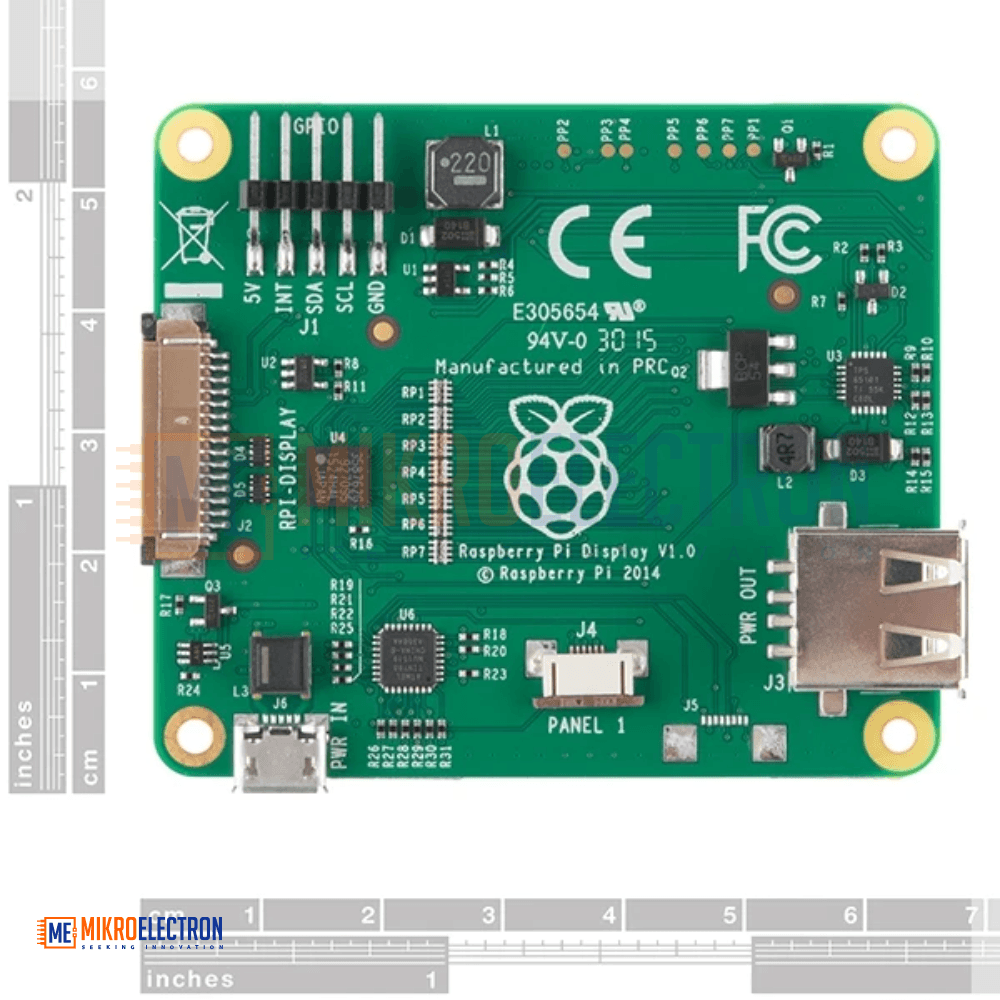
One of the best things about this display is how easy it is to connect. It requires only two connections to the Raspberry Pi: power from the Pi's GPIO port and a ribbon cable to the DSI port found on Raspberry Pi boards. The included adapter board powers the display and converts the display's parallel signals to the serial DSI interface used by the Pi.
No Keyboard or Mouse Needed
Touchscreen drivers with 10-finger touch support and an on-screen keyboard allow you to operate your Raspberry Pi without an external keyboard or mouse, making it perfect for compact and portable builds.
Build Your Own IoT Devices
By connecting your Pi and writing a simple Python script to interact with the display, you can create your own Internet of Things (IoT) devices with a visual interface, including home automation panels with touchscreen control.
Compatibility Note
The display is designed for use with the Raspberry Pi 3 and also works with the Model A+, B+, and Pi 2B. The latest version of Raspberry Pi OS (Raspbian) is required for the display to operate correctly. The display is not supported on the original Model A or Model B with older OS versions.
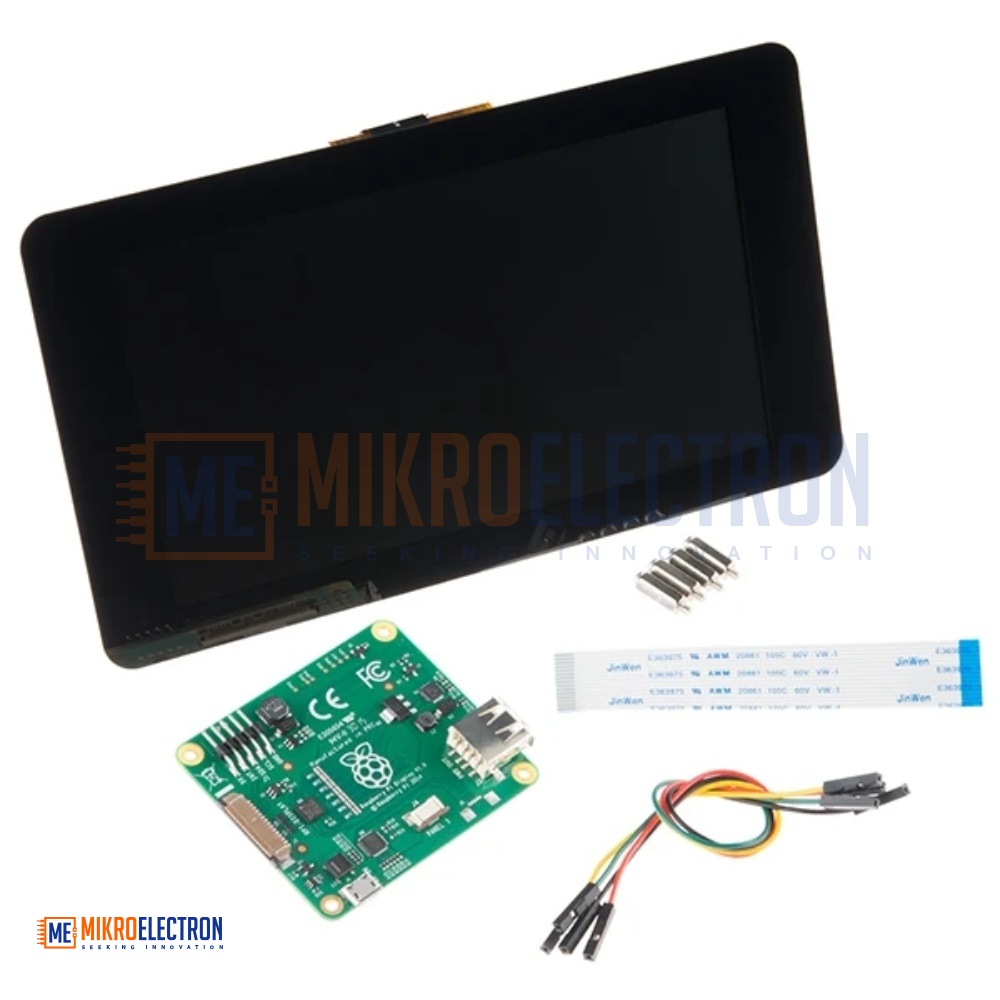
Kit Includes:
- 1x 7" Touchscreen Display
- 1x Adapter Board
- 1x DSI Ribbon Cable
- 4x Stand-offs and Screws
- 4x Jumper Wires
Specifications
| Parameter | Value |
|---|---|
| Display Size | 7 inch |
| Display Type | Full-color LCD |
| Resolution | 800 x 480 pixels |
| Refresh Rate | 60 fps |
| Color Depth | 24-bit |
| Touch Type | Capacitive, 10-finger multi-touch |
| Viewing Angle | 70 degrees |
| Overall Dimensions | 194 mm x 110 mm x 20 mm (including standoffs) |
| Viewable Screen Area | 155 mm x 86 mm |
| Interface | DSI (via ribbon cable) |
| Power Source | Raspberry Pi GPIO port |
| Adapter Board | Power supply and parallel-to-DSI signal conversion |
| Compatible Boards | Raspberry Pi 3, Pi 2B, Model A+, Model B+ |
| OS Requirement | Latest Raspberry Pi OS (Raspbian) |
Applications
- Custom tablets and portable computing devices
- Home automation control panels
- IoT dashboards and monitoring displays
- Interactive kiosks and information terminals
- Smart mirrors and digital photo frames
- Media centers and music controllers
- Industrial HMI and machine control interfaces
- Weather stations and data visualization displays
- Educational projects and Python programming labs