
Arduino UNO Q Development Board ( Official )
Please select an option to see price and availability
Select Option
 2GB
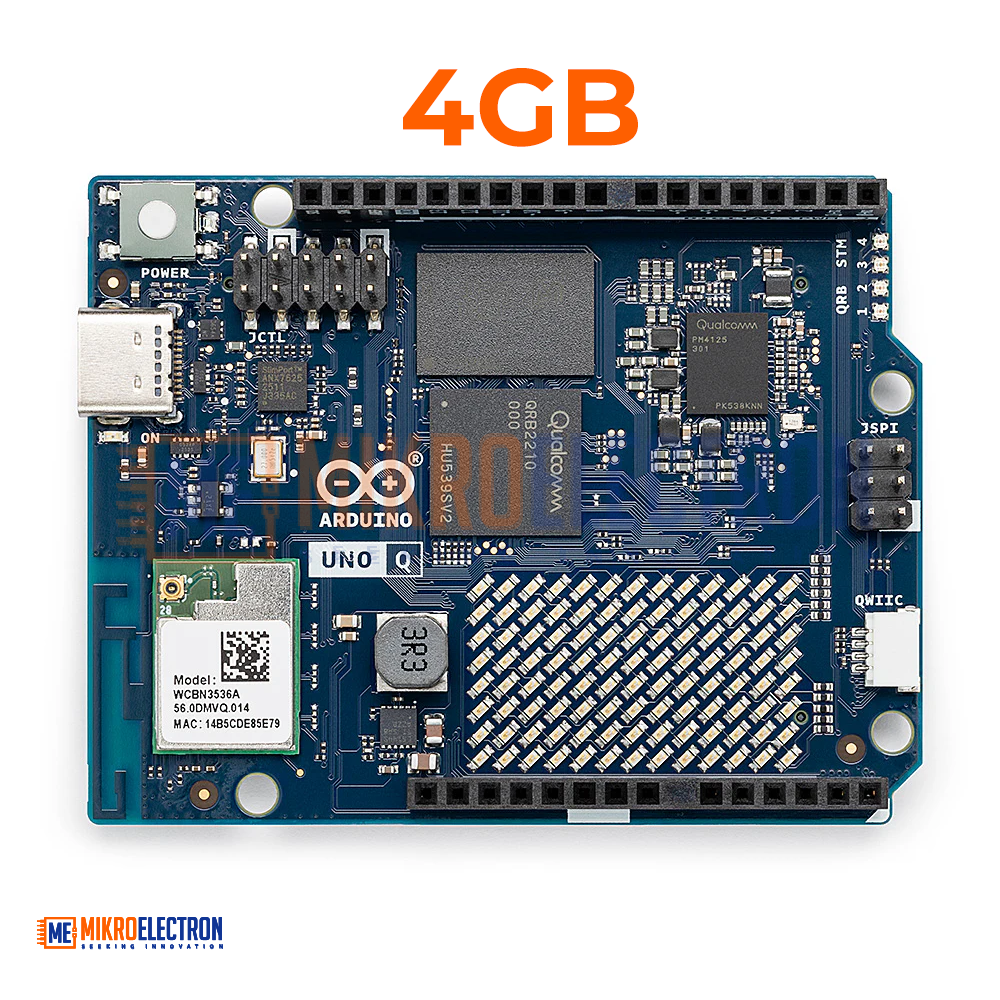 4GB
Arduino UNO Q 2GB OR 4GB [ABX00173] - Hybrid Board, Qualcomm Dragonwing QRB2210 microprocessor (MPU) & STM32U585 Microcontroller(MCU), AI Vision, Voice, IoT, Robotics, Linux Debian OS, Wi-Fi 5, USB-C
The Arduino UNO Q 2GB is a powerful hybrid single-board computer combining a Qualcomm Dragonwing QRB2210 quad-core processor with an STM32U585 real-time microcontroller. Featuring 2GB OR 4GB RAM, 32GB eMMC storage, dual-band Wi-Fi, and Bluetooth 5.1, it runs Linux Debian OS while maintaining full Arduino compatibility. Designed for AI, robotics, and IoT prototyping, it supports Python, Arduino sketches, and containerized AI models through the Arduino App Lab environment.
Arduino UNO Q 2GB OR 4GB لوحة تطوير هجينة متكاملة تجمع بين معالج Qualcomm رباعي النواة بتردد 2.0 GHz ومتحكم STM32U585 للتطبيقات الفورية. تحتوي على 2/4GB رام و32GB تخزين داخلي، وتدعم Wi-Fi ثنائي النطاق وBluetooth 5.1. تعمل بنظام Linux Debian مع الحفاظ على التوافق الكامل مع نظام Arduino، مما يجعلها مثالية لمشاريع الذكاء الاصطناعي، الروبوتات، وإنترنت الأشياء.
Arduino® UNO™ Q 2GB OR 4GB hybrid design makes it the perfect dual-brain platform for your next innovation. It combines a Linux® Debian-capable Qualcomm® Dragonwing™ QRB2210 microprocessor with a real-time STM32U585 microcontroller (MCU). It’s Arduino, it’s a computer, it’s anything you want to build.
This variant of Arduino UNO Q features 2GB OR 4GB of RAM and 32 GB of eMMC, making it the best choice if:
- You intend to use UNO Q in single-board computer (SBC) mode.
- Your application requires running multiple, simultaneous high-level processes.
- You plan to use larger, more complex AI or machine learning models (such as high-resolution computer vision or sophisticated audio processing).
- You need substantial built-in storage for logs and data, and/or a robust development environment.
Arduino UNO Q is the go-to tool to prototype your next robotics or IoT project, thanks to:
- All-in-one toolbox: Arduino UNO Q combines the powerful Dragonwing™ QRB2210 microprocessor (MPU) with a real-time STM32U585 microcontroller (MCU) – no matter what you’re building, it’s your new go-to tool!
- AI in a blink: unlock AI-powered vision and sound solutions that react to their environment.
- Arduino support and developer tools including libraries, sketches, and projects developed for the UNO ecosystem by millions of users
- Compatible with the Arduino UNO ecosystem: UNO Q works with a wide range of Arduino hardware, from classic UNO shields to new carriers, and includes a Qwiic connector for Modulino® nodes and third-party modules.
- Streamlined software experience: in addition to Arduino IDE and Arduino Cloud, you can jumpstart development with plenty of pre-built examples and AI models available through Arduino App Lab.
- Seamless, unified development: build classic Arduino Sketches, code in Python® thanks to the pre-installed Linux® Debian OS, or mix the two from a single interface – it’s easy, with Arduino App Lab.
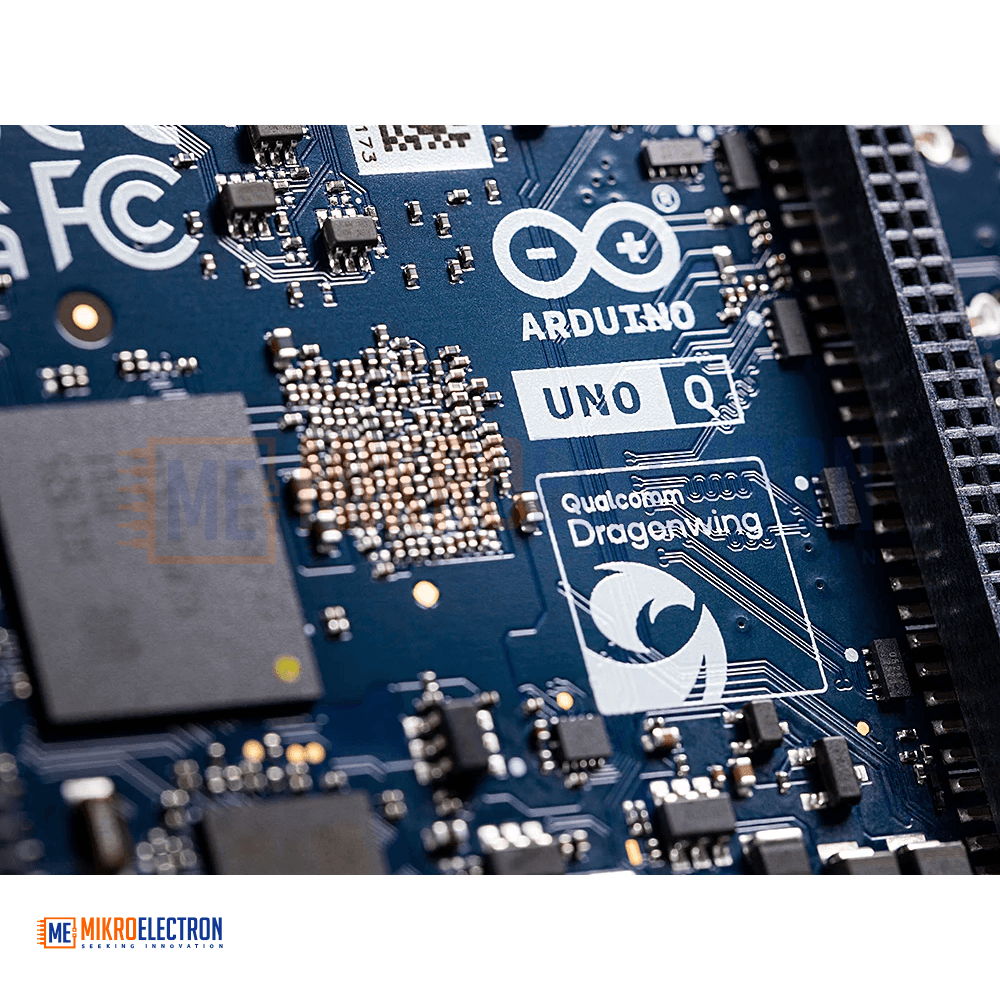
Powered by Qualcomm Dragonwing QRB2210
Your UNO Q is a compact, cost-effective platform with advanced features like machine vision – thanks to the integrated AI and GPU acceleration, quad-core 2.0 GHz CPU, Adreno GPU, 2x ISP, and support for camera, display, and audio provided by the Dragonwing QRB2210.
Advanced features
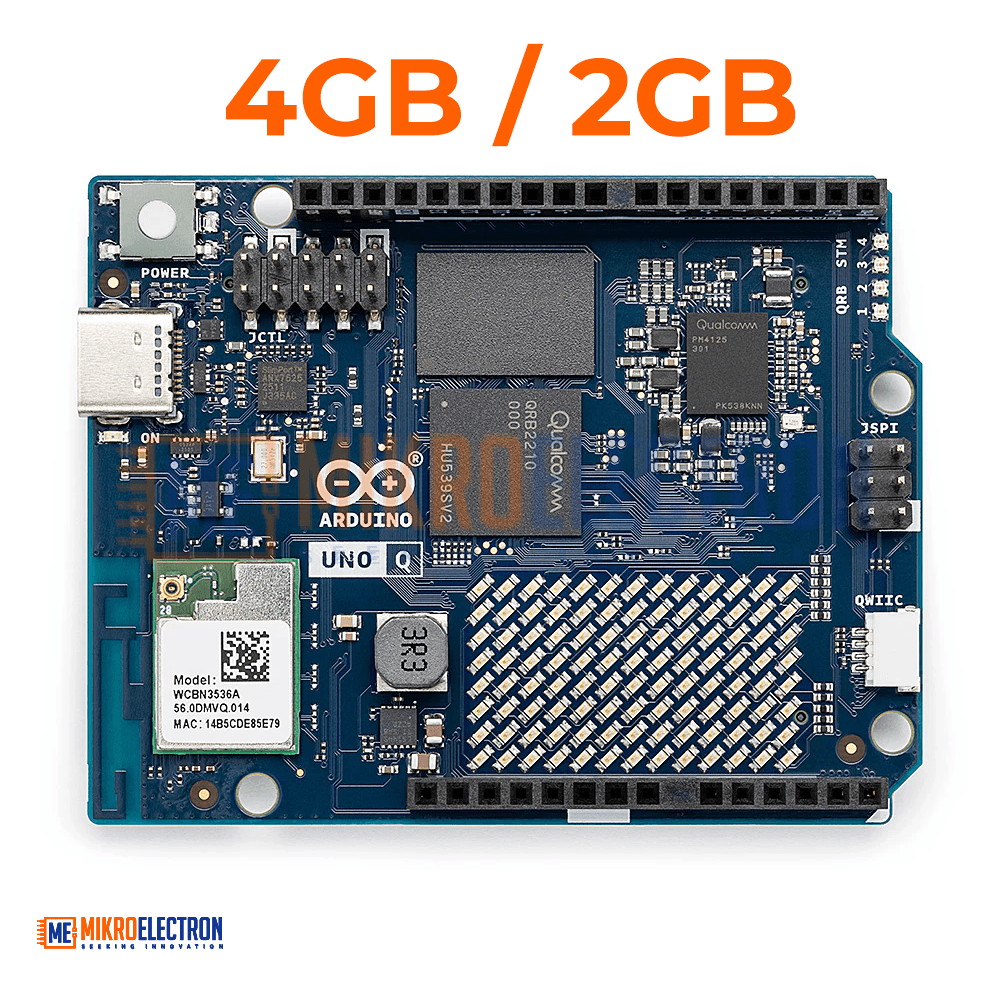
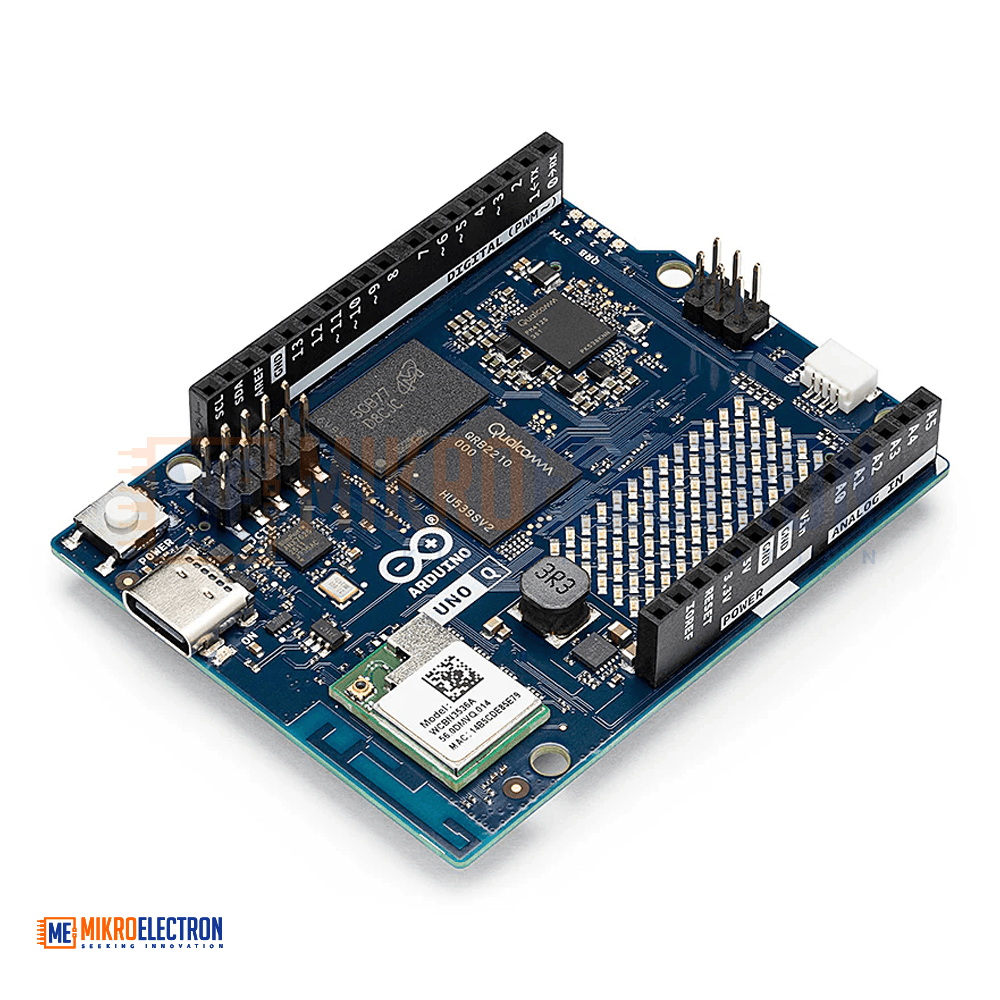
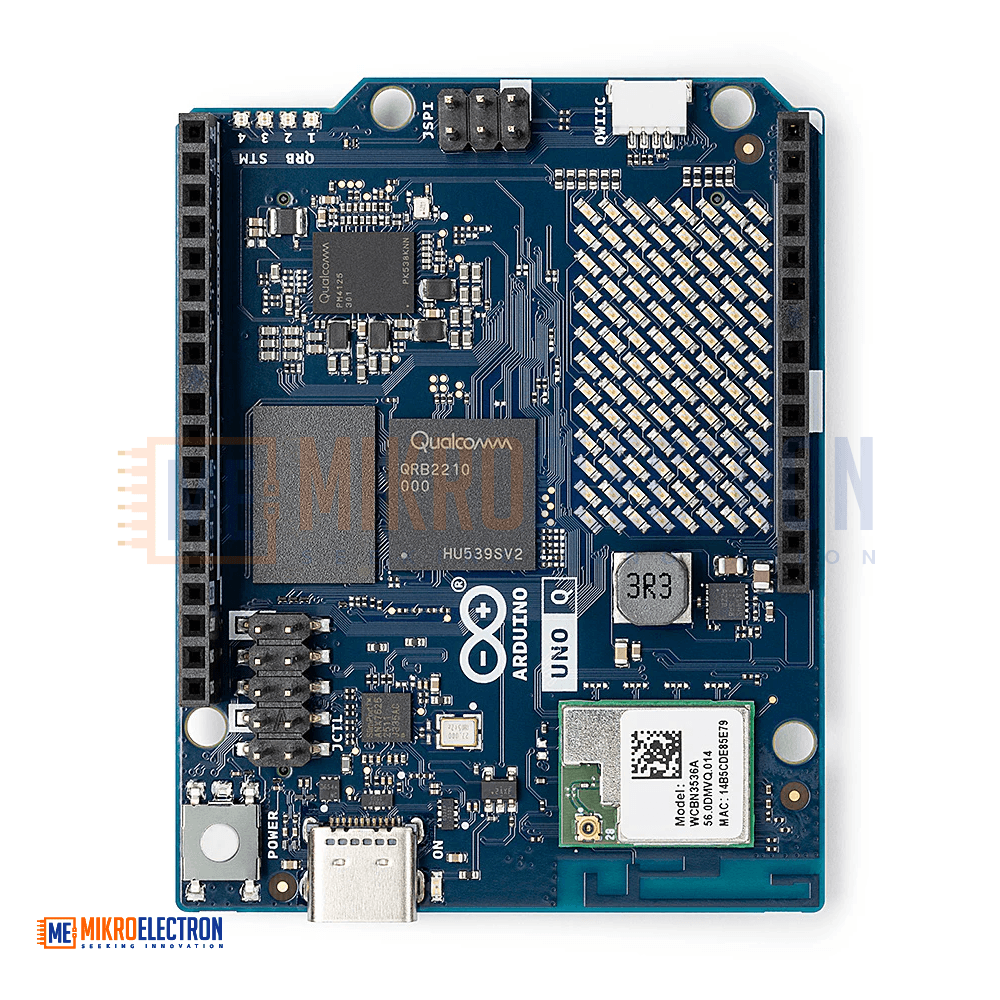
- Microprocessor: Qualcomm® Dragonwing™ QRB2210
- Microcontroller: Real-time, low-power STM32U585 MCU
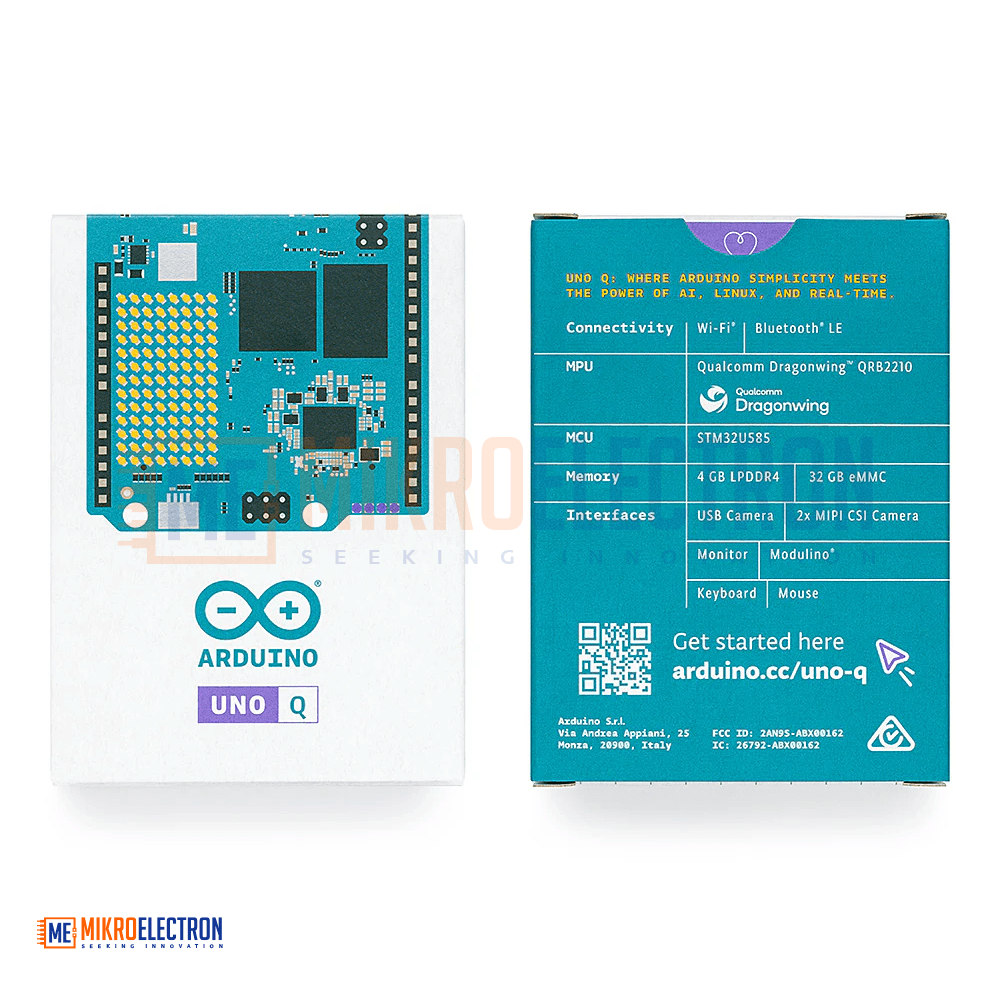
- RAM: 2GB OR 4GB LPDDR4
- Storage: 32 GB eMMC built-in (no SD card required)
- Connectivity: Dual-band Wi-Fi® 5 (2.4/5 GHz), Bluetooth® 5.1
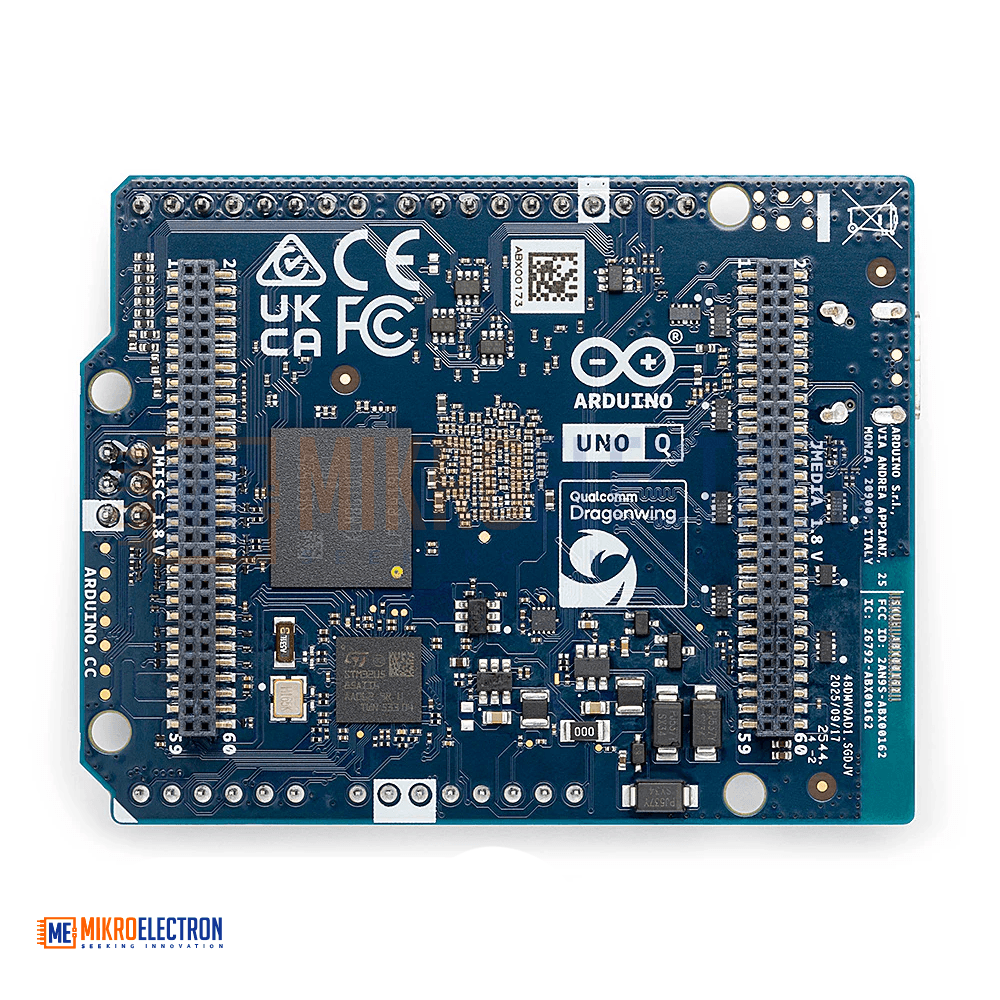
- High-speed headers: Power advanced peripherals – vision, audio, display
- Classic UNO headers: Mount shields to add capabilities
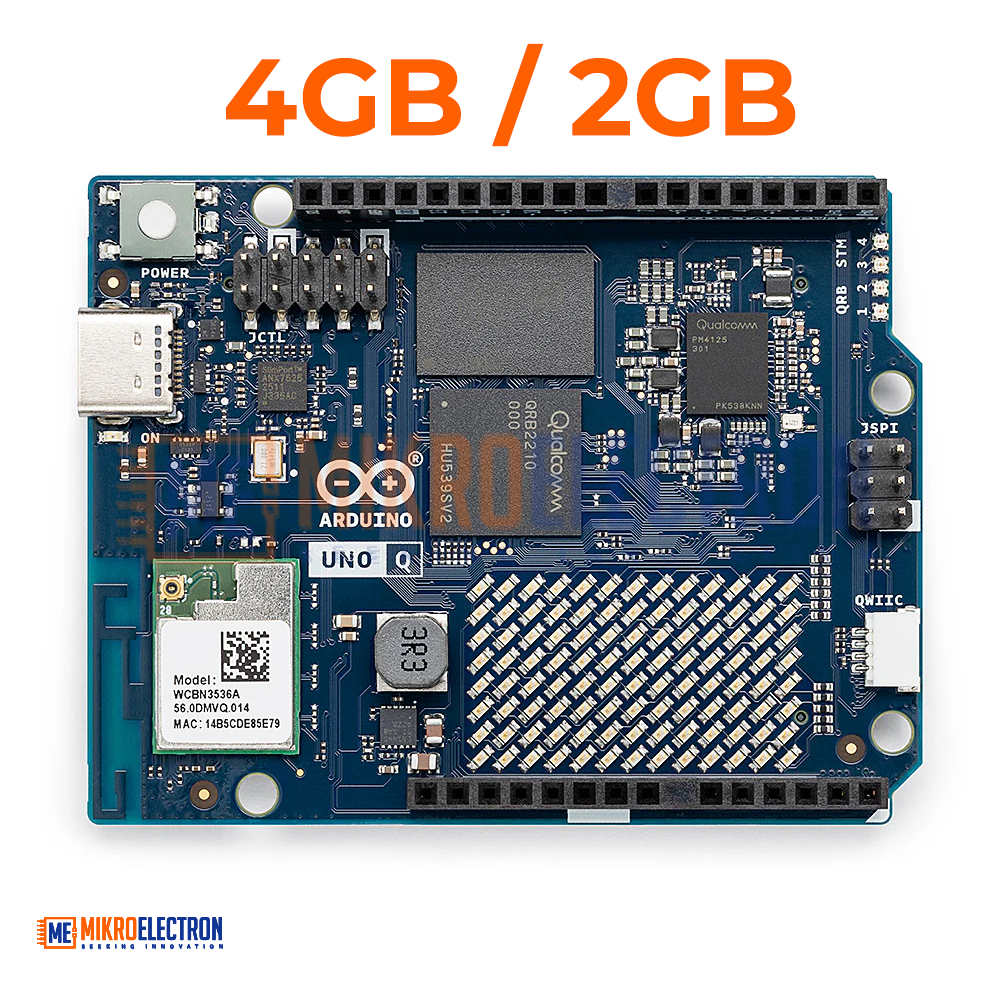
- LED matrix: 8 x 13 LED matrix for visual creation and feedback
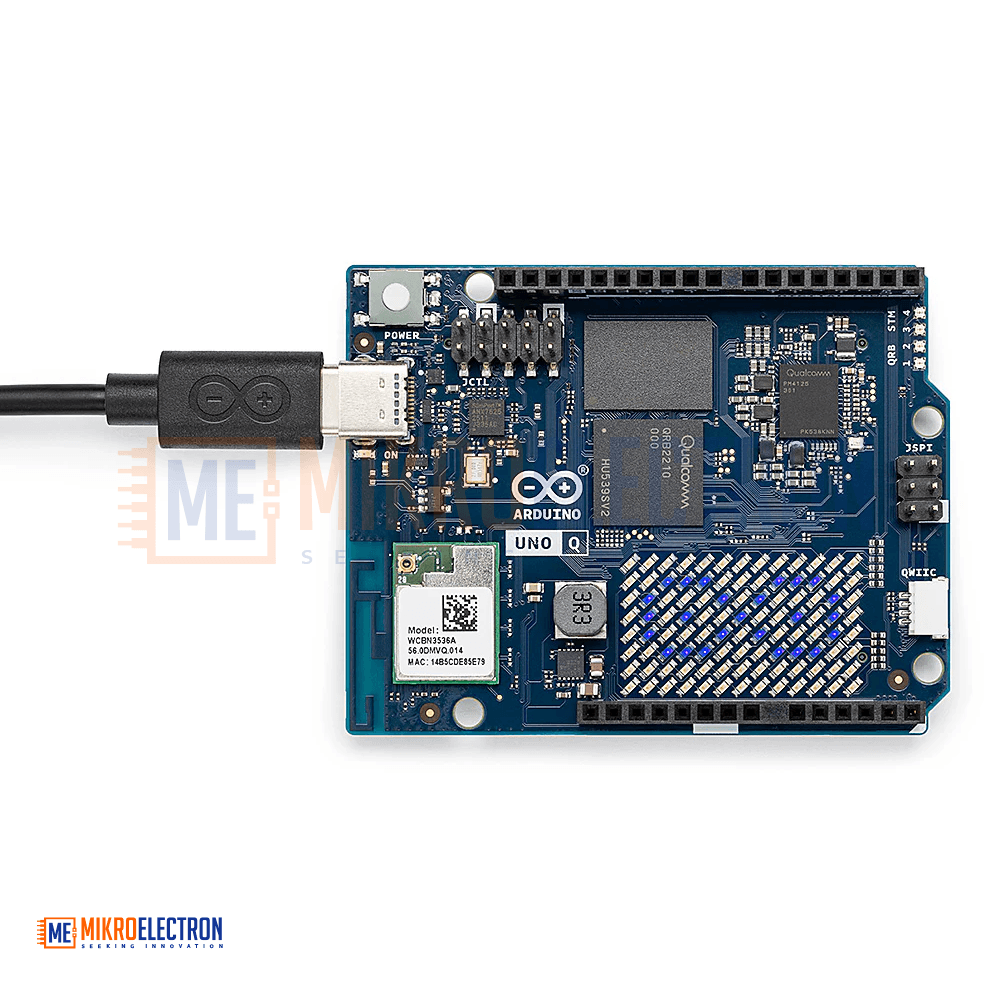
- USB-C connector: Power delivery, video output, or connect keyboard, mouse, USB microphones or USB cameras via dongle
- Qwiic connector: Expand easily with Modulino® nodes – no soldering required
UNO Q empowers innovators to turn ideas into real-world solutions. Whether you’re experimenting with IoT, learning robotics, or diving into AI, your next idea starts with Q.
Tech specs
| Microprocessor (MPU) | Qualcomm Dragonwing™ QRB2210: Quad-core Arm® Cortex®-A53 @ 2.0 GHz Adreno GPU 3D graphics accelerator 2x ISP (13 MP + 13 MP or 25 MP) @ 30 fps |
| Microcontroller (MCU) | STM32U585 Arm® Cortex®-M33 up to 160 MHz 2 MB flash memory 786 KB SRAM |
| RAM | 2GB OR 4GB LPDDR4 |
| Power Supply | From USB-C connector 5 V max at 3 A Input Voltage (VIN): 7-24 V |
| Storage | 32GB eMMC |
| USB | 1× USB-C port with host/device role switching, power role switch and video output |
| Connectivity | Wi-Fi® 5 2.4/5GHz with onboard antenna Bluetooth® 5.1 with onboard antenna |
| Interfaces | I2C/I3C SPI PWM CAN UART PSSI GPIO JTAG ADC |
| Video | Video output support via USB-C MIPI DSI pins on JMEDIA header |
| Extra | 4× RGB user-controllable LEDs 8x13 Blue LED Matrix 1x Qwiic connector voltage 3V3, I2C 1x User push-button JCTL: MPU Remote Debug connector |
| Audio | Microphone IN / Headphone OUT / Line OUT on JMISC |
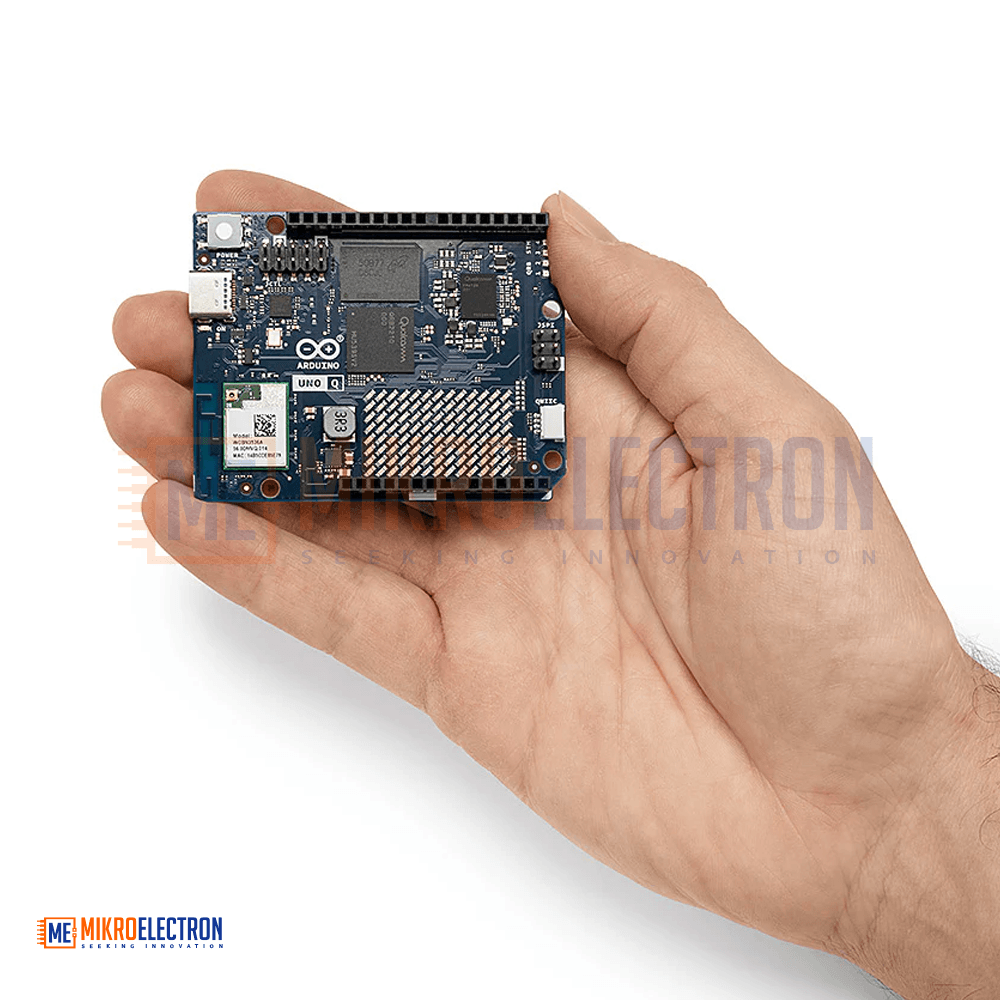
| Dimensions | 68.85 mm x 53.34 mm (UNO form factor) |
| MPU Operating System | Linux Debian OS with upstream support |
| Real-time Operating System | Arduino Core on Zephyr OS |
| Containerization | Docker and Docker Compose support |
| Support Operating Systems for Arduino App Lab | Windows: Windows 10 or later (64-bit) macOS: macOS 11 or later (64-bit) Linux: Ubuntu 22.04 or later, and Debian Trixie (64-bit) |
What is Arduino App Lab?
- Unified Dev Experience
App Lab is a brand-new integrated development environment that unifies the journey across Linux® and real-time OS.
Preloaded on the UNO Q, App Lab combines Arduino Sketches, Python® scripts, and containerized AI models into fully integrated applications all managed from a single interface. - Ready-to-use Apps and Bricks
Get started fast with Arduino Apps, self-contained examples with everything you need. Add plug-and-play features to your projects with pre-built Bricks to accelerate your ideas even more. - Pre-loaded AI Models
With pre-loaded AI models in Arduino App Lab, you can leverage the real-world data for a wide range of capabilities such as object/human detection, anomaly detection, image classification, sound recognition, and keyword spotting.
Applications
- Artificial Intelligence — Computer vision, sound recognition, object detection, image classification & anomaly detection
- Robotics — Real-time motor control combined with high-level AI processing
- IoT Projects — Smart sensors, data logging, and cloud connectivity
- Machine Learning — Run complex ML models with GPU acceleration
- Audio/Video Processing — Camera ISP support (up to 25MP), microphone input, display output
- Education & Prototyping — Compatible with millions of existing Arduino libraries and shields
- Industrial Monitoring — CAN bus, UART, SPI, I2C interfaces for professional-grade applications