

Pulse Sensor (SparkFun Original)
Out Of Stock
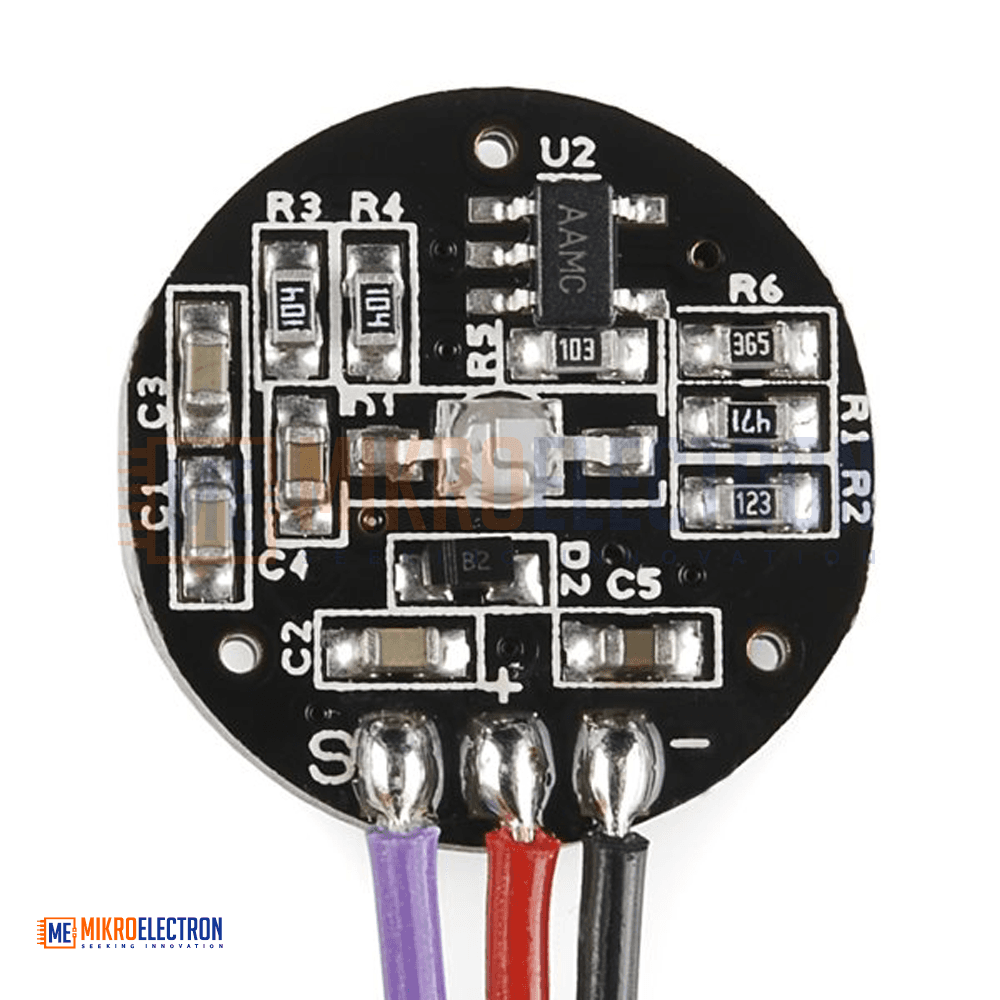
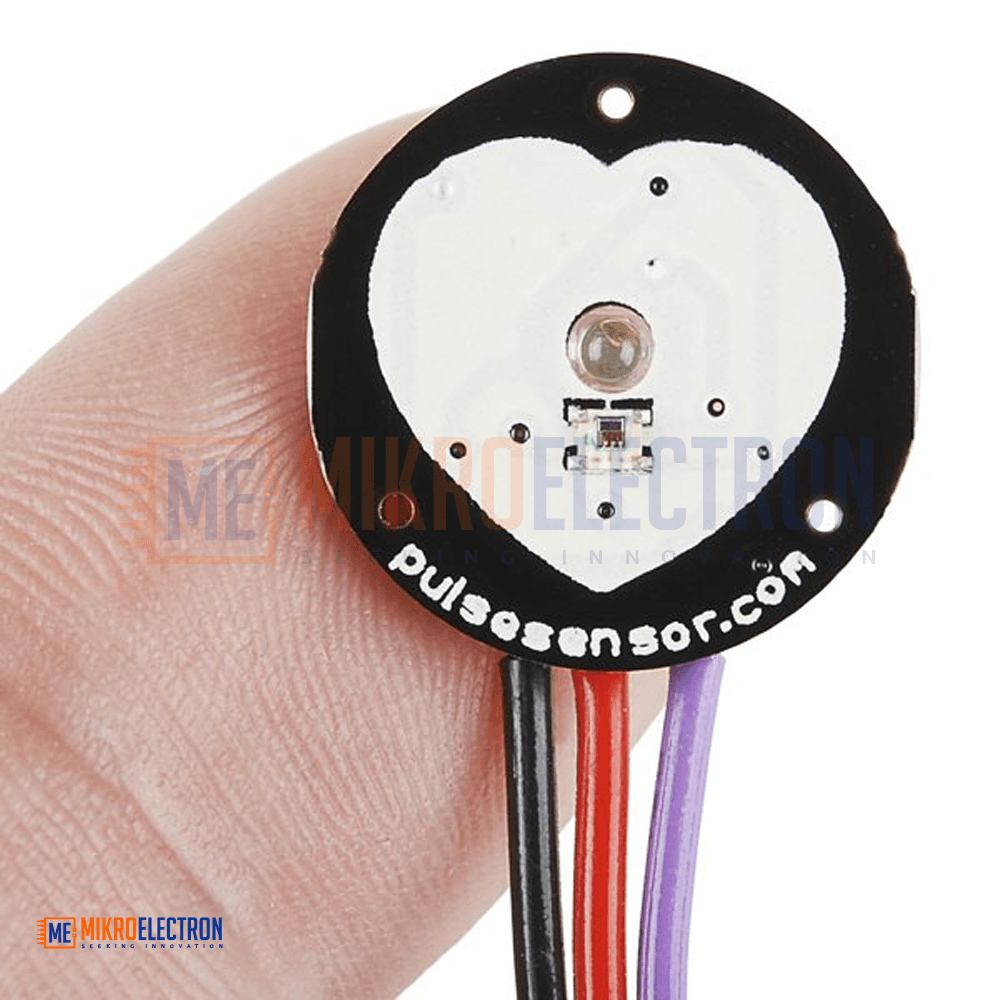
The SparkFun Pulse Sensor is a compact and easy-to-use heart rate monitoring sensor designed for Arduino and other microcontroller platforms. Using optical sensing technology, it detects pulse signals from a fingertip or earlobe and converts them into reliable heart rate data. Integrated amplification and noise reduction circuitry provide accurate readings while minimizing signal interference. With low power consumption and simple plug-and-play connectivity, the sensor is ideal for students, makers, athletes, researchers, and developers. It can be used in wearable electronics, fitness monitoring, educational projects, biomedical experiments, and interactive applications that require real-time heart rate measurement.
يُعد مستشعر النبض SparkFun Pulse Sensor حلاً بسيطًا وفعالًا لقياس معدل ضربات القلب باستخدام منصات الأردوينو والمتحكمات الدقيقة الأخرى. يعتمد على تقنية الاستشعار الضوئي لاكتشاف نبضات القلب من الإصبع أو شحمة الأذن وتحويلها إلى بيانات رقمية دقيقة. يحتوي على دوائر مدمجة لتضخيم الإشارة وتقليل التشويش، مما يضمن قراءات مستقرة وموثوقة. يتميز بسهولة التركيب والتوصيل المباشر دون الحاجة إلى لحام، إضافة إلى استهلاك منخفض للطاقة. يناسب المشاريع التعليمية، والأجهزة القابلة للارتداء، وأنظمة اللياقة البدنية، والتطبيقات التفاعلية، والأبحاث الطبية الحيوية التي تتطلب مراقبة معدل نبض القلب في الوقت الحقيقي.
The SparkFun Original Pulse Sensor is a plug-and-play optical heart rate monitoring module designed to simplify pulse detection and heart rate measurement for electronics and embedded system projects. By combining an optical pulse sensor with integrated amplification and noise-cancellation circuitry, the device delivers accurate and stable pulse readings without requiring complex signal conditioning.
The sensor detects changes in blood flow beneath the skin and converts them into an analog signal that can be processed by Arduino boards and other compatible microcontrollers. Its low power consumption makes it suitable for portable and battery-powered applications, including wearable devices and mobile health monitoring systems.
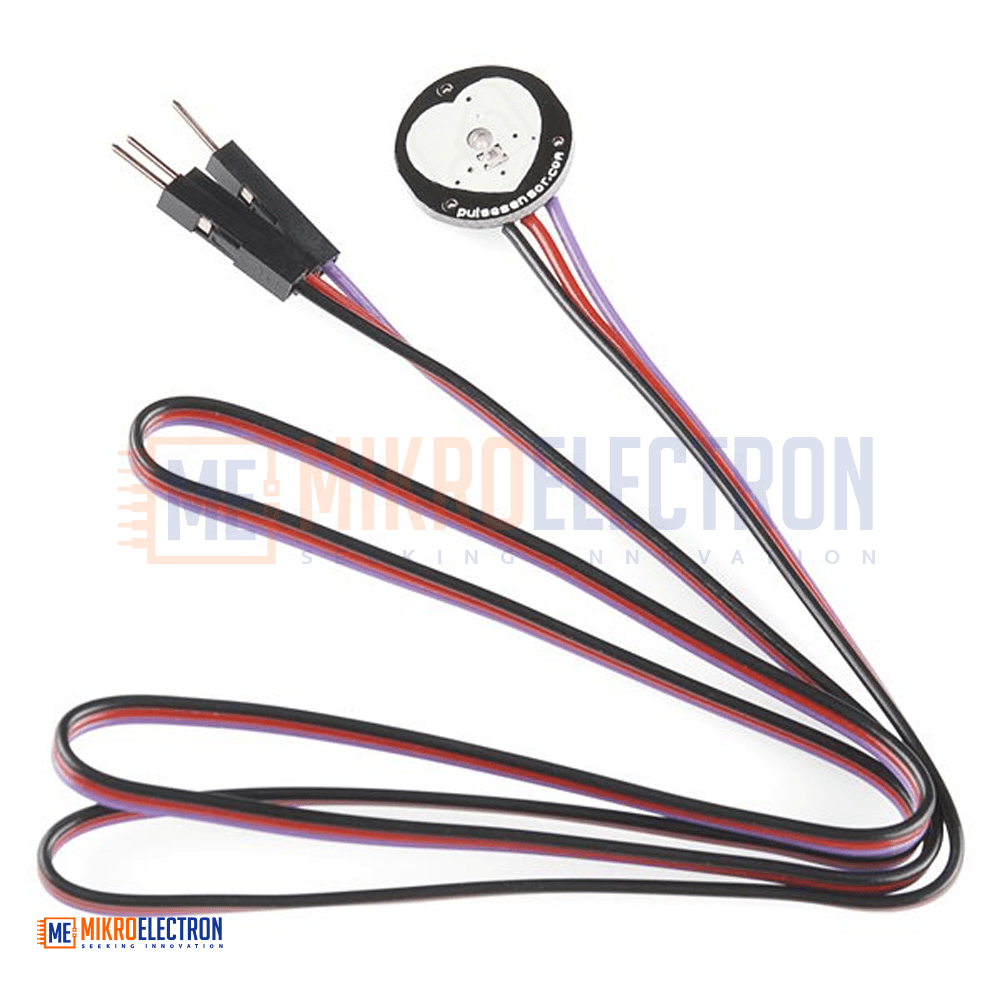
Designed for convenience, the sensor can be attached to a fingertip or earlobe using the included accessories. The pre-wired cable with standard male headers allows direct connection to development boards without soldering. Example Arduino code and visualization software are available to help users quickly integrate heart rate monitoring into their projects.
The Pulse Sensor is widely used in educational, fitness, biomedical, interactive art, gaming, and research applications where real-time heart rate data is required.
Specifications
Product Type: Optical Heart Rate Sensor
Brand: SparkFun Original
Measurement Method: Optical Pulse Detection
Output Type: Analog Signal
Operating Voltage: 3V – 5V DC
Current Consumption: Approximately 4mA at 5V
Connection Type: Standard Male Headers
Cable Length: 24 Inches (Approx. 61 cm)
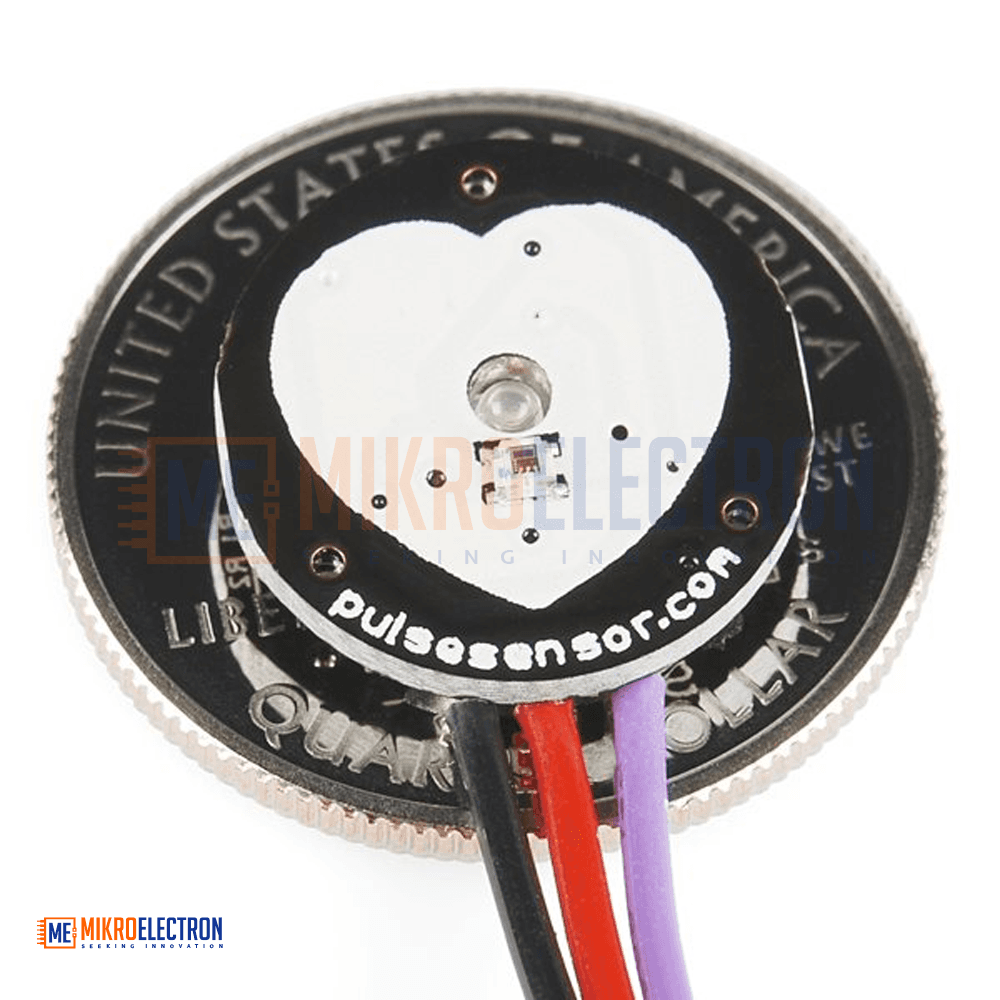
Sensor Diameter: 0.625 Inches (Approx. 15.9 mm)
Sensor Thickness: 0.125 Inches (Approx. 3.2 mm)
Compatible Platforms:
- Arduino
- ESP32
- ESP8266
- Raspberry Pi (with ADC support)
- Other Microcontroller Platforms
Package Includes
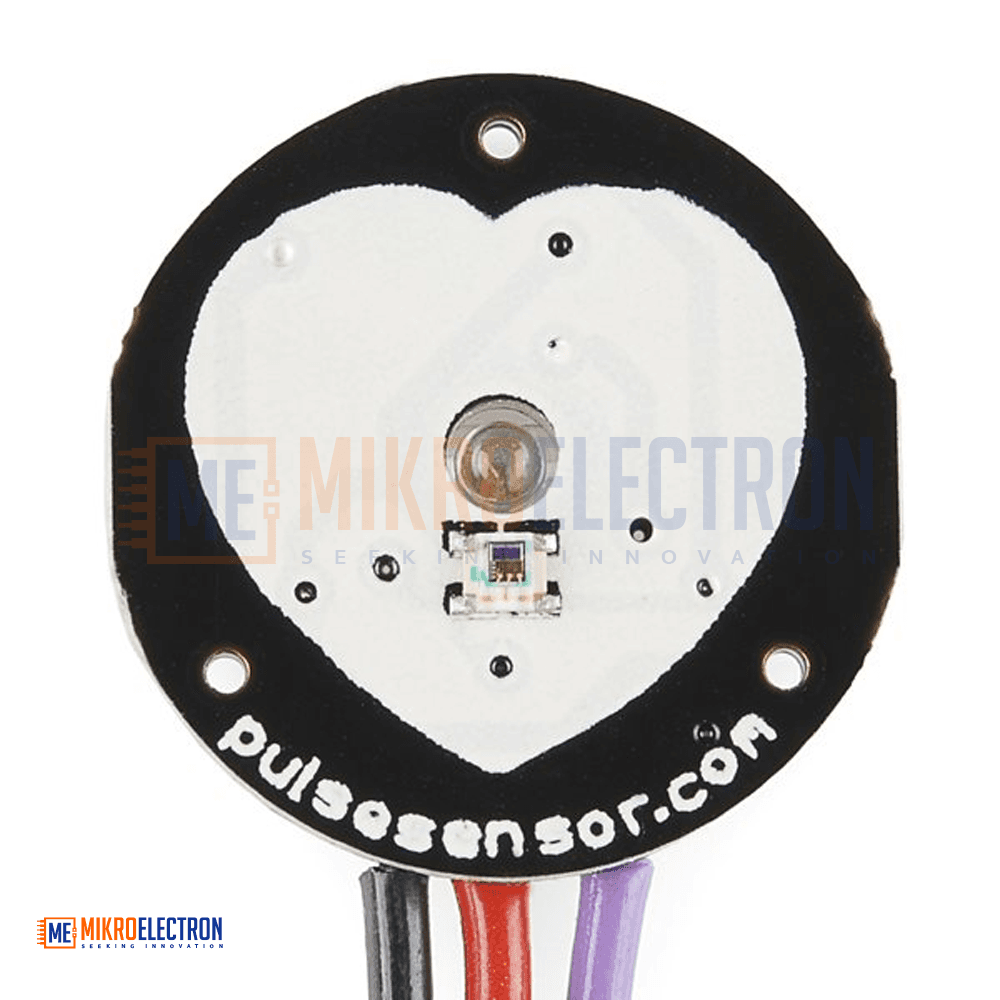
- Pulse Sensor Board
- 24-Inch Color-Coded Cable with Standard Male Headers
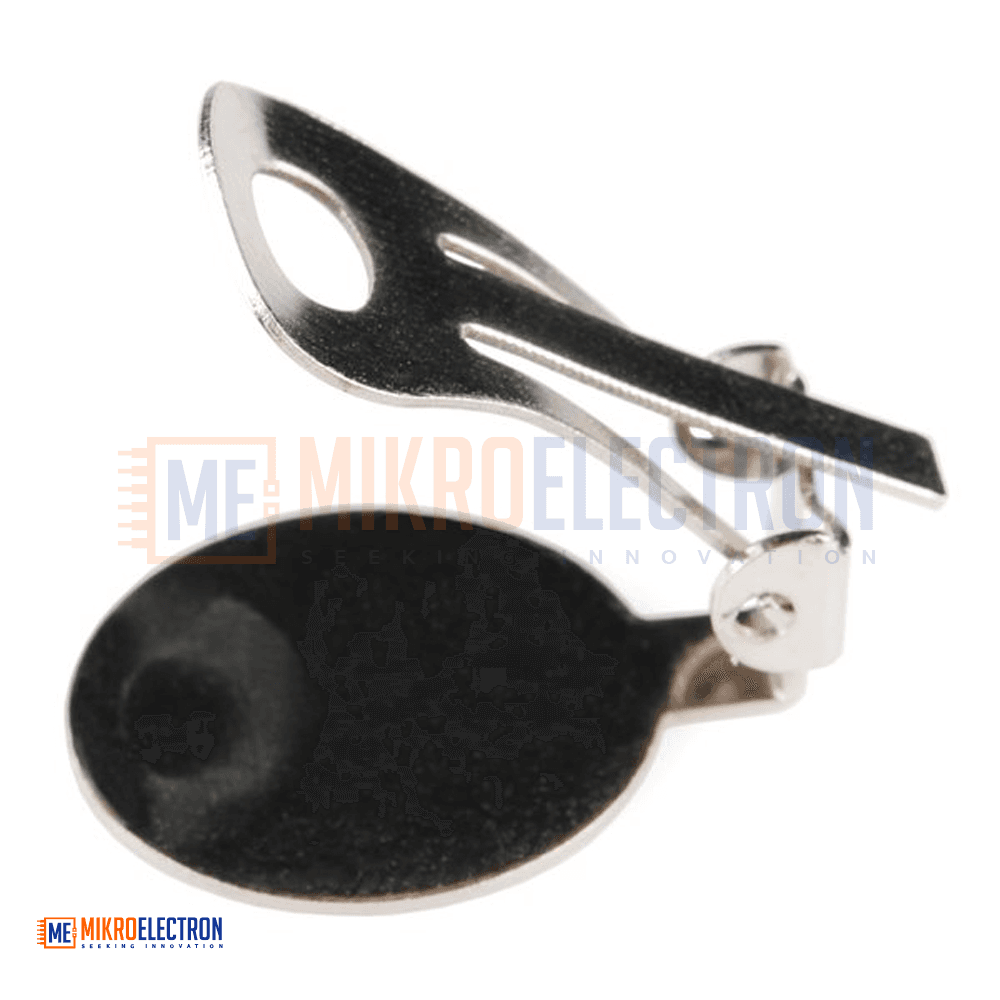
- Ear Clip for Earlobe Heart Rate Measurement
- Velcro Finger Strap
- Transparent Protective Stickers for Sensor Surface
Applications
- Heart rate monitoring systems
- Fitness and exercise tracking devices
- Wearable electronics projects
- Biomedical and health monitoring applications
- Arduino educational projects
- Research and laboratory experiments
- Interactive art installations
- Gaming and biofeedback projects
- Stress and anxiety monitoring systems
- Mobile and portable health devices
- Human-machine interaction projects
- Real-time physiological data acquisition