
Search your product from here
1 / 5
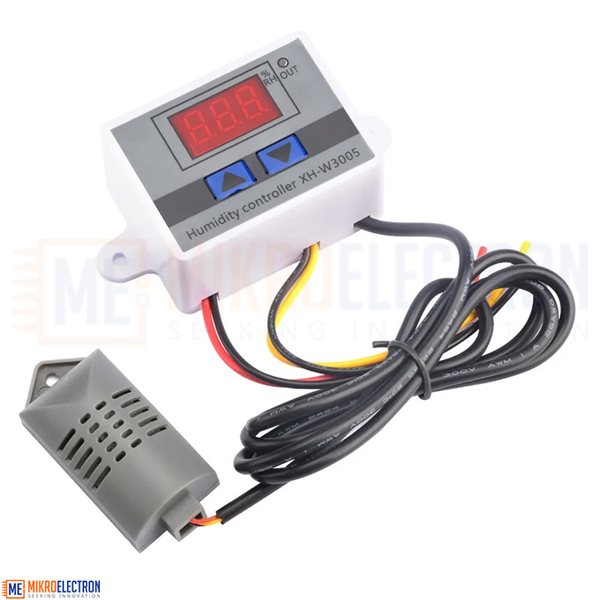
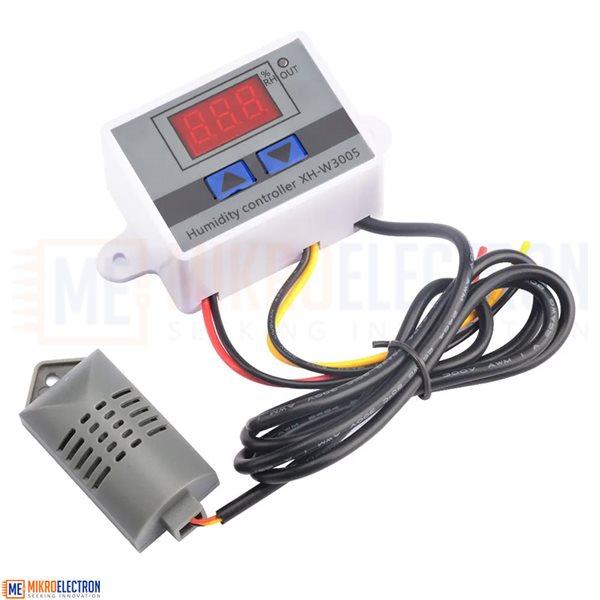
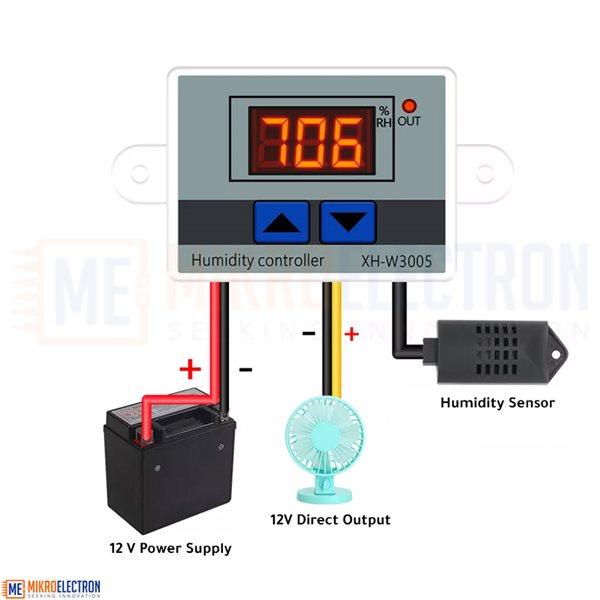
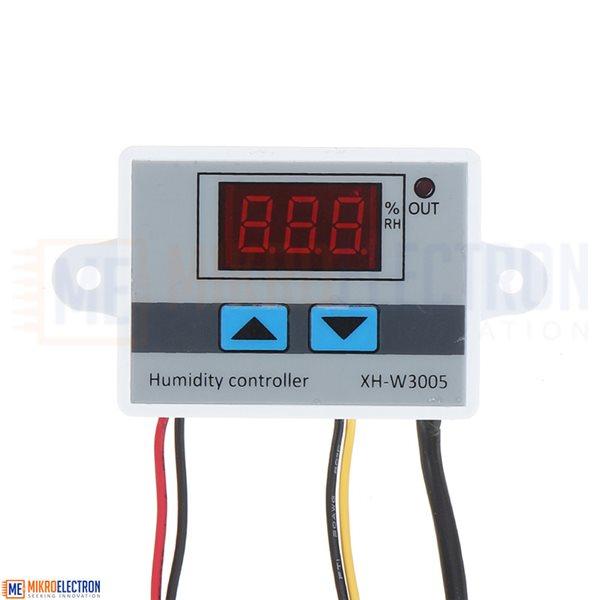
Humidity Controller Hygrometer Control Switch DC 12V 10A - XH-W3005
5.0(1 review)
JD9.00
Connect the power supply, display instructions humiditySet the starting humidity: press the UP button to display the starting humidity, press and hold for about 3 seconds to start the humidity flashing, then press UP or DOWN to adjust the setting.Set stop humidity: press the down button to display the stop humidity, press and hold for about 3 seconds to stop the humidity flash, then press UP or DO...
- Connect the power supply, display instructions humidity
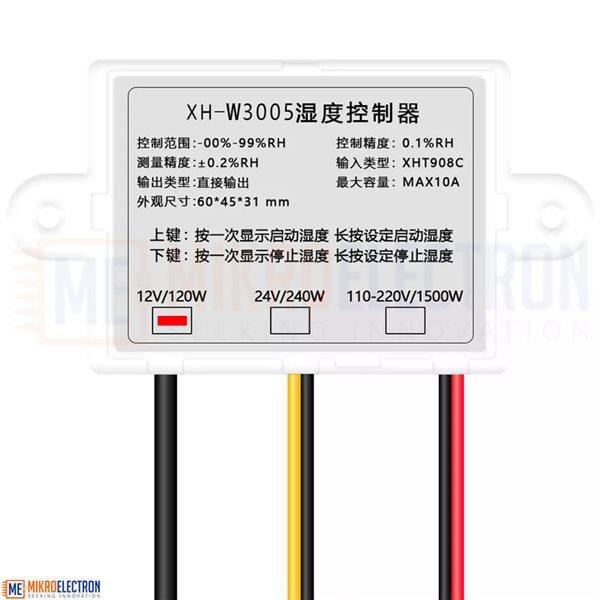
- Set the starting humidity: press the UP button to display the starting humidity, press and hold for about 3 seconds to start the humidity flashing, then press UP or DOWN to adjust the setting.
- Set stop humidity: press the down button to display the stop humidity, press and hold for about 3 seconds to stop the humidity flash, then press UP or DOWN to adjust the setting.
- Restore factory settings: Press UP and DOWN at the same time, 888 will be displayed, then the humidity will be detected automatically.