
ESP32 CAM MB Micro USB Programmer CH340G USB to Serial Port Board
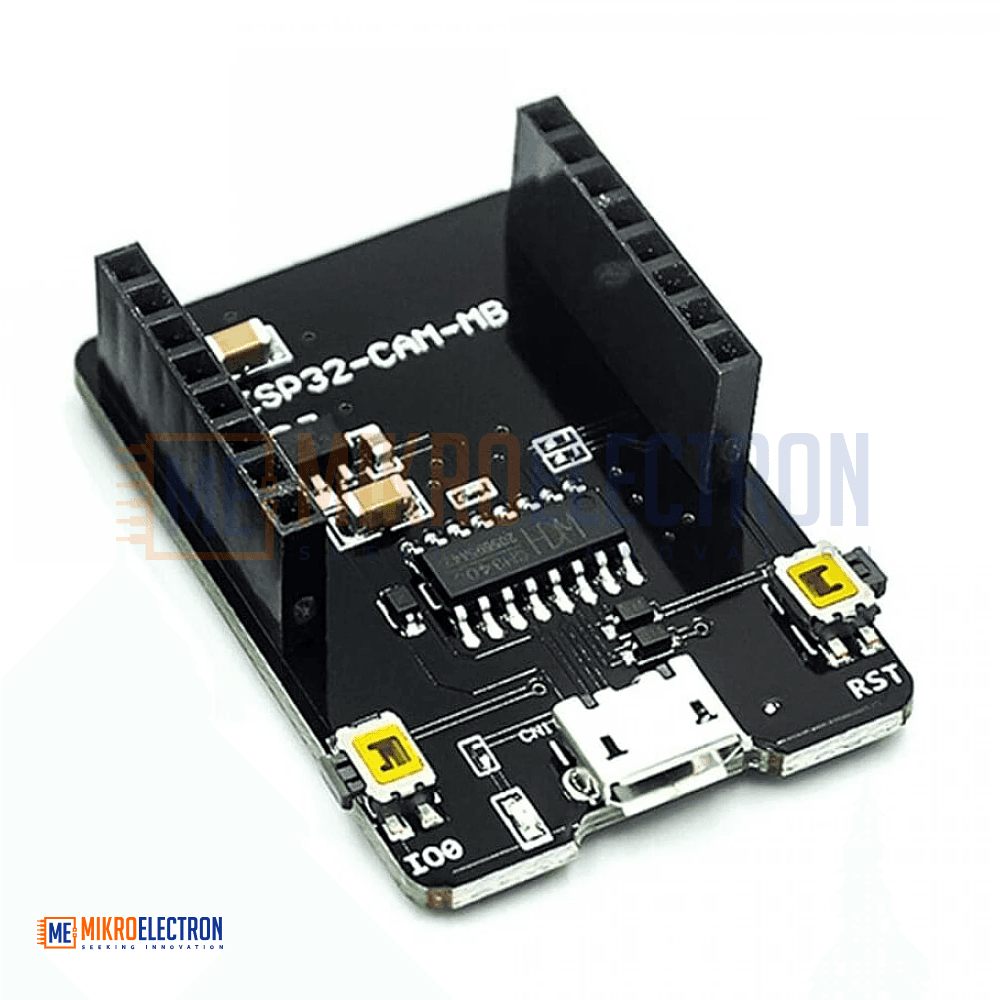
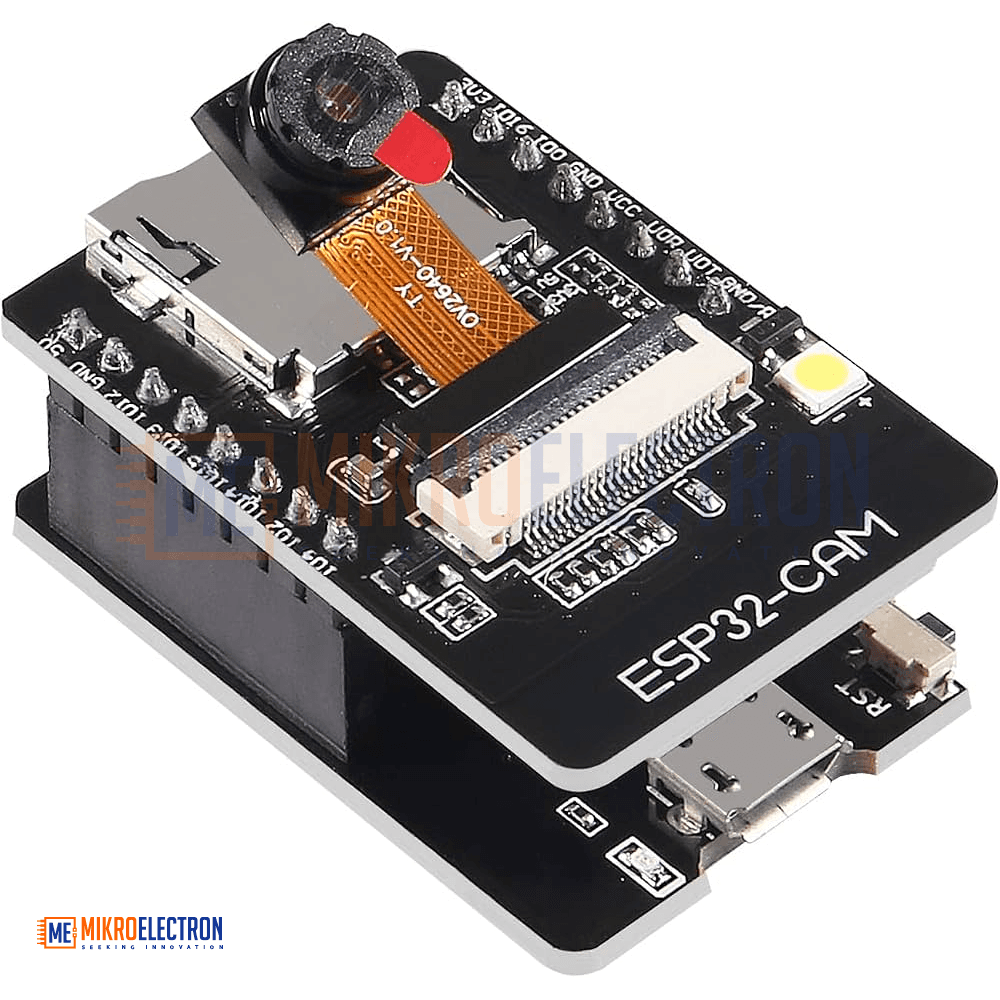
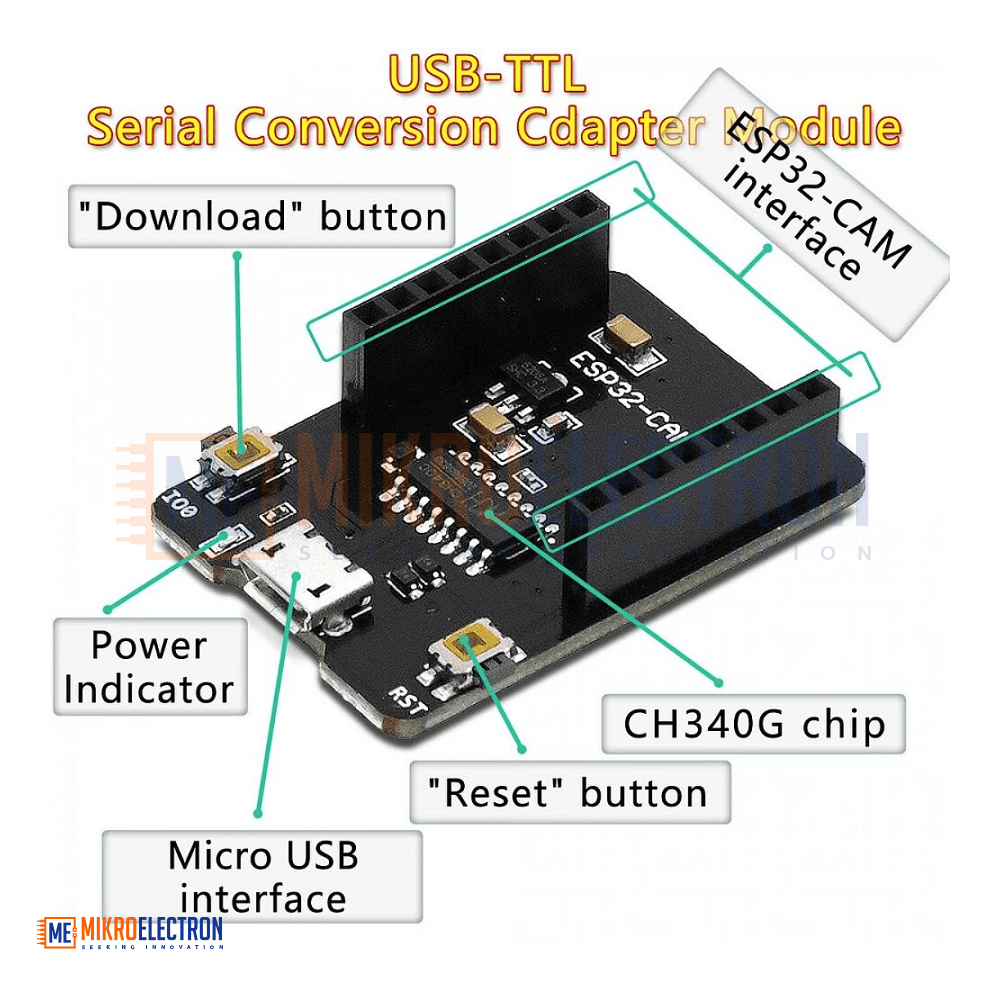
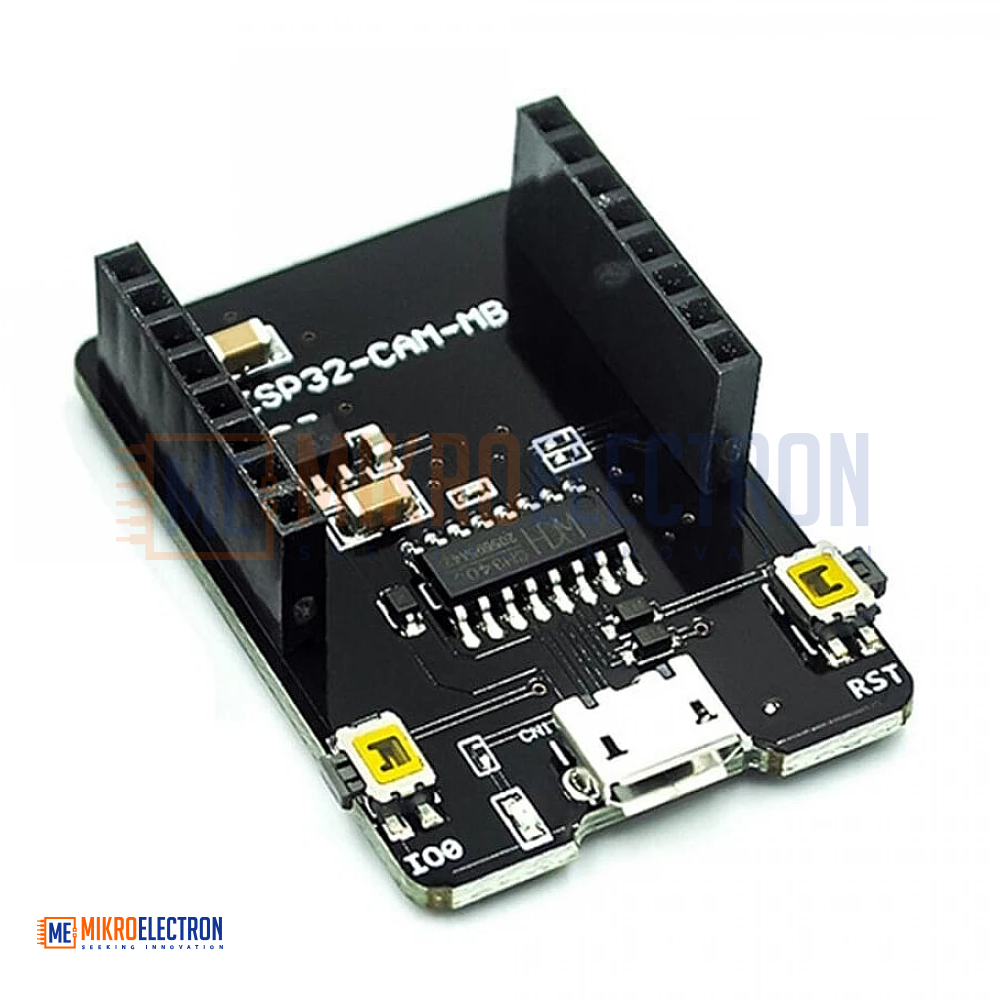
The ESP32-CAM-MB is a compact Micro USB programmer board designed to plug directly onto the ESP32-CAM module, removing the need for an external FTDI adapter. It uses the CH340G USB-to-serial chip to upload code, power the module and open a serial monitor through a single Micro USB cable. Built-in reset and IO0 boot buttons simplify entering flashing mode. Combined with the ESP32-CAM, it forms a ready-to-use Wi-Fi + Bluetooth camera development kit, with a dual-core 240 MHz processor, 8 MB PSRAM and TF card support, suited to IoT, surveillance and image-capture projects.
لوحة ESP32-CAM-MB هي لوحة برمجة صغيرة بمنفذ Micro USB مصممة لتُركَّب مباشرة على موديول ESP32-CAM، فتُغني عن استخدام محوّل FTDI خارجي. تعتمد على شريحة CH340G لتحويل USB إلى Serial، مما يتيح رفع الأكواد وتغذية الموديول وفتح شاشة الاتصال التسلسلي عبر كابل Micro USB واحد فقط. تحتوي على زرّي Reset و IO0 (Boot) لتسهيل الدخول في وضع البرمجة. وعند دمجها مع ESP32-CAM تشكّل عُدّة تطوير كاميرا تدعم Wi-Fi و Bluetooth، بمعالج ثنائي النواة بسرعة 240 MHz وذاكرة PSRAM بسعة 8 MB ودعم بطاقة TF، وهي مناسبة لمشاريع إنترنت الأشياء والمراقبة والتقاط الصور.
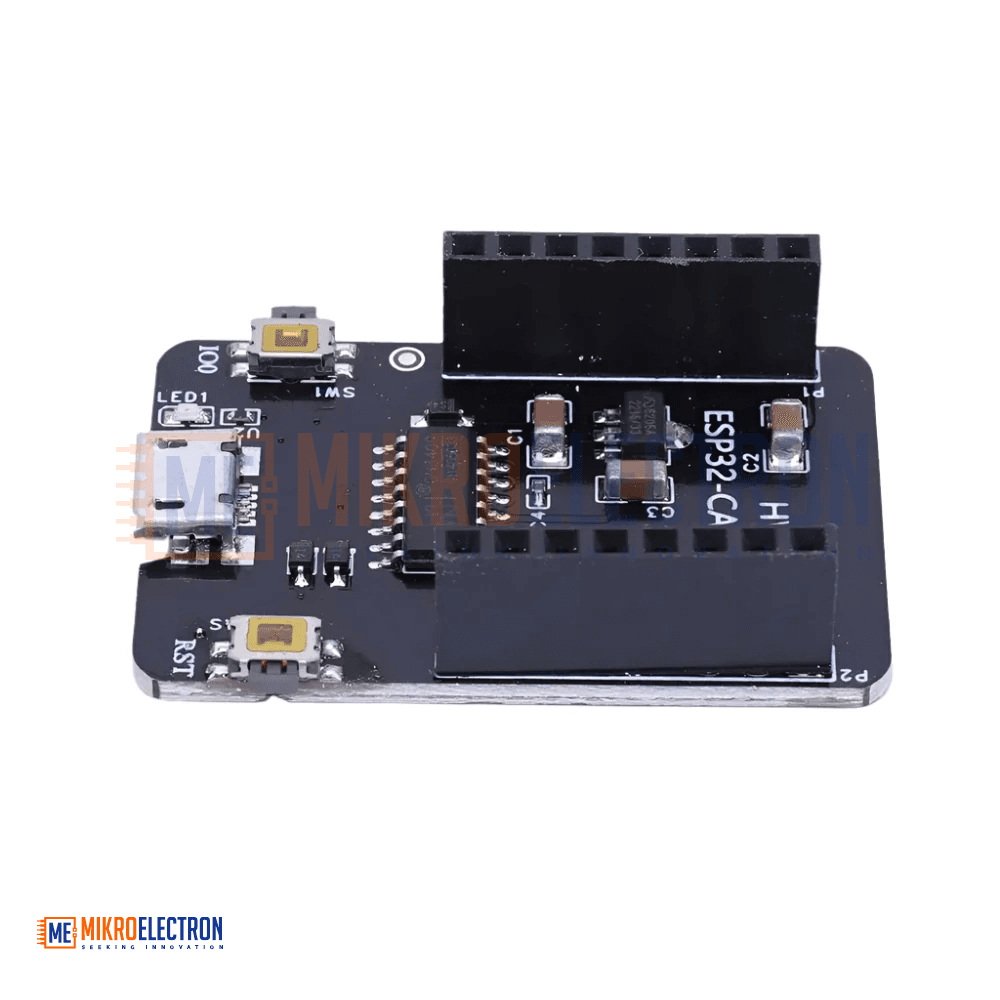
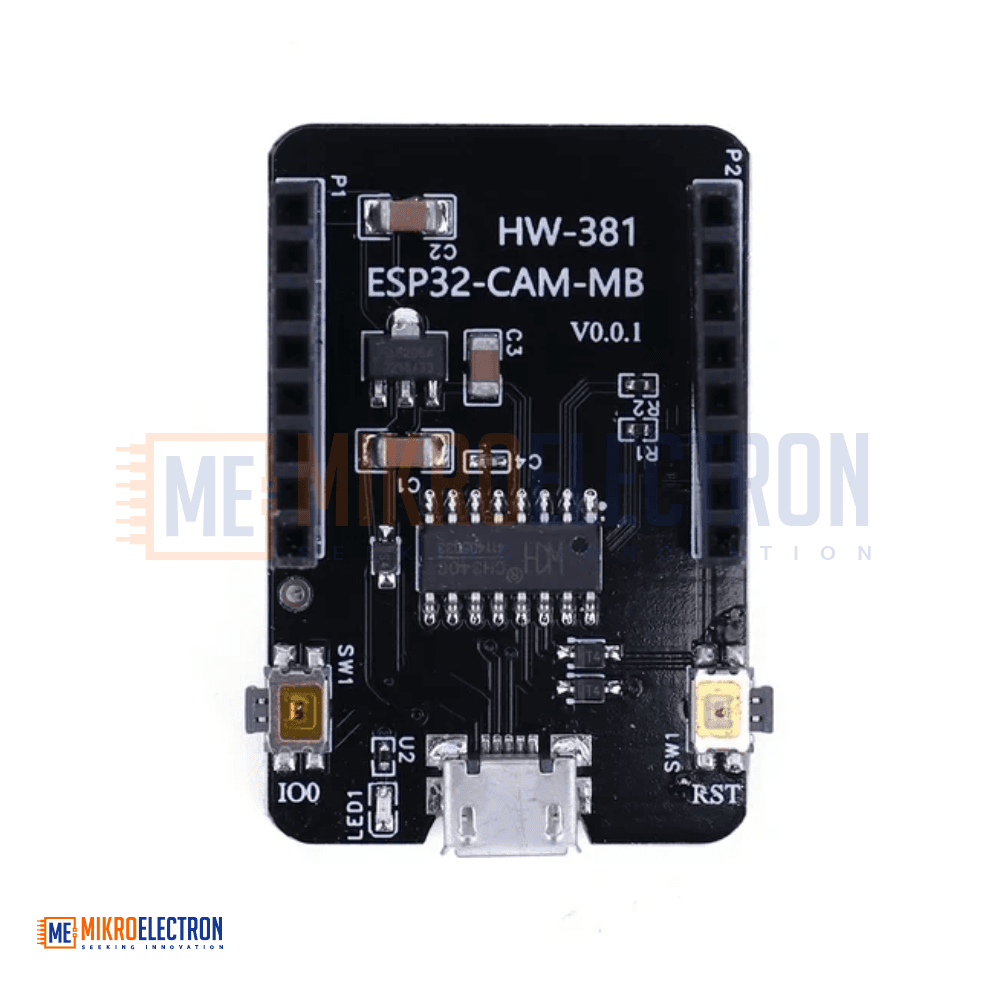
The ESP32-CAM-MB solves the most common difficulty when working with the ESP32-CAM: the module has no onboard USB port, so programming it normally requires an external USB-to-TTL adapter, jumper wires and manually grounding GPIO0. The MB board replaces all of this with a plug-in base that the ESP32-CAM sits on directly through its DIP-16 headers.
At its core is the CH340G USB-to-serial converter, which handles code uploading from the Arduino IDE, ESP-IDF or MicroPython, as well as serial debugging. The Micro USB interface provides both data and power, and the board accepts an operating voltage of 4.75–5.25 V. The onboard IO0 (Boot) and Reset buttons make switching between flashing and run modes quick and reliable.
When paired with the ESP32-CAM, the system is built on the ESP32 SoC with two high-performance 32-bit LX6 CPUs using a 7-stage pipeline architecture, adjustable from 80 MHz to 240 MHz. It offers 520 KB internal RAM plus 8 MB external PSRAM, 32 Mbit SPI flash, Wi-Fi 802.11 b/g/n and Bluetooth 4.2 BR/EDR and BLE. The module supports TF cards up to 4 GB for local image storage and outputs images in JPEG (OV2640 only), BMP and grayscale. A built-in PCB antenna (2 dBi) keeps the assembly compact, and deep sleep current as low as 6 mA helps in power-sensitive designs.
The result is one of the smallest and most affordable complete camera systems for IoT development, able to operate independently as a minimum system.
Specifications
| Parameter | Value |
|---|---|
| Board Model | ESP32-CAM-MB |
| USB-to-Serial Chip | CH340G |
| USB Interface | Micro USB |
| Operating Voltage | 4.75 – 5.25 V |
| Compatible Module | ESP32-CAM (DIP-16) |
| Processor | Dual-core 32-bit LX6, 7-stage pipeline |
| Clock Frequency | 80 – 240 MHz (adjustable) |
| SPI Flash | 32 Mbit (default) |
| RAM | 520 KB internal + 8 MB external PSRAM |
| Wi-Fi | 802.11 b/g/n |
| Bluetooth | 4.2 BR/EDR and BLE |
| Interfaces | UART (2 Mbit/s), SPI, I2C, PWM |
| TF Card Support | Up to 4 GB |
| Frequency Range | 2400 – 2483.5 MHz |
| Antenna | Built-in PCB antenna, 2 dBi gain |
| Image Output Formats | JPEG (OV2640 only), BMP, Grayscale |
| Package | DIP-16 |
| Transmit Power – 802.11b | 17 ± 2 dBm @ 11 Mbps |
| Transmit Power – 802.11g | 14 ± 2 dBm @ 54 Mbps |
| Transmit Power – 802.11n | 13 ± 2 dBm @ MCS7 |
| Receive Sensitivity – CCK 1 Mbps | -90 dBm |
| Receive Sensitivity – CCK 11 Mbps | -85 dBm |
| Deep Sleep Current | As low as 6 mA |
Applications
- Wireless IP cameras and home video surveillance
- Smart doorbells and visitor monitoring systems
- Face detection and recognition projects
- Time-lapse photography with TF card storage
- Robotics and RC vehicles with live video streaming
- Industrial and agricultural remote monitoring
- QR code and image recognition in IoT devices
- Wireless positioning and smart home control systems
- STEM education, university labs and prototyping