
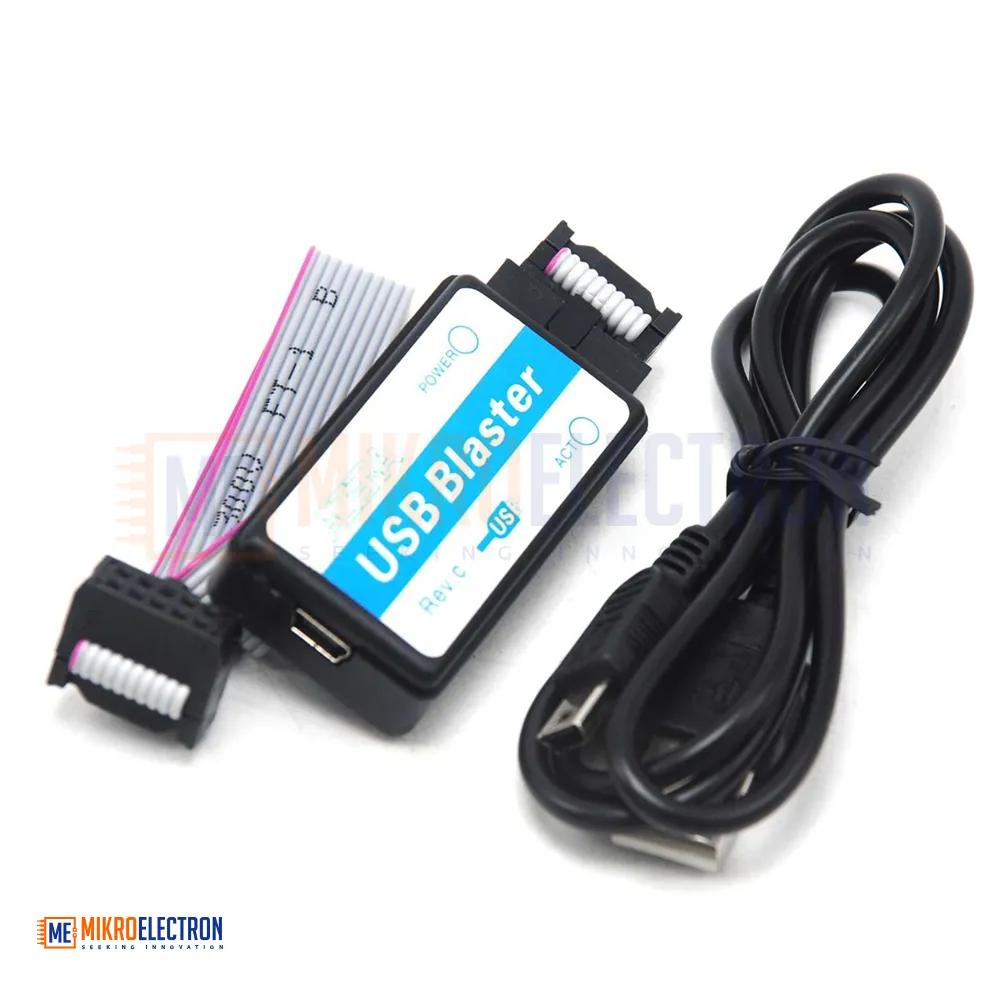
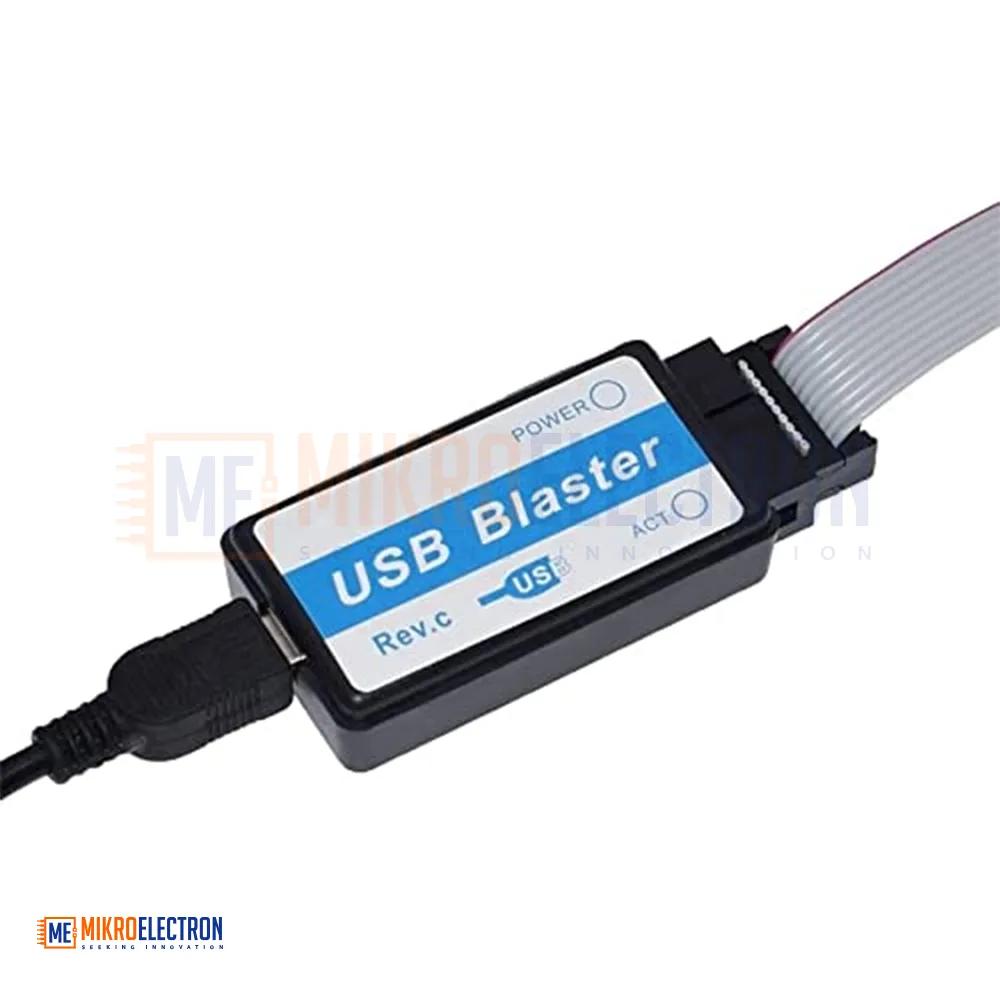
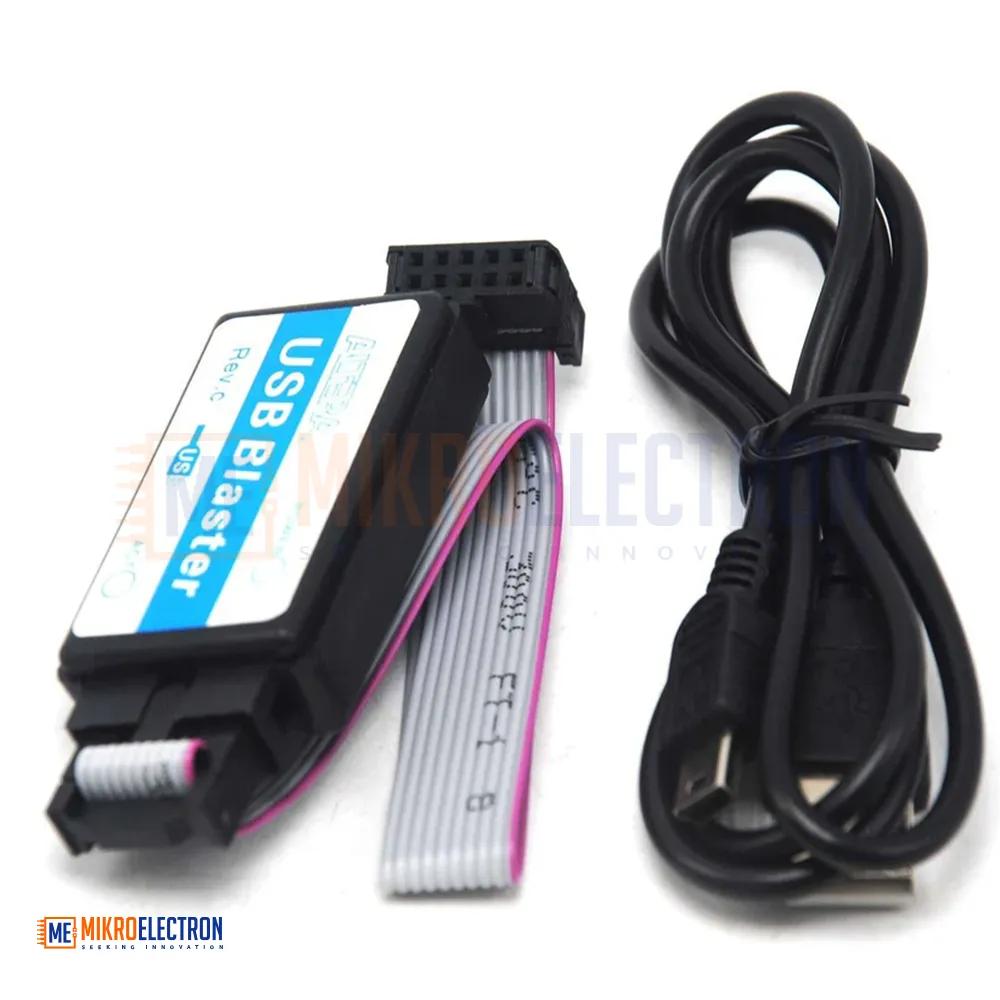

USB Blaster (ALTERA CPLD / FPGA download cable)
The USB Blaster is a reliable and widely used programming interface designed for downloading configuration files to ALTERA (Intel) CPLD and FPGA devices. It connects directly to a PC via USB and interfaces with target hardware using a standard 10-pin JTAG header.
USB Blaster ALTERA CPLD/FPGA programmer Supports 1.5V,1.8V,2.5V,3.5V and 5.0V as well as all ALTERA products like CPLD ( MAX3000, MAX7000, MAX9000 and MAX II ) ; FPGA ( Stratix, StratixII, Cyclone, CycloneII, ACEX 1K, APEX20K and FLEX 10K ), Cyclone (EP1C3, EP1C6, EP1C12, EP1C20) ; Cyclone II (EP2C5, EP2C8, EP2C35) ; Stratix (EP1S10, EP1S20, EP1S25); Stratix II(EP2S60) ; FLEX10K(EPF10K10, EPF0K30) ; ACEX1K(EP1K30) ; MAX7000(MAX7128SLC84, MAX7128) ; AETC100(MAX3000, MAX3128) ; MAXII(MAXII240, MAXII570, MAXII1270) ; EPCS(EPCS1, EPCS4, EPCS16) ; EPC(EPC1, EPC4); Active serial configuration device (EPCS1, EPCS4, EPCS16). The device is tested with the different program modes like JTAG ( Cyclone, CycloneII, Stratix II, Flex10K, Acex1K, Max7000, and Max3000); AS ( EPCS1, EPCS4, EPCS16); PS (Stratix, Stratix GX ). ALTERA USB Blaster Support AS, PS, and JTAG program ( with Verify and BankCheck function), Support embedded logic analyzer function of SignalTapII and NIOS II communication and debugger — When you use it to debug your Black Gold, it will not Pop-up warning. It is Faster about 6 times than ByteblasterII and with a USB interface, you don’t need a PC with a serial port now. It is 100% compatible with the Official ALTERA USB Blaster.
Interface: USB 2.0
- Supported Devices: Altera CPLD and FPGA devices
- Operating Voltage: 1.5V to 5.5V
- JTAG Voltage: 1.5V to 5.5V
- Cable Length: Approximately 6 feet
- Operating Temperature: 0°C to 70°C
- Compatible Software: Quartus Prime Programmer
- Supported Operating Systems: Windows, Linux, and macOS
To use the USB Blaster - ALTERA CPLD/FPGA Download Cable, you will typically follow these steps:
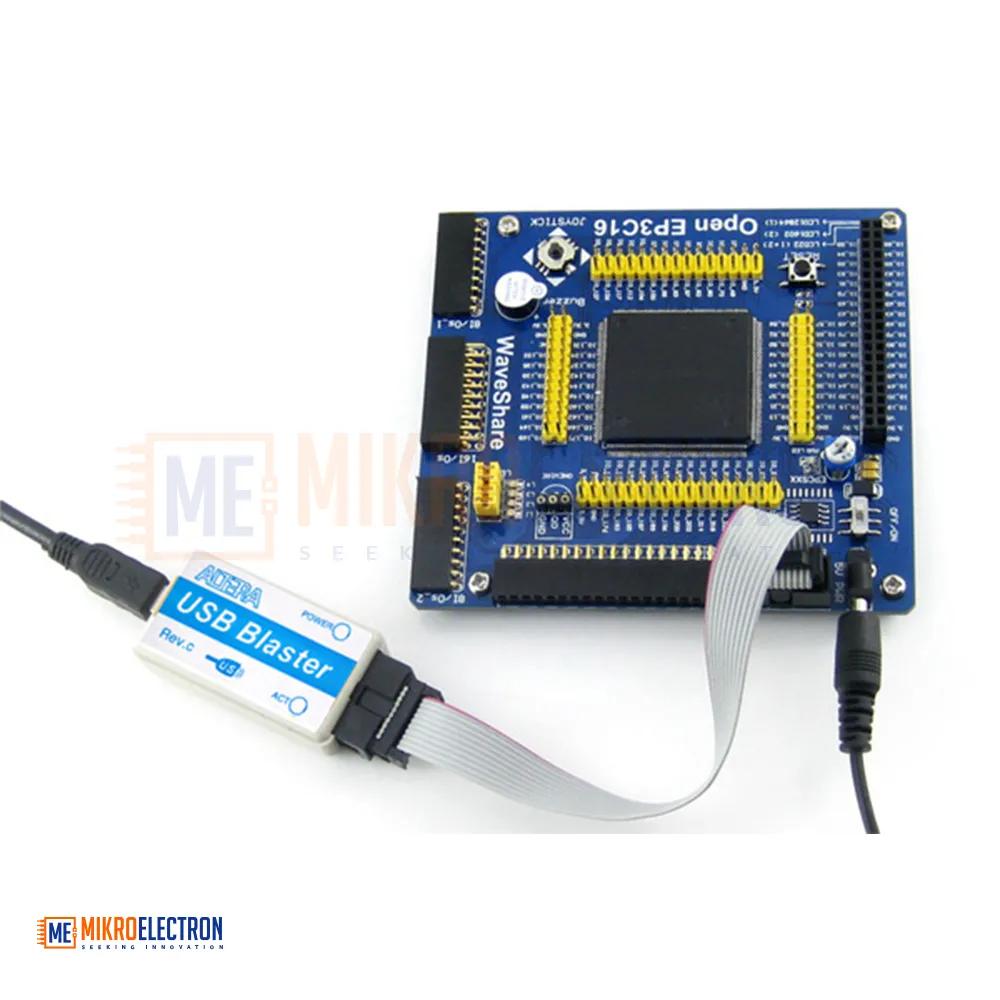
- Connect the USB Blaster cable to your computer's USB port.
- Connect the other end of the cable to the JTAG header on your ALTERA CPLD/FPGA development board.
- Install the necessary drivers for the USB Blaster cable on your computer. These drivers can usually be found on the manufacturer's website.
- Install the programming software provided by ALTERA for programming the CPLD/FPGA device.
- Open the programming software and select the appropriate device and programming file.
- Configure the programming settings as needed (such as programming mode, clock speed, etc.).
- Initiate the programming process to download the configuration file to the CPLD/FPGA device.